The short answer
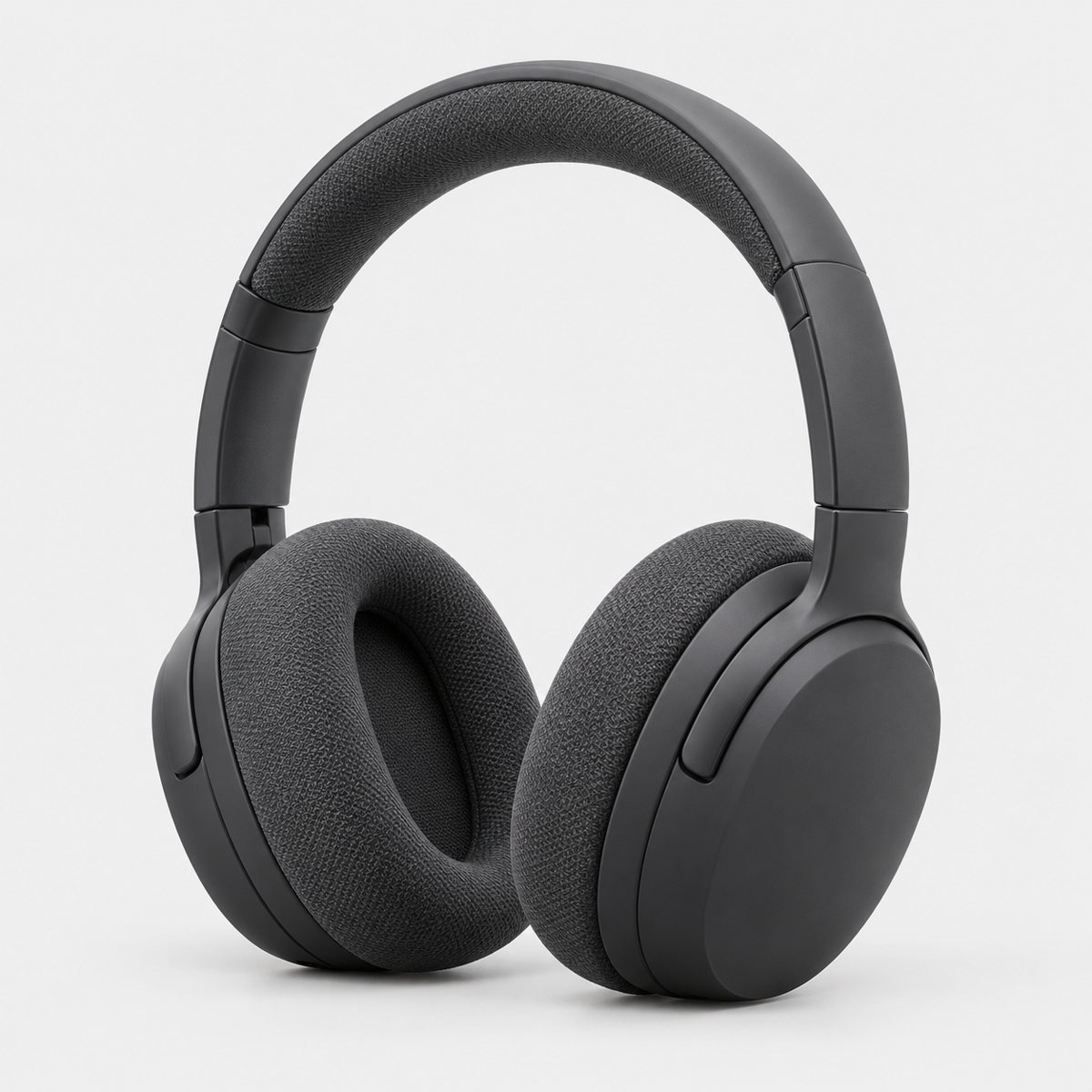
The main image follows strict rules. Pure white background, the product filling most of the frame, a real photo of the thing you're selling. That's the one to get from a studio, or from your own white-background setup if you've got the patience and the lighting. The additional slots are where lifestyle and detail images go.
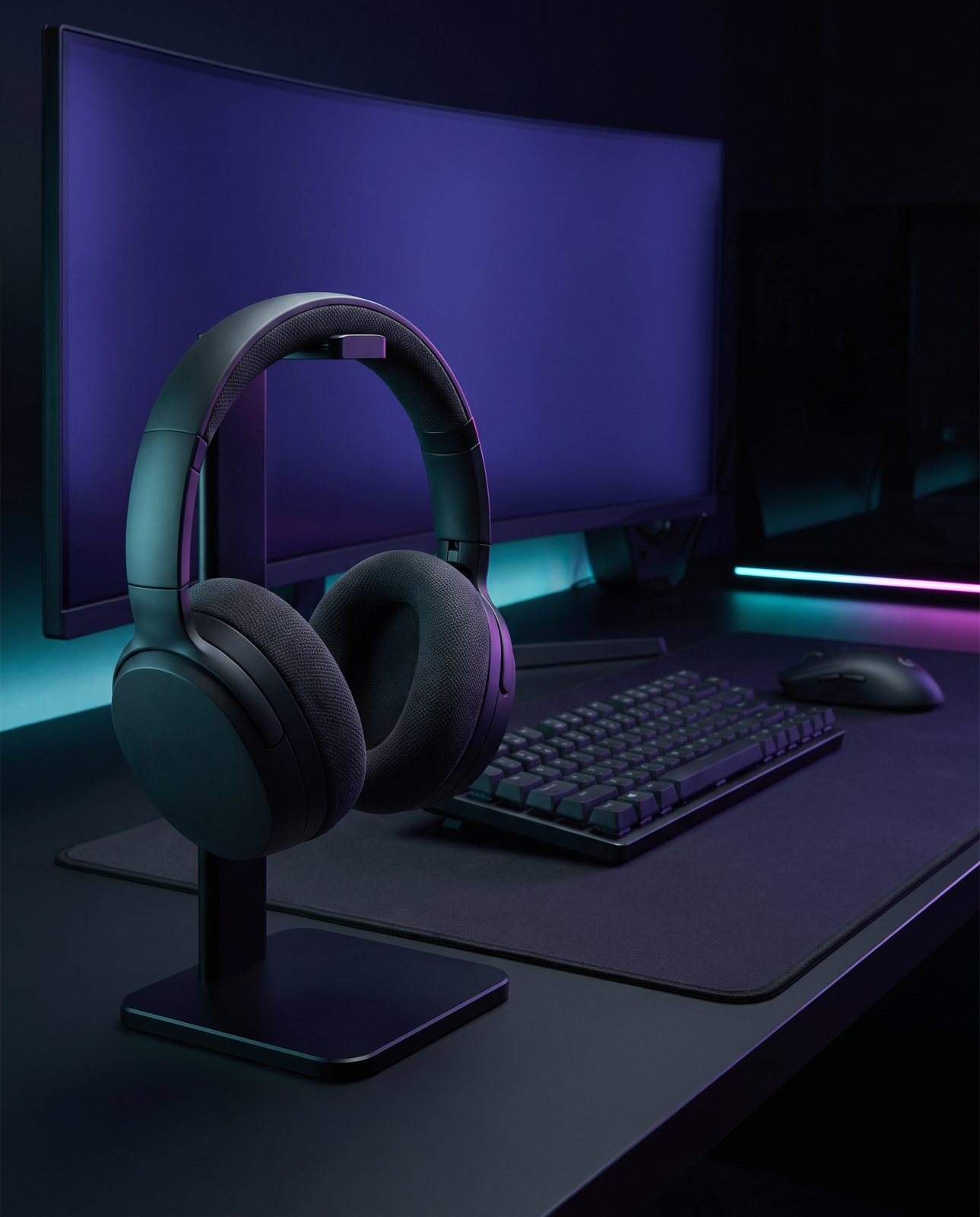
For the scene images (the product on a kitchen counter, in a hand, next to something that shows its size) you've got two sensible routes: a photographer, or an AI service that restages your real product photo. Which one suits depends on the budget and on how fussy the product is. The rest of this page is the detail behind that, slot by slot, with the prices we could verify and the rules as Amazon states them.
The images an Amazon listing needs
Amazon's own guidance, from Seller Central UK (checked 2026-10-03), is a main image plus at least six additional images, and one video recommended. That's the official line. It is a recommendation, and shoppers can't pick the product up, so the images do the work of showing it.
What goes in those slots is up to you, but a sensible set looks like this: the main image, a couple of other angles, a detail shot and a scale shot, then an in-use shot, a packaging shot and a lifestyle scene. That is eight images, seven of them additional, which clears the six-extra mark.
Why those? Because each one answers a question a buyer would otherwise have to ask. Other angles answer "what does the back look like?" The detail shot answers "is the stitching any good?" The scale shot answers "how big is it, really?". The in-use shot shows it doing the job. The packaging shot shows what arrives. And the lifestyle scene gives the listing some feeling, which a white background never will.
We won't repeat every technical rule here, because the full rule sheet lives at Amazon product image requirements and it's the better place to check things before you upload.
The main image: a real photo on pure white
Right, the strict one. Amazon's rules for the main image, as listed in Seller Central UK (checked 2026-10-03): a pure white background, meaning RGB 255, 255, 255, and the product filling 85% of the image. The size limits are a minimum of 500 px and a maximum of 10,000 px on the longest side, and you want 1,000 px or more on the longest side if you want the zoom feature to work. File types allowed are JPEG, TIFF, PNG or a non-animated GIF.
Footwear has its own rule. The main image is a single shoe, facing left, at 45 degrees. Not a pair, not a flat-on side view. If you sell trainers and you've ignored that, it's worth going back.
Now the honest bit. An AI scene service does not make this image. Product Photo Shots does not make the white main image either. That's not what it's for. The main image has to be a real photograph of the real product on a true white background, and a service that reimagines your photo into a new setting is solving a different problem. If anyone offers you an AI-generated main image for Amazon, check it against the rules above.
Here's why "white" is harder than it sounds. On our own demo originals, the light grey backgrounds sample at RGB 237 to 239 per channel (measured 2026-10-03). To the eye that looks white. It isn't. Amazon's pure white is 255, so an ordinary "white" photo taken on a sheet of paper or a light wall is often a few shades short. Getting to 255 takes careful lighting and a check of the actual values, so measure it rather than trusting your eyes.
If you want to try the DIY route first, there's a full walkthrough at white background product photography.
The extra images: angles, details and scenes
Past the main image, the slots are where lifestyle and detail images go, and this is where the listing starts to sell.
Each slot has a job. Angles show the product from the sides you can't see in the main image. Detail shots go close on the thing people doubt: a zip, a hinge, a texture, a label. Scale shots put the product next to something familiar, or in a hand, so nobody's guessing. In-use shots show the product working. Packaging shots show what turns up at the door. And the lifestyle scene sets the product in a believable place, which does two things at once: it shows size and use, and it gives the buyer a way to picture owning it.
Lifestyle scenes are where AI can genuinely help, with one condition that matters more than any other. The product in the scene has to be the product as it actually is. Same colours, same logo, same label, same proportions. If the scene changes the product, it misrepresents what the buyer will receive.
That's the weak spot of general AI chat tools such as ChatGPT and Gemini. They can restage a product, but they redraw it in the process, so labels, logos and colours can drift, and there's no built-in check against the original. You might get a lovely scene with a slightly wrong product in it. It can look fine until you put it next to the real thing.
Product Photo Shots handles that differently. Before payment, it studies your photo and lists what must stay the same, which is free and takes about a minute (the precheck measured 11 seconds on 2026-10-01). Then, if a shot changes the product, it's remade with a specific fix, up to three attempts in all. If it's still wrong after that, a person checks it, and it's never delivered as is. Every shot is reimagined with AI and labelled, and the files carry standard AI-provenance metadata, so nothing is pretending to be something it isn't.
One more point, and it is Amazon's rule. Photorealistic AI-generated people need the contains-synthetic-performer tag. We don't put AI people in our shots, so it doesn't come up for us, but if you're using another tool that adds a person to the scene, you need to know the tag exists. Shape-wise, shots come as square 1:1, portrait 4:5, story 9:16 or wide 16:9, so you can pick the format you need.
There's more on building these scenes at lifestyle product photos.
Who can make which image, and what it costs
Let's put prices on it. For the main image you want a studio, and there are a few ways to pay for one.
The Photography Firm (price guide checked 2026-10-03, all prices plus VAT) charges per final image for white or simple-background packshots: up to 5 images £35 each, 6 to 20 at £24, 20+ at £18, 50+ at £14, with 100+ on application. Group shots start from £45. There's a minimum charge of £150 plus VAT on all bookings, and glassware, jewellery and technical items carry a set-up fee from £100 an hour. Retouching beyond standard, like broken packaging or colour changes, is £40 an hour. With VAT at 20% (gov.uk/vat-rates), their £14 to £35 range works out at £16.80 to £42 inc VAT, and the £150 minimum becomes £180. They also do lifestyle images at the same per-image rate plus a set fee: a small lifestyle set from £45, medium from £60, a small room set from £95, a large room set from £150, and full location sets (kitchen, bathroom, outdoor) from a £375 minimum. Studio time is £145 an hour, half a day £425, a full day £845, with models from £25 an hour for everyday to around £50 an hour for agency, usually with a 2-hour minimum.
If you'd rather post the product, Silkwood Studio (checked 2026-10-03) takes it and sends it back. Basic shot £15 per product, one high-res image on pure white. Standard pack £40 per product, up to three angles on white with light retouching. Premium showcase £70 per product, up to five styled and angled images. The page doesn't state whether VAT is included, so check before you order.
Light Studios (checked 2026-10-03) has the lowest per-image prices of the three studios here: a packshot front image is £10 for 1 to 35 images, £9 for 36 to 60, and £8.50 for 61 to 100, then £8 for 101 to 200 and £7.50 above that (call for prices). Each further image of the same item is 50% less, and creative photography is £80 an hour. Again, VAT isn't stated on the page.
So the main image, from a studio, runs somewhere between the single-digit-pound end at Light Studios and the higher per-image rates at the Photography Firm, depending on volume and how fiddly the product is. A single awkward product with a £150 minimum is a very different bill from fifty simple ones.
For scene images, the AI route is cheaper per shot. Product Photo Shots packs, with VAT included: 3 shots for £19 (£6.33 a shot), 5 shots for £29 (£5.80), 10 shots for £49 (£4.90), or a custom order of 11 to 40 shots at £4.50 a shot. The main limit is that it works with products you own or sell, and well-known brands' products can't be shot, because image services refuse them. Customers are told before paying, so there's no nasty surprise.
On the files themselves: every shot downloads as the native full-size PNG and as an sRGB JPEG resized (Lanczos) to at least 2,000 px on the short side and kept under 1 MB. Eight real shots measured 0.14 to 0.69 MB as JPEG on 2026-10-03, with the PNGs at 4 to 8 MB. A 2,000 px short side comfortably clears Amazon's 1,000 px zoom threshold, so it meets the zoom threshold. Free samples are a single watermarked JPEG, so you can see the result before you pay.
If you want the wider picture beyond Amazon, ecommerce product photography covers the rest.