The short answer
A lifestyle photo shows your product in a real setting or in use. A packshot shows it alone on a plain background. That's the whole difference.
Most listings need both. The packshot shows exactly what the thing is: shape, colour, finish, every mark. Lifestyle shots show what a packshot can't, which is scale, use and mood. One without the other leaves a gap. Packshots alone can feel cold; lifestyle alone can hide the detail a careful buyer wants.
What a lifestyle photo is (and what it isn't)
The terms get thrown around loosely, so here they are, each with one example.
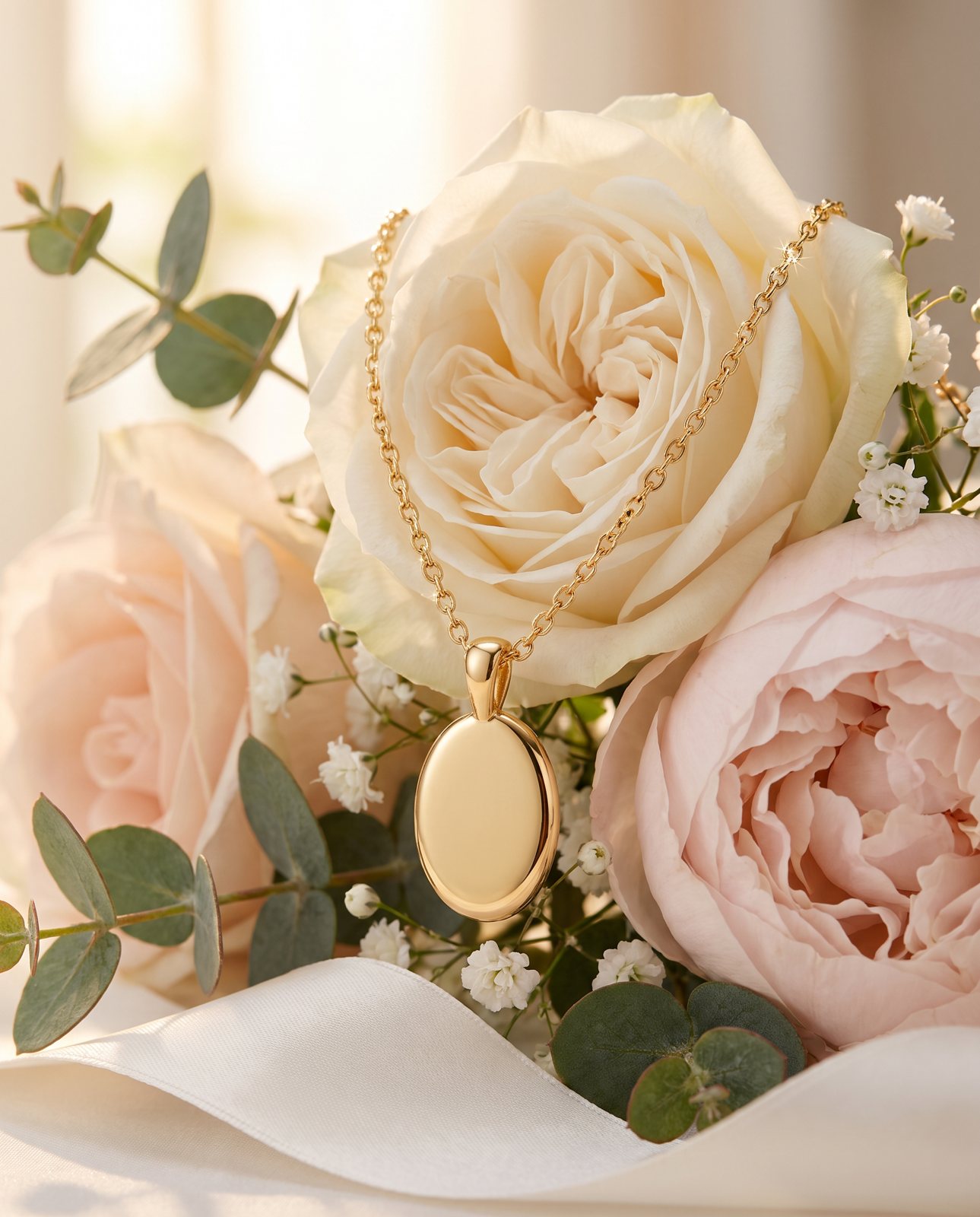
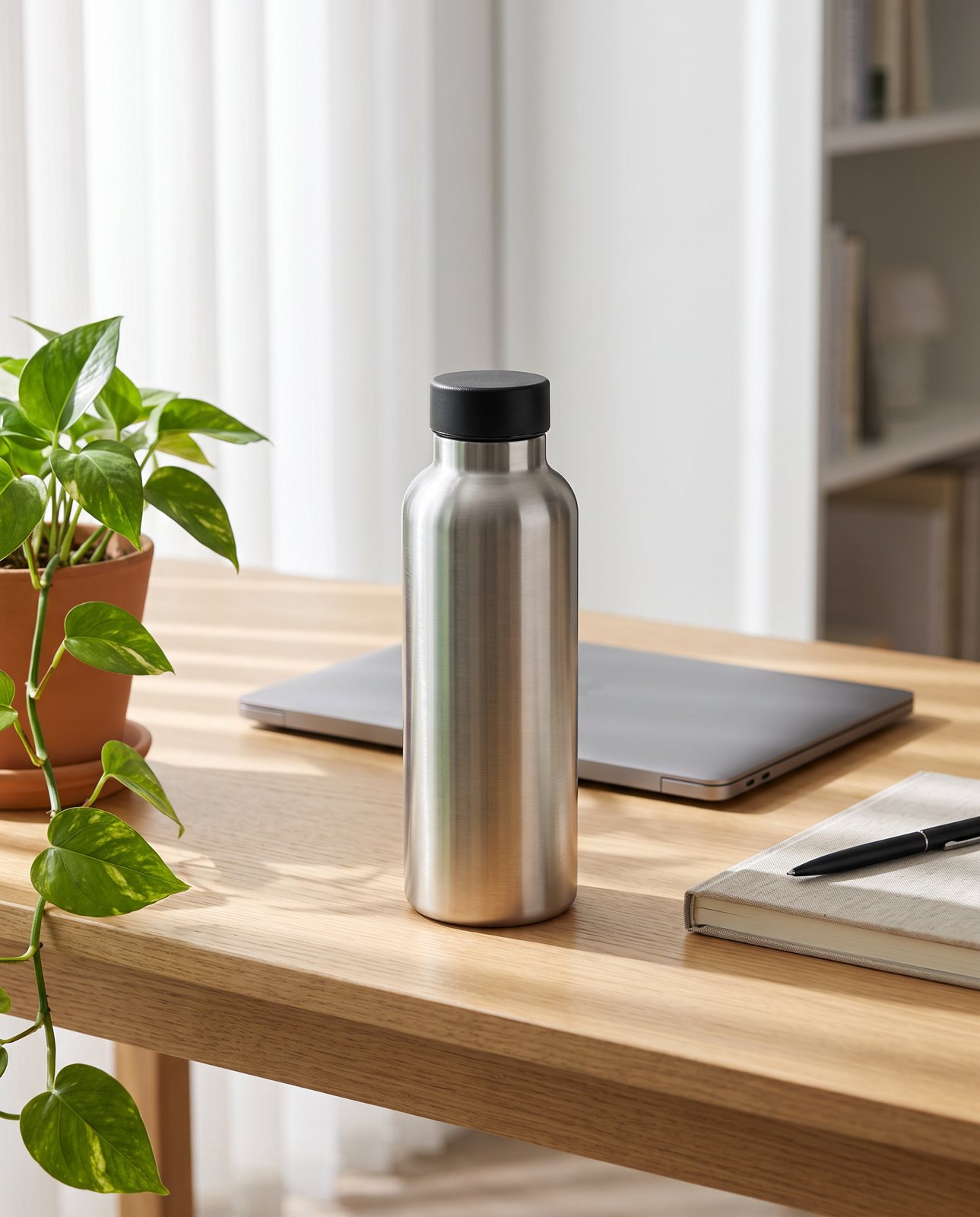
Lifestyle: your product in a scene that suggests the life it belongs to. A ceramic mug on a wooden table beside a window, steam rising, a book open nearby.
In-use: the product doing its job. A steel water bottle in a bag pocket on a hiking trail, or a coffee pouch open next to a freshly made cup.
In-scale: a shot that lets the buyer judge size by placing something of known size next to the product. A small ceramic planter beside a pencil, or on a hand-sized shelf next to a paperback. Lifestyle shots can double as in-scale shots, which is handy.
Flat lay: the product shot from directly above, arranged on a surface with a few other items. A leather wallet on a linen cloth with a pair of sunglasses and a notebook around it.
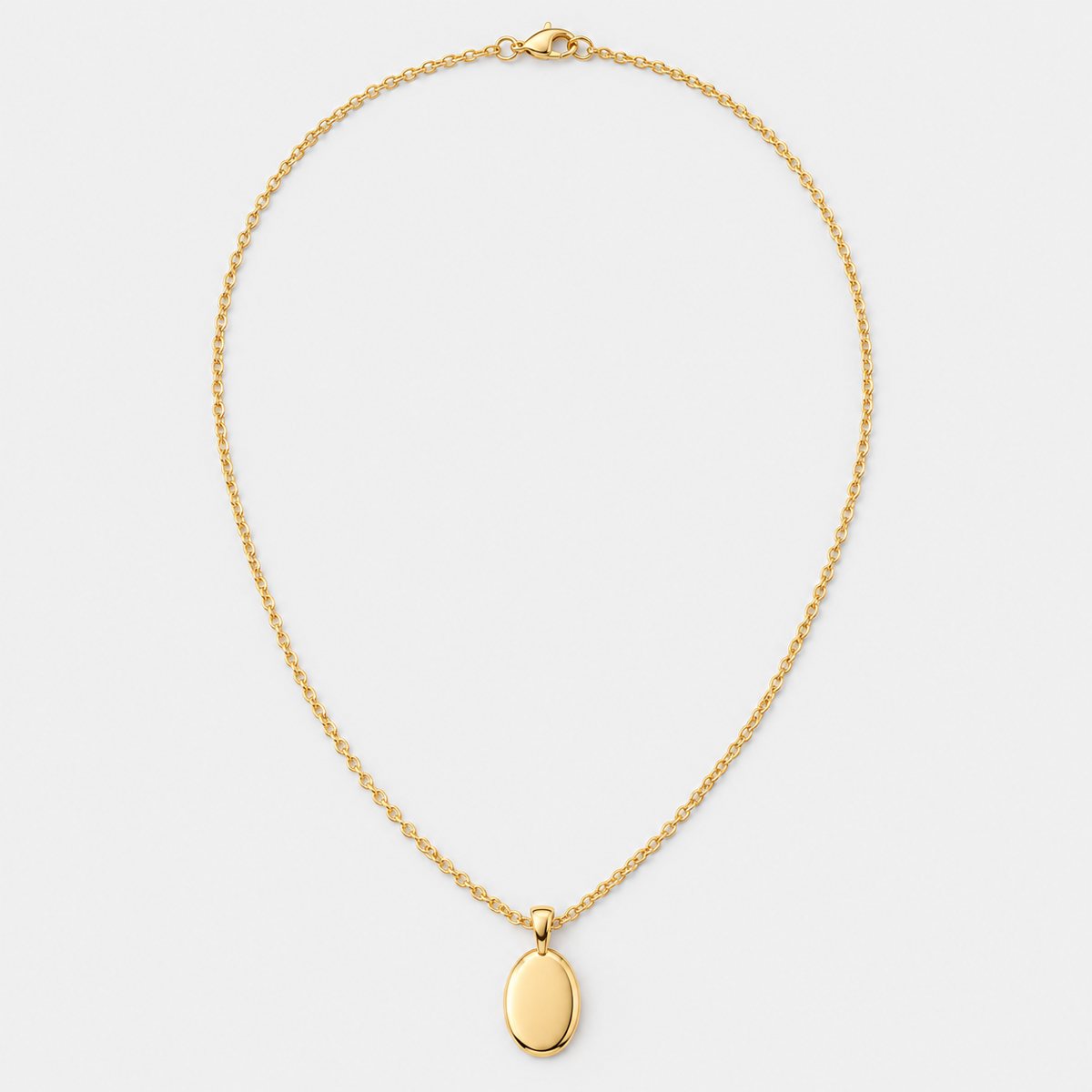
Packshot: the product alone, usually on white, usually straight on. A trainer, side view, nothing else in the frame.
Now the two things a lifestyle photo is not.
It isn't a stock photo of a similar product. Someone else's mug on someone else's table tells the buyer nothing about yours. Shopify's own help pages point merchants to Burst for free stock product and lifestyle photos, and the stock is genuinely useful for banners and mood. But it shows other people's products, not yours. Using it as if it showed your item is a trap.
And it isn't a scene full of props the buyer might think come with the product. A mug photographed with a plate of biscuits and a bunch of flowers is fine, as long as nobody reads that as "biscuits included". More on that below, because it matters more than it sounds.
What a lifestyle shot does that a packshot can't
Four things, mainly.
Scale. This is the big one. Baymard Institute's usability testing, published in its 'In Scale' article on 30 May 2017, found that 42% of users tried to gauge a product's size from its product images. That's a lot of people squinting at a photo trying to work out how big the thing is. A packshot on white gives them nothing to measure against. A product beside a hand, a pencil, a kettle or a shelf answers the question before they ask it.
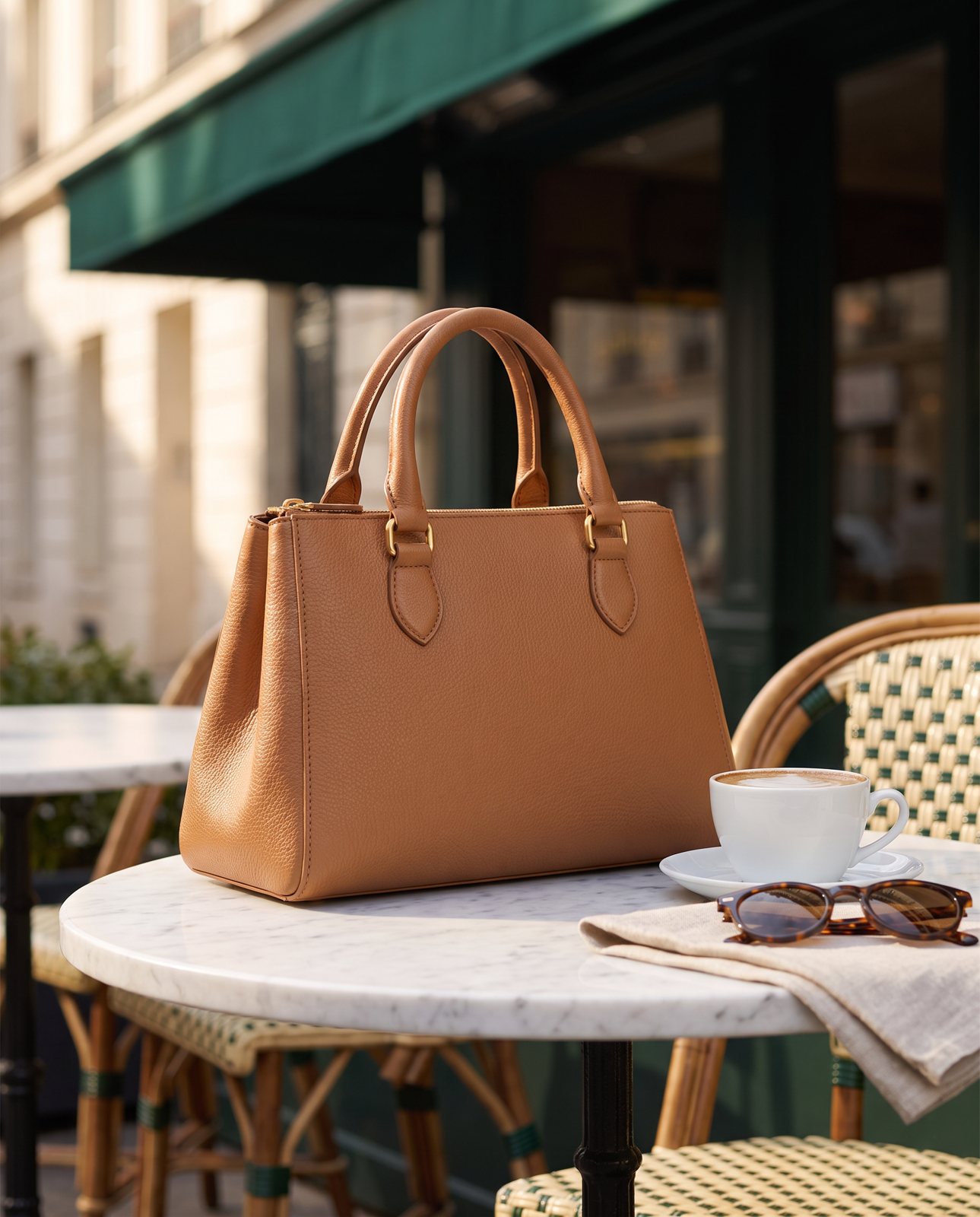
Use context. Baymard's earlier piece on product image types (published 6 March 2012) notes that lifestyle images often show how a product might look in a use context. You see the bag on a shoulder, the lamp on a bedside table, the knife block on a worktop. The buyer stops imagining and starts seeing.
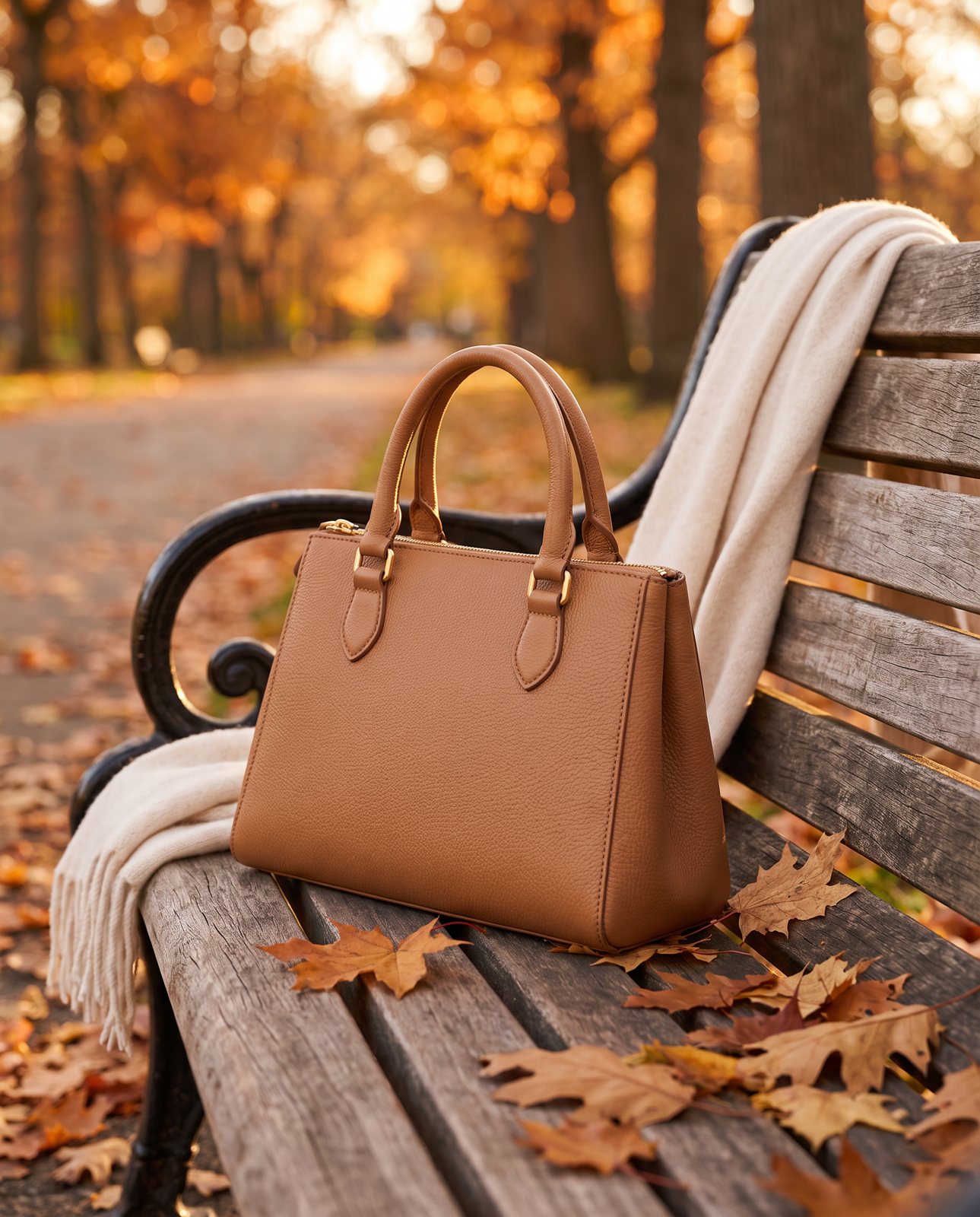
Mood, and who it's for. The same Baymard article says lifestyle images associate a product with other things the target customer finds appealing, so you "sell a lifestyle". A candle on a bathroom shelf with a rolled towel says something different from the same candle on a rustic board with dried flowers. Neither is wrong. They're aimed at different buyers. A lifestyle photo is one of the few places you can say who the product is for without writing a word.
Answers to fit questions. "Will this fit my kitchen?" "Is it too big for a desk?" "Does it look as chunky as I'm imagining?" Buyers ask these silently. Good lifestyle shots answer them silently too.
One thing we won't do: quote you conversion uplift statistics. You'll see plenty of confident percentages floating around the internet. We don't quote them, because we can't point to a source we trust for your kind of product. The Baymard findings above are about how people behave, not a promised sales lift. Take them as that.
Where lifestyle photos fit on Amazon and Shopify
The two platforms treat lifestyle images differently, so it's worth being specific.
Amazon. The main image must be on pure white (RGB 255, 255, 255). Amazon's Seller Central product image guide allows only a limited number of product types to use a lifestyle image as the main image, and even then with no text or extra logos. For most sellers, the main image is a packshot, full stop. Lifestyle belongs in the additional image slots, which use the variant codes PT01 to PT99 for angles, product in use, accessories and details. Amazon recommends at least six additional images and one video, so there's room to use several.
The props rule matters here. Amazon says no props or accessories in the main image that aren't included with the product. It's a main-image rule, but the thinking behind it applies everywhere: every image must accurately represent what the buyer receives. Our Amazon image requirements guide goes through the rest.
Shopify. On your own store you have more freedom. A lifestyle image can be your featured image if it suits your brand. The thing Shopify asks is consistency: featured images should share one aspect ratio across a collection so the grid lines up. A mix of square, portrait and wide images makes a collection page look ragged. Pick one and stick to it. Lifestyle images also work well beyond product pages, in homepage banners and collection headers, where mood does more work than detail. Our Shopify image size guide covers the dimensions.
Etsy has its own rules, covered in our Etsy listing photo guide.
When a lifestyle photo helps, and when it doesn't
It helps most for things bought for how they fit into a life. Home goods. Furniture. Kitchenware. Accessories. Gifts. Anything where the buyer's real question is "what will this be like to live with?" A throw blanket, a serving board, a desk lamp, a tote bag: these sell on feeling and fit, and lifestyle shots carry both.
It's less useful, and sometimes risky, in a few cases.
Technical parts. If someone's buying a replacement valve or a drive belt, they want exact detail: thread, connector, dimensions. A cosy scene adds nothing.
Products where precise detail matters most. Jewellery with a particular stone cut, a printed item where every word counts, a product with a specific finish. A lifestyle scene can soften the very detail the buyer needs to see.
Scenes that distract. If the eye goes to the scene and not the product, the photo has failed. A beautiful kitchen with a small gadget somewhere in the middle isn't selling the gadget.
Props that might be mistaken for part of the sale. Back to the biscuits. If a buyer could reasonably think the extra items come in the box, either remove them or make it obvious they're just set dressing.
Whatever you decide, always keep at least one clean, accurate view. A lifestyle shot adds to the packshot. It doesn't replace it.
Ways to get lifestyle photos without a full shoot
There are three realistic routes. You can mix them, with careful DIY work for your best sellers and quicker methods for the rest of the range.
1. Style a scene at home. This is the cheapest and, done well, the most honest. Find a window with soft daylight. Clear a surface: a table, a shelf, a worktop. Add two or three props that make sense for the product and the buyer, then take the shot from a few angles. Keep the props small and obviously decorative. Turn off overhead lights so you don't get mixed colour casts. A phone is enough. Our cheap product photos guide has more on getting good results on a small budget.
2. Composite a cut-out onto a background photo. If you've got a clean cut-out of your product, you can place it onto a background photo of a room or surface. It takes some care: the light direction, shadow and perspective all need to match, or the product looks stuck on. We've written a separate guide on changing a product photo's background that covers how.
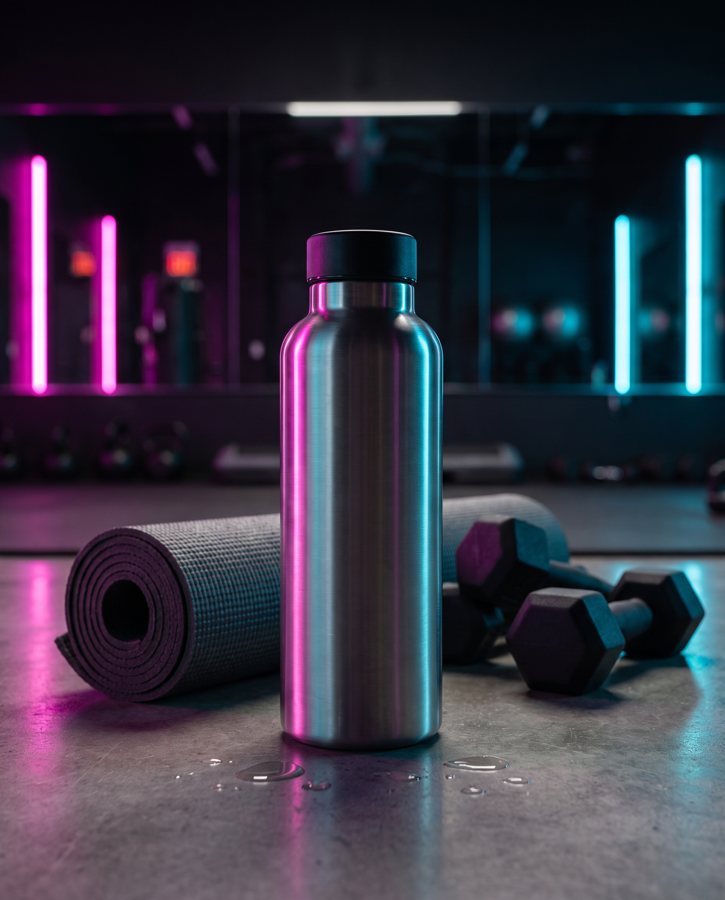
3. AI scene generation from your product photo. You give an AI tool one photo of your product and it places that product in a new scene. It's quick and it can produce settings you'd never stage at home. It also has real risks, and we'd rather you knew them. From our own test data (a demo run on 2 October 2026 with 10 products across 3 scenes each, so 30 shots): colour can drift, with a coral skincare jar and an amber perfume both needing extra attempts. Reflective metal is hard: brushed steel picked up its surroundings, and two steel bottle scenes failed all three attempts. Small printed text is a weak point: in a 1 October 2026 test with a famous-brand trainer, it came out garbled on most shots. And some image services simply refuse products from well-known brands: in that same test, 5 of 14 generations were refused. More on this in our AI product photography guide.
And stock photos? They don't solve this. They can give you a nice background to composite onto, or a banner for a collection page. But a stock photo of a similar product isn't your product, and it can't answer a buyer's question about your item.
How to judge a lifestyle photo before you use it
Whichever route you take, run the photo through this checklist before it goes live. It takes a minute.
- Is it still my product? Check the colour against the real thing. Check the shape. Read every word and look at every logo; they should match exactly. Check the finish: matt should stay matt, glossy should stay glossy.
- Is the scale believable? Does the product look the size it actually is next to the other objects in the scene? A mug that looks the size of a bucket is a returns problem waiting to happen.
- Do light and shadow match? Shadows should fall the way the light in the scene says they should. If the product is lit from the left and the window is on the right, something's off.
- Are props clearly not included? If there's any chance a buyer would assume the extra items come with the product, change the photo or say so in the listing.
- Is it honest? Would a buyer who received the product feel the photo told them the truth? If not, fix it.
- Does it suit the buyer? A good photo for the wrong buyer is still a miss. Ask who the scene is speaking to.
Fail any one of these and the photo isn't ready. Redo it, crop it or leave it out.
How Product Photo Shots helps (and what it doesn't do)
This is what we make: your product placed in new scenes, lifestyle and campaign shots, built from one photo and checked against the original.
You upload one to three photos of the product, on any background, as long as they're sharp and the whole product is in view. Before you pay, we study the photo and list every colour, shape and mark that must stay the same. That's free and takes about a minute.
Every shot is then checked against the original. If a shot changes the product, it's remade with a specific fix, up to three attempts in all. If it's still wrong, a person checks it. It is never delivered as is. You also get one free redo per delivered shot. Every shot is reimagined with AI and labelled as such.
The shapes available are square 1:1, portrait 4:5, story 9:16 and wide 16:9, so you can match whichever aspect ratio your store uses. Packs are 3 shots for £19 (£6.33 a shot), 5 shots for £29 (£5.80), 10 shots for £49 (£4.90), and custom orders of 11 to 40 shots at £4.50 a shot. Prices include VAT. A 3-shot order took about 4 minutes in testing. You can see examples and the full pricing on our site.
Now the honest part. In our demo run, 27 of 30 shots were delivered and 3 were held back by the check. That includes the two steel bottle scenes that failed all three attempts and were never delivered. We'd rather hold a shot back than send you one that changes your product. That's the whole point of the check.
What we don't do. We don't make plain white-background packshots; you'll need those from somewhere else, and for Amazon main images that matters. And we only work on products you own or sell, so well-known brands' products can't be shot.