The short answer
Your main image needs a pure white background, RGB 255, 255, 255. The product should fill 85% of the frame, with the whole product visible, shown once. Make the file at least 1,000 pixels on the longest side, because that's what switches on zoom. That's the main slot, and it's the picture shoppers see in search.
Everything else goes in the extra slots. Lifestyle scenes, scale shots, detail close-ups, what's in the box: all of that belongs there, and Amazon recommends at least six additional images and one video. Think of the main image as the ID photo and the rest as the story.
The main image rules
Start with the basics. The main image must be realistic and professional quality, with accurate scale, quantity and colour. No placeholders standing in for the real thing. If your mug is matt teal, the image shows a matt teal mug, not a "close enough" blue one.
The background. Pure white means RGB 255, 255, 255. Exactly that, on all three channels. A light grey that looks white on your screen is not compliant. This is easy to get wrong, because your eye adjusts. A background reading 240 on each channel looks perfectly white next to a cream wall, but it's a grey as far as the rule is concerned. The only test that counts is the number. Open the file in an editor, pick a colour from the background, read the values. 255, 255, 255 passes. Anything less doesn't.
The fill. The product takes up 85% of the image. Picture a steel water bottle: tall and thin, so the bottle fills the height of the frame and leaves white space at the sides. A square frame with a tiny bottle floating in the middle fails the rule.
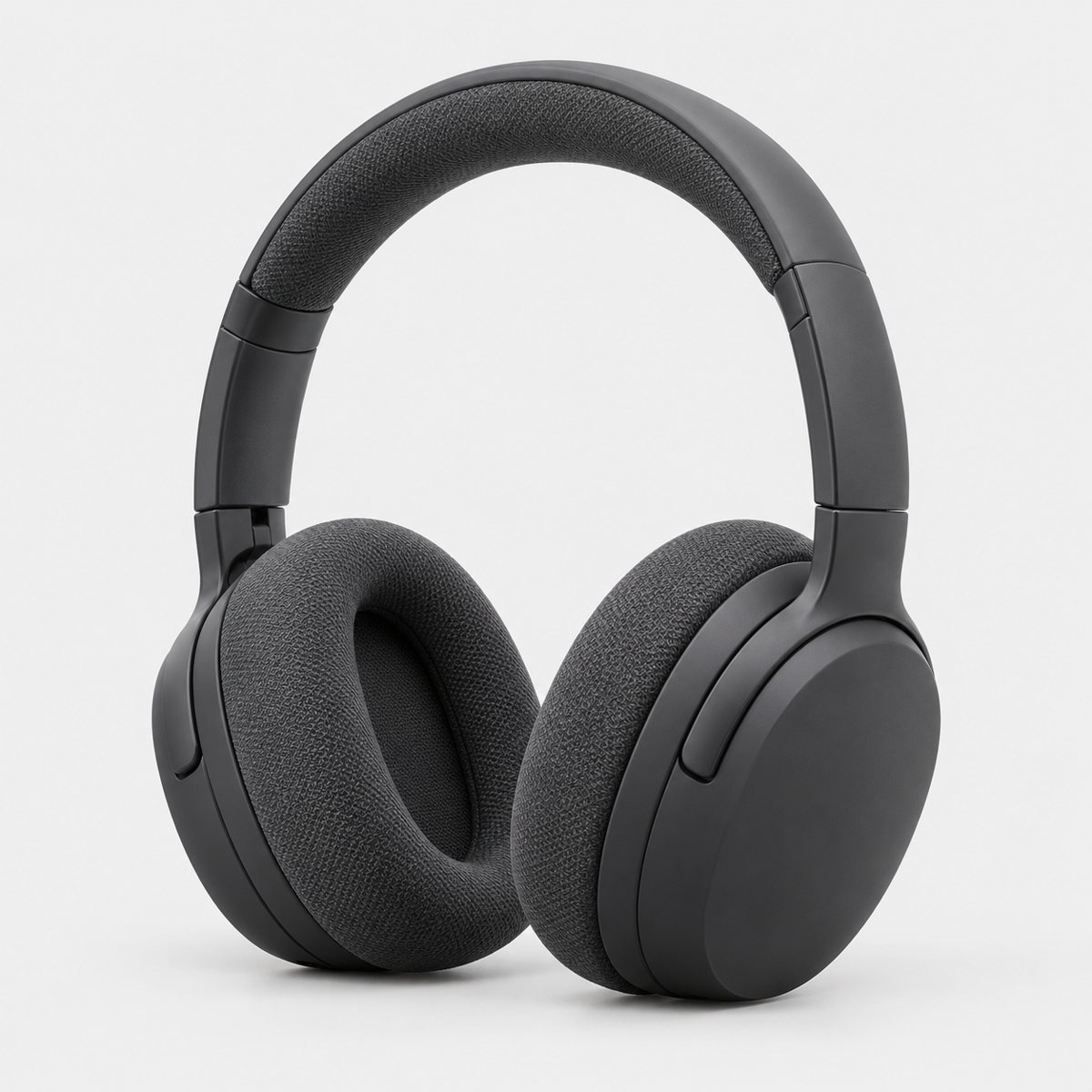
The whole product, once. Nothing cut off. Nothing shown twice. A pair of earbuds with their case is fine if both ship together, but you can't show a headphone from the front and the same headphone from the back in one frame. One unit, plus any accessories that are actually included.
Packaging and props. No packaging unless it's an important feature of the product, such as a carrying case or a gift basket. No props, no accessories that aren't included in the sale. That candle sitting beside a plant and a book? Great for slot three. Wrong for the main image. And no part of a mannequin showing, which matters for jewellery displays and clothing forms.
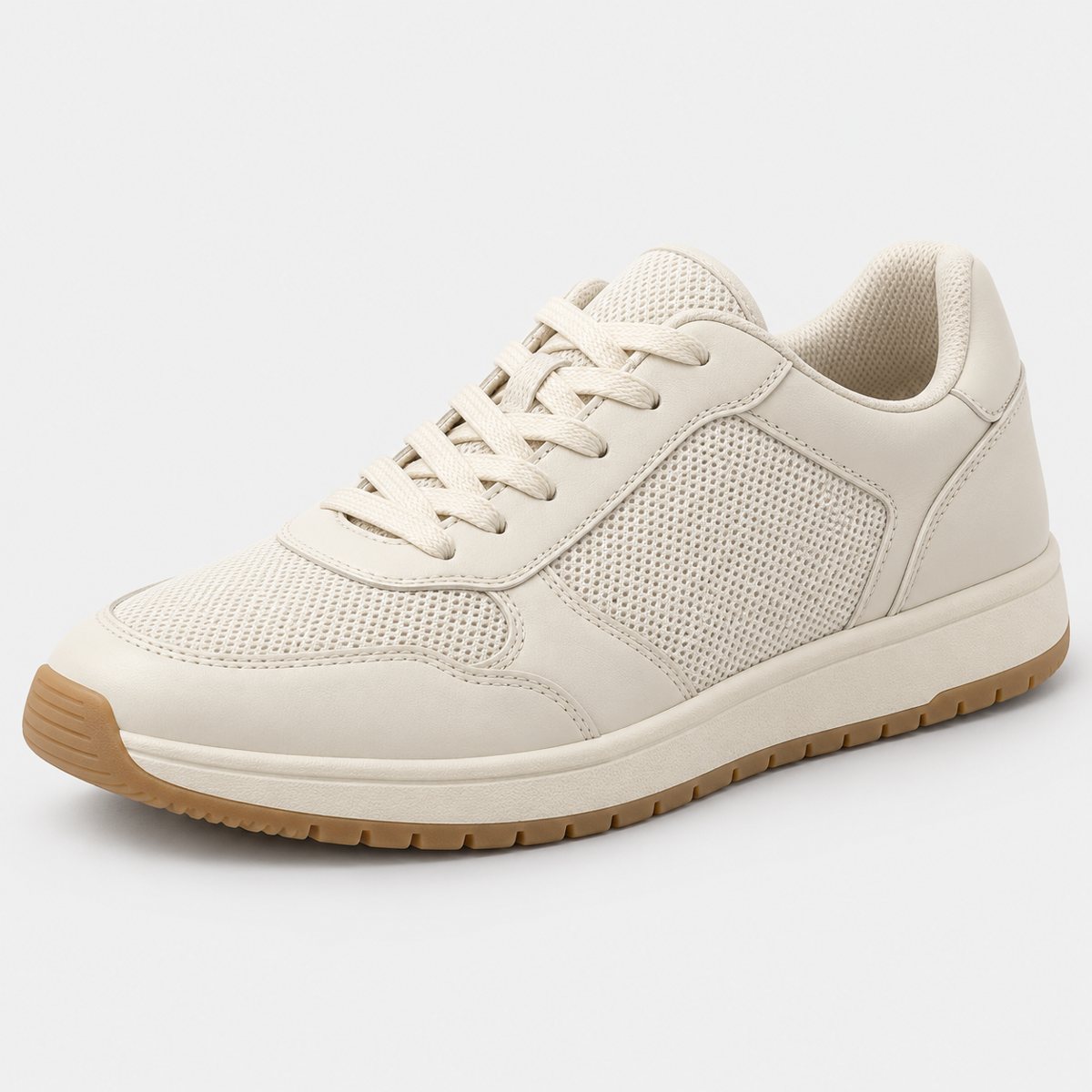
Footwear. A single shoe, facing left, at a 45-degree angle. Not the pair. If you sell trainers, the main image is one trainer, toe pointing left, turned at roughly that angle so shoppers see the side and a little of the front.
Clothing. Adult clothing goes on a standing model. Clothing accessories and multipacks are the exception: those go flat, with no model. So a jumper is shown worn; a pack of socks is laid flat.
Lifestyle as the main image. Only a limited number of product types may use a lifestyle image as the main image, and then with no text or extra logos, per Amazon's Product page style guide. Unless you've checked your category and know it's on that list, assume white.
One more thing. Uploading an image doesn't guarantee it's displayed. Amazon selects and arranges images from multiple selling partners, and it may modify what you submit. A selected image can take up to 24 hours to appear. So don't panic if it isn't live the minute you press submit.
Technical requirements: size, format and file names
The file itself has its own rules, and these are the ones that block an upload outright. An image that fails the technical requirements can't be uploaded at all. An image that fails the product image requirements can be uploaded and then removed later, and if you end up with no compliant main image, Amazon may temporarily remove the listing from search. Different failures, different consequences.
The numbers:
- Formats: JPEG (recommended), TIFF, PNG, or non-animated GIF.
- Minimum size: 500 pixels on the longest side.
- Recommended size: 1,000+ pixels on the longest side. This enables zoom.
- Maximum size: 10,000 pixels on the longest side.
- Resolution: at least 72 dpi.
- Colour mode: RGB preferred.
- Quality: clear, not pixelated, no jagged edges.
Don't artificially enlarge a small image to hit 1,000 pixels. Stretching a 600-pixel photo just gives you a bigger blurry photo, and Amazon says not to do it. Shoot or export large in the first place.
File names are optional for a single upload, but required for bulk upload. The pattern is product identifier, then variant code, then extension, separated by full stops. For example: B000123456.MAIN.jpg. Spaces or dashes in the name prevent the upload. That's the whole rule. If you're uploading a batch, name them properly before you start, because fixing a hundred names afterwards is a miserable afternoon.
The variant codes are worth knowing:
- MAIN: the main image, shown in search.
- PT01 to PT99: additional images: angles, product in use, accessories, details.
- SWCH: swatch.
- TOPP, BOTT, LEFT, RGHT, FRNT, BACK, SIDE: specific angles.
- PS01 to PS06: safety images.
- DTLS: multipacks.
What the other image slots are for
Here's where listings are won. The main image gets the click; the other slots do the convincing. Amazon recommends at least six more images and a video, and it gives you freedom in how you use them, within the rules for every image below.
A sensible set, using the variant codes, looks like this:
- PT01: a second angle. Back or side view, so shoppers see the thing from more than one direction. FRNT, BACK and SIDE exist for exactly this.
- PT02: a detail close-up. The stitching, the clasp, the texture of the lid. Whatever a buyer would want to pick up and look at.
- PT03: a scale or in-use shot. Someone holding the mug, the bag on a shoulder, the bottle next to a laptop. People can't judge size from a white void; this fixes that.
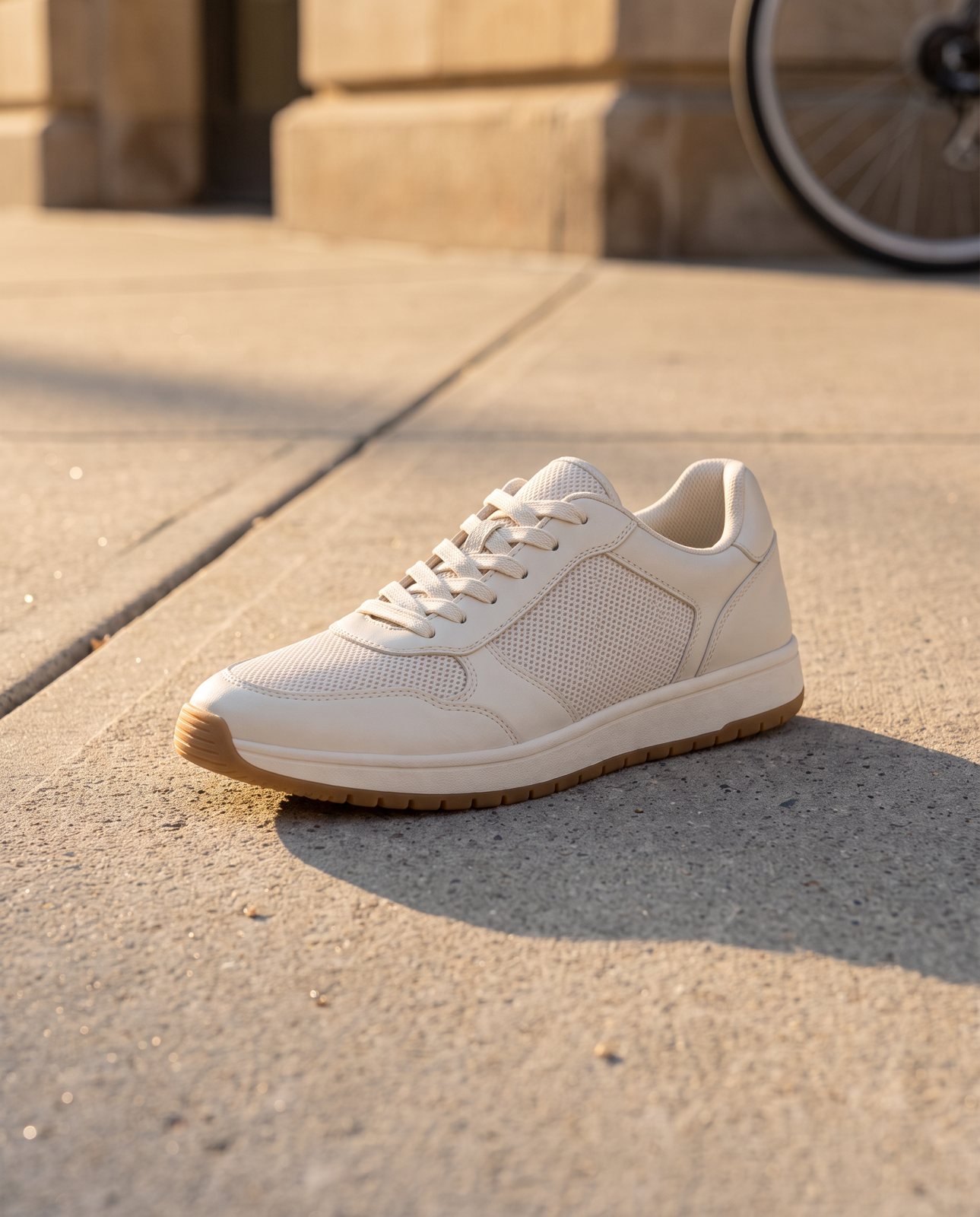
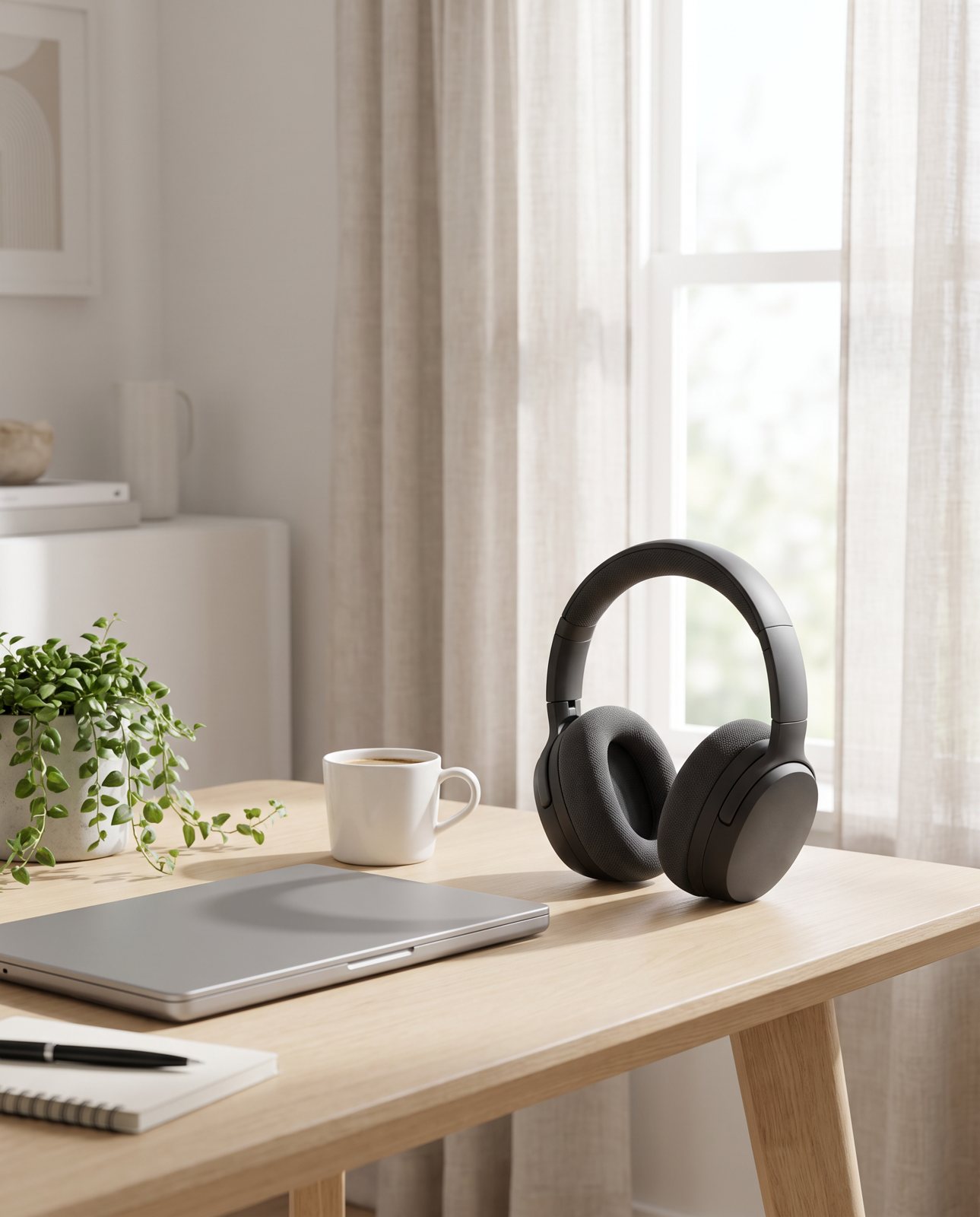
- PT04: a lifestyle scene. The product in the setting it's meant for: the coffee pouch on a kitchen counter, the chair in a living room. This is where mood goes.
- PT05: what's in the box. Every included item laid out, so nobody is surprised by what arrives.
- PT06: a feature or accessory shot. The thing that sets yours apart, or an accessory that comes with it.
I won't tell you any of these lifts sales by a specific percentage, because I don't have that data and neither does Amazon's page. What I can say is that a shopper who can't see scale, detail or context has to guess, and guessing is how you get returns. If you want to go deeper on the lifestyle slot, the lifestyle photos guide covers it.
Rules that apply to every image
These apply to the main image and every extra slot alike:
- Every image must accurately represent the product and match the title.
- No nudity.
- No customer reviews or star ratings.
- No claims such as free shipping, and no seller-specific information.
- No Amazon logos or trademarks.
- No badges such as 'Amazon's Choice' or 'Best seller'.
That's it. It's a short list, but it's easy to break in the extra slots, because those slots feel freer. A tidy "5 stars" graphic in the corner of a lifestyle shot? Fails. A "free delivery" banner? Fails. The freedom in the extra slots is about composition, not content claims.
AI-generated images on Amazon
Let's be precise here, because this topic attracts a lot of guesswork.
What Amazon's page actually says is narrow. If an image includes photorealistic people entirely generated by AI, you tag it before upload. You do that by adding the keyword contains-synthetic-performer to the dc:subject (XMP) field, using an IPTC-compatible metadata editor. That's the instruction.
The tag isn't needed for real people, even if the image was AI-edited. It isn't needed for non-photorealistic people. And it isn't needed for images with no people at all.
What the page doesn't cover is whether AI images are allowed or banned in general. It doesn't say they're approved and it doesn't say they're prohibited, and anyone who tells you either is guessing. So I won't claim either.
The practical rule sits underneath all of it, and it's the one that already applies to every image: the picture must accurately represent the product. If an AI tool quietly shifts your coral jar to pink, redraws your logo, or gives your trainer a sole it doesn't have, that image fails the same rule a bad photograph would. How the picture was made matters less than whether it tells the truth about what's in the box.
How to make a compliant main image at home
You don't need a studio. You need a window, a sheet of white card and a bit of patience.
- Find soft light. A bright window with no direct sun is ideal. Hard shadows are the enemy of a clean white background.
- Use a white backdrop that curves. A sheet of white card or paper, curved up behind the product so there's no visible join between table and wall.
- Expose for white. Slightly overexposing helps the backdrop blow out to pure white. Check the product still shows its real colour, though. Accurate colour is a rule too.
- Check the pixels. Open the photo in an editor, use the colour picker on the background, and read the values. You want 255, 255, 255. Check the corners and the edges, not just the middle.
- Crop to about 85%. The product should fill roughly 85% of the frame. Crop in or pad out with white until it does.
- Export large. Aim for 1,000+ pixels on the longest side, as a JPEG.
On step four, here's a cautionary tale from our own files. Our demo photos have light grey backgrounds that read about 237 to 239 on each channel. They look white. Put them on a white page and you'd swear they were. But they would fail as an Amazon main image, because 238 isn't 255. If your own check comes back like that, a background remover, or a levels adjustment that pushes the backdrop to 255, fixes it. The white background guide walks through the whole process, and changing a product photo's background covers the editing side.
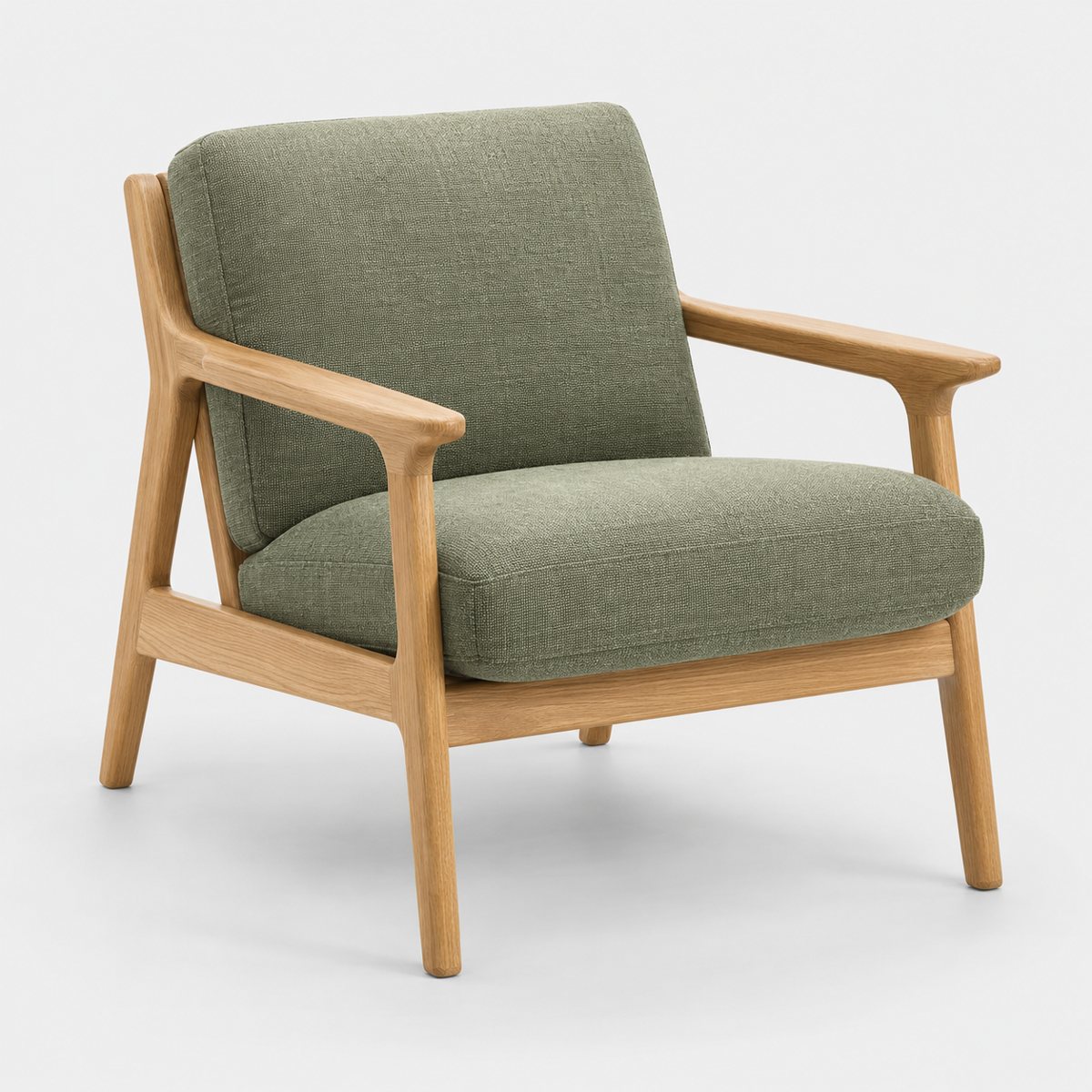
Our own demo photos look white at a glance, but a colour picker reads the background at about 237 to 239 on each channel. As an Amazon main image, that would not count as pure white.
Where Product Photo Shots fits (and where it doesn't)
Honestly: we don't make the white-background main image. A home setup or a background remover does that job well, for less than anything we'd charge, so plain white-background packshots aren't something we offer.
What we do make is the other slots. You upload one to three photos of your product, on any background, as long as they're sharp and the whole product is in view. We turn your product into new scenes: lifestyle and campaign shots, which is what the in-use and lifestyle slots above are for.
Before you pay, we study the photo and list every colour, shape and mark that must stay the same. That's free and takes about a minute. Then each shot we make is checked against your original. A shot that changes the product is remade with a specific fix, up to three attempts in all. If it's still wrong, a person checks it. It's never delivered as is. You also get one free redo per delivered shot.
That check matters because Amazon requires images to accurately represent the product, and AI tools drift. In our demo run on 2 October 2026, we shot 10 products (a perfume bottle, skincare jar, trainer, handbag, mug, steel bottle, coffee pouch, headphones, chair and necklace) in 3 scenes each. That's 30 shots. 27 were delivered and 3 were held back by the check. Colour drift needed extra attempts on a coral skincare jar and an amber perfume. Brushed steel picked up its surroundings, and two steel bottle scenes failed all three attempts and were never delivered. I'd rather you hear that from us now than discover it on your listing.
Every shot is reimagined with AI and labelled as such. We only shoot products you own or sell, and well-known brands' products can't be shot. In a 1 October 2026 test with a famous-brand trainer, image services refused 5 of 14 generations, and small printed text came out garbled on most shots. So if your product leans on fine print, check that carefully before you use any AI scene.
Packs, all prices including VAT: 3 shots for £19 (£6.33 a shot), 5 shots for £29 (£5.80), 10 shots for £49 (£4.90), and custom orders of 11 to 40 shots at £4.50 a shot. Shapes come in square 1:1, portrait 4:5, story 9:16 and wide 16:9. A 3-shot order took about 4 minutes in testing. You can see examples and the pricing for yourself.