The short answer
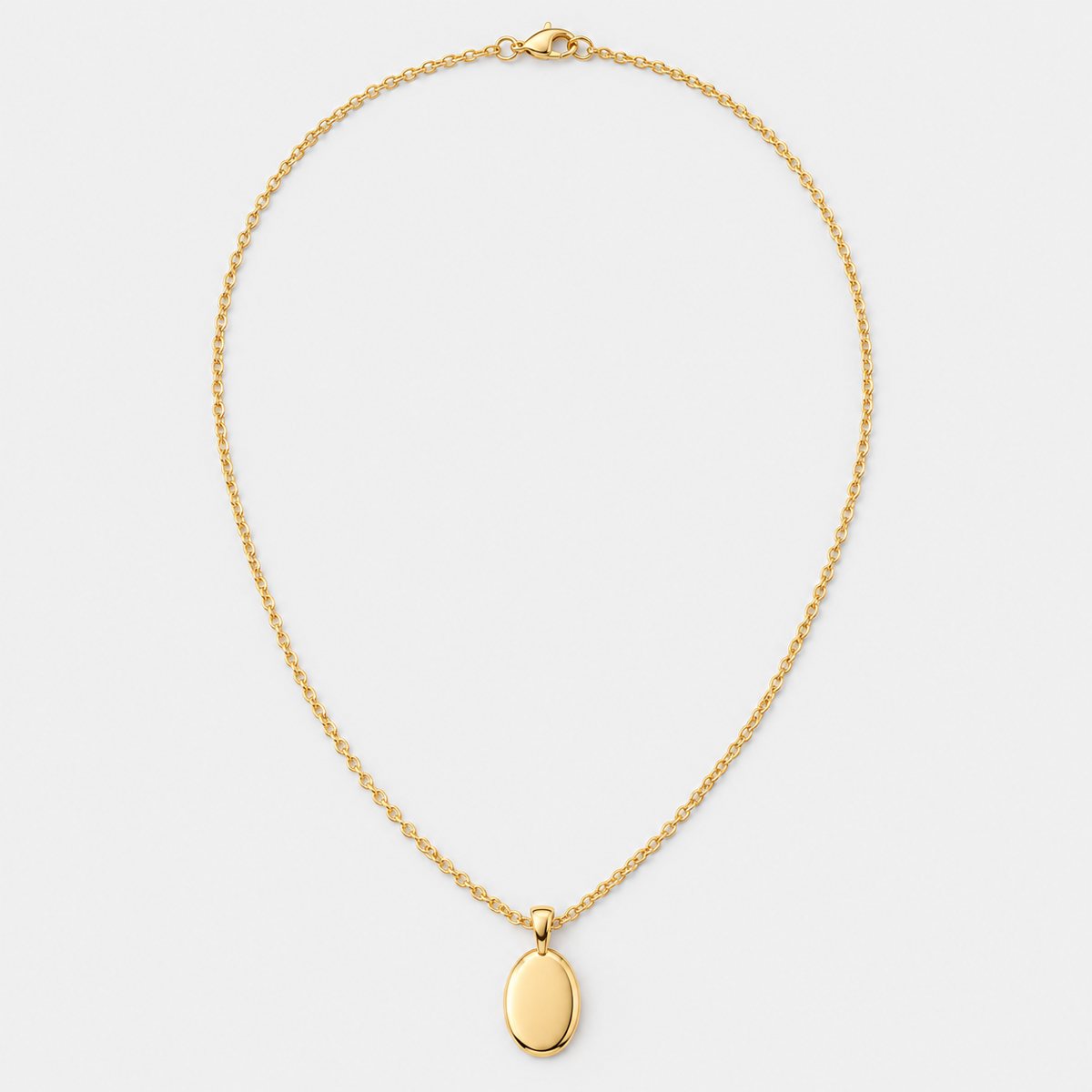
Make every listing photo at least 2,000 pixels on both width and height. Make the first photo at least 635 pixels, or it risks showing up lower in searches. Shoot that first photo landscape or square, with room around the product so the crop doesn't bite into it. You can add up to 20 photos and 2 videos per listing. And the photos should be your own, of the actual item a buyer will receive.
That's the whole answer in a paragraph. The rest of this page is the detail: what Etsy actually says, where it contradicts itself, and what to do about it. If you're tidying old listings, the sections on cropping and original photos are the ones most likely to change what you do.
Etsy's size and file requirements
Here's the line from Etsy's Help Centre, in its Requirements and Best Practices for Images page: "We recommend your listing photos have a width and height of at least 2000 pixels or more. Your first listing photo should have a width and height of at least 635 pixels to avoid showing up lower in searches."
Two numbers, two jobs. The 2,000 is a recommendation for every photo. The 635 is a floor for the first photo, tied directly to search placement. Treat 2,000 as your target and 635 as the line you never cross.
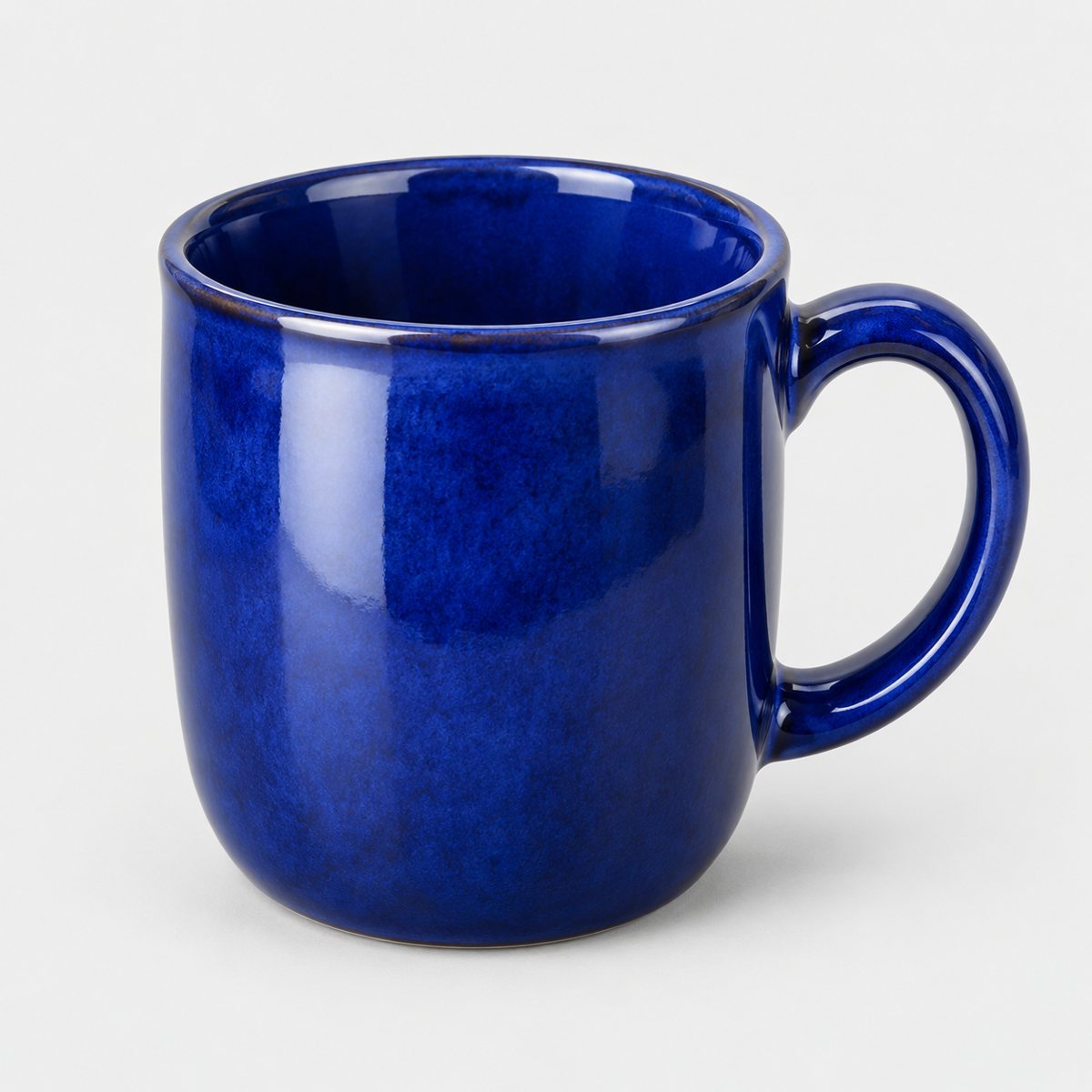
What does 2,000 pixels mean in plain words? It's the length of each side of the image, not the file size. An ordinary modern phone photo is usually bigger than that already. So if your photo looks too small, the cause is rarely the camera. It's cropping. Shoot a mug filling the frame, then crop it tight to remove the table, and you can throw away most of your pixels. Shoot wider, crop gently, and you stay comfortably above the line.
File types matter too. Etsy supports .jpg, .gif, .png, .svg and .heic files only. Animated GIFs aren't supported. Neither are transparent PNGs, and this is the trap worth knowing about. If you cut your product out of its background and save it as a transparent PNG, the transparent parts appear black once uploaded. It's an easy way to end up with a black backdrop when you wanted white. Fill the background with a solid colour before you save, or export a flat JPEG.
Then there's file weight. Etsy notes that images larger than 1MB may not finish uploading, especially on a slower connection. It also says uploaded images may look less sharp because Etsy compresses them, and that the sizes are optimised for mobile. So a big, clean file going in doesn't guarantee a big, clean file coming out. More on that in the colour and sharpness section.
Square, landscape or portrait? How Etsy crops your thumbnail
This is where Etsy's own page seems to argue with itself. Read it closely and you find two instructions that don't sit together neatly.
First: the first photo should be horizontal (landscape) or square, so that the centre focal point appears in cropped thumbnails. Second, further down the same page: "Avoid square crops. Upload horizontal or landscape images."
So is square fine or not? Both lines are on the page. The practical reading is this. Landscape is the safe choice. Square is acceptable for the first photo, but Etsy clearly leans towards horizontal. If you're unsure, shoot landscape.
The reason sits underneath. Etsy crops thumbnails into square, portrait and landscape shapes across the site, depending on where your listing appears across Etsy. You don't control which crop a given shopper sees. So Etsy's advice is to leave a border around the product.
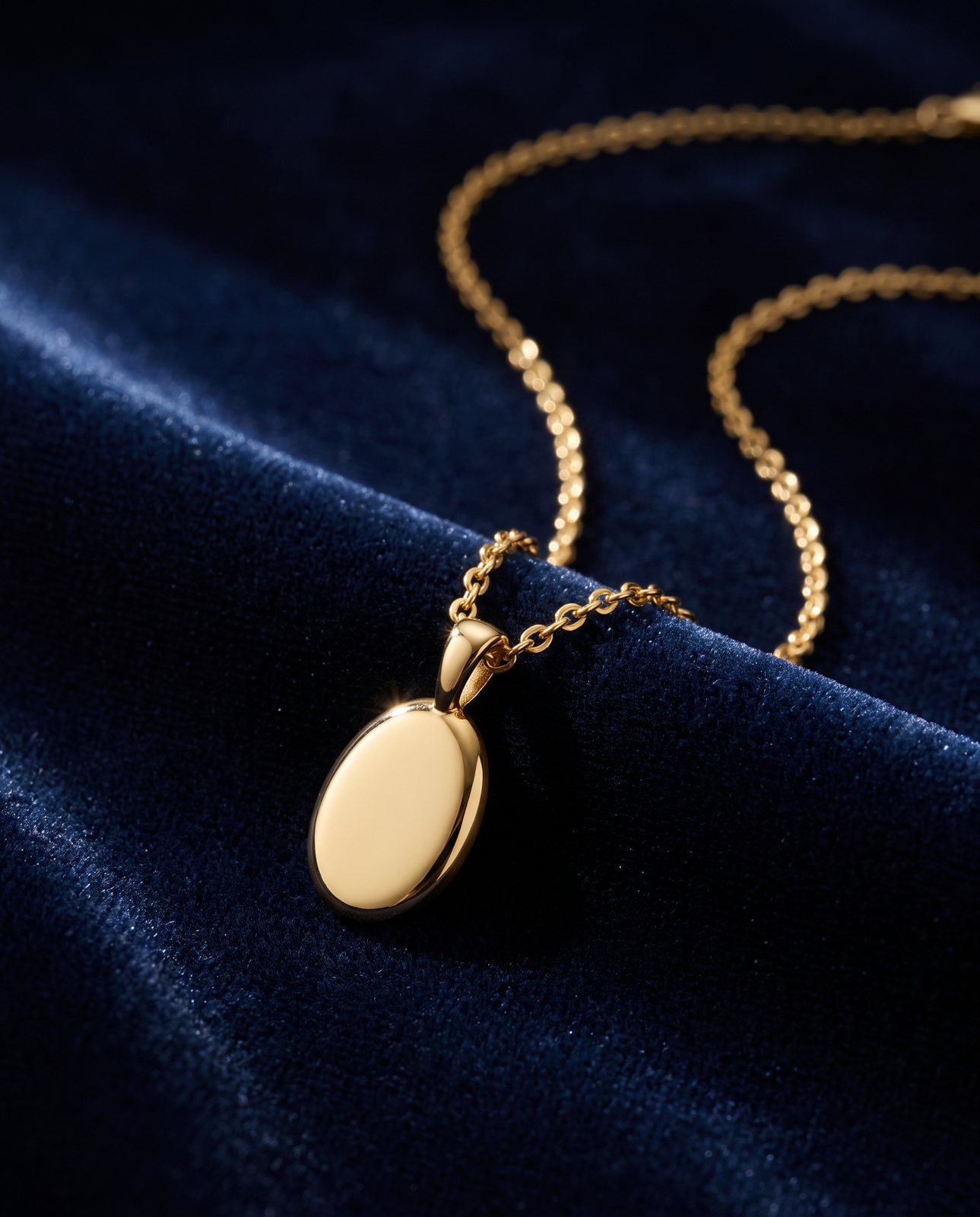
Etsy recommends shooting further back than you think, and centring the most important part of the item. Do both. Stand back, leave air around the product, then put the part you most want seen (the face of the necklace, the front of the print, the design on the tote) in the middle. If the crop shaves off the edges, nothing important goes with it.
One more rule matters here. The first photo dictates the shape of the photos that follow. Pick landscape for photo one and the rest of your set takes that shape. That's why this choice deserves a minute of thought rather than a default.
Etsy also gives you a thumbnail adjustment tool, which previews the crops. Use it. After uploading your first photo, check how it looks as a square, a portrait and a landscape. If the product gets clipped in any of them, reshoot with more space rather than nudging the preview and hoping.
How many photos and videos you can add
Etsy's How to Create a Listing page is clear: up to 20 photos and 2 videos per listing. The first photo is the listing thumbnail, which is why so much of this page circles back to it.
Twenty is a ceiling, not a target. Nobody needs 20 photos of a single ring. But every empty slot is a question a buyer has to answer for themselves. You'll see how to fill them sensibly in a later section.
Videos have their own rules, set out in Etsy's How to Add Listing Videos page. You get up to 2 videos, each a maximum of 100 MB and up to 15 seconds long. They play with no audio once uploaded, so don't rely on a voiceover or music to carry anything. The minimum resolution is 500px, and Etsy says the ideal is at least 1080px.
Fifteen seconds without sound is short. It suits a slow turn of the product, a close look at a texture, or a size reference beside your hand. It doesn't suit a story. Think of it as a moving photo, not a mini film.
Etsy's rule on original photos, and where AI fits
Etsy's Listing Image Requirements page (updated 9 July 2024) sets the baseline. Sellers must use original photos of the actual product buyers will receive, not renderings or stock photos. Those photos are your own: taken by you, or by someone you hired.
There are exceptions, and they're specific. For personalised items, the first image must be a real finished example, and computer-generated mockups are allowed only in additional images. Some items made with production partners have their own allowances too.
Separately, Etsy's What Can I Sell on Etsy? page says items in the made-by-you category must "Use your own photographs in your listings." It also says that seller-prompted AI creations must disclose the use of AI.
Now the honest bit. Etsy's policy text doesn't mention AI-generated scenes directly. We won't tell you they're allowed, and we won't tell you they're banned, because neither is written down. What's written down is the principle: photos of the actual product the buyer will receive, taken by you or someone you hired.
So the practical reading is cautious. Make your first photo, and most of the set, real photos of the actual item. If you do use an AI-made scene built from your own photo, it must show the product exactly as it is: same colours, same proportions, same details, same finish. Check it carefully, at full size, against the real thing. A scene that quietly changes the stitching, the shade or the shape is a misleading photo, however it was made, and that's the risk to avoid. If you want the longer version of where these tools tend to succeed and fail, read what AI gets right and wrong.
What to show across your listing photos
Think of your photo slots as answers to the questions a buyer can't ask you. Here's a sequence that works for up to 20, and you'll rarely need all of them.
- A clear main photo. The item, whole, in focus, with room around it. This is the thumbnail, so make it do the work.
- Other angles. Front, back, side, top and underneath where it matters. Buyers can't pick the thing up, so turn it for them.
- Detail and texture. Close shots of the weave, the glaze, the clasp, the grain. These justify the price.
- Scale. The item in a hand or beside a familiar object. A coin, a mug, a pen. Dimensions in text help, but a visual beats a number.
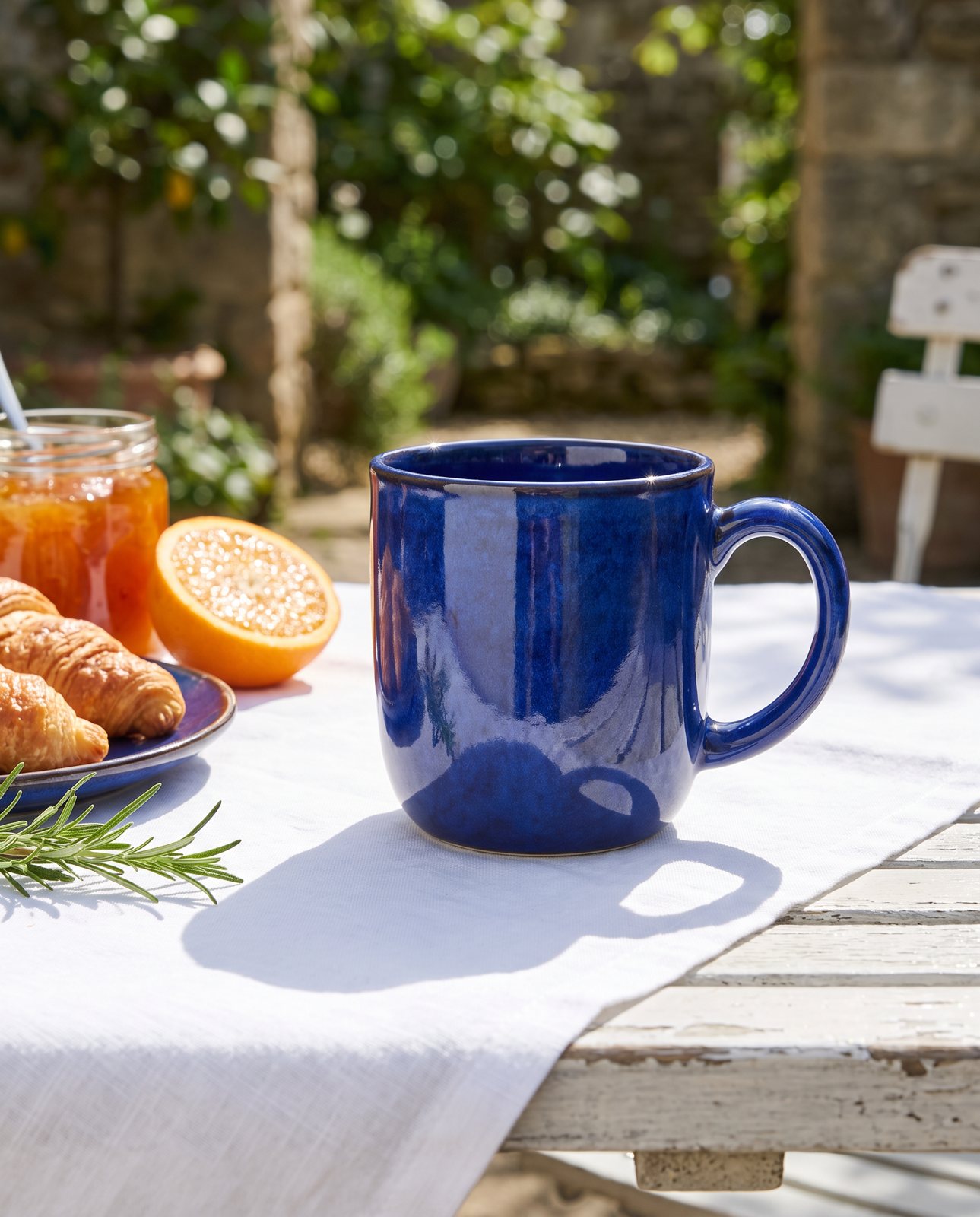
- In use or in a setting. The item on a shelf, worn, on a desk, in a room. This is where buyers picture it as theirs.
- Variations. Every colour, size and option on offer, so nobody guesses.
- Packaging. How it arrives, especially for gifts. It answers the "will this look right when it turns up?" question.
Add alt text to each image. Etsy's alt text page asks you to describe what the image looks like, including texture and scale, in up to 250 characters. It helps blind and low-vision shoppers, and it helps search engines outside Etsy. Write it like you'd describe the photo to a friend on the phone: "Hand-thrown stoneware mug in speckled blue glaze, held in one hand to show its size." Plain and specific beats keyword stuffing.
Colour, sharpness and file size
Etsy's How to Edit Your Listing Photos page names a quality problem sellers hit often: a main image that is too dark, blurry or a photo collage may make the listing appear lower in Etsy search. So no collages as your first photo, and no dim, soft shots.
Sharpness starts at the camera, not in editing. Hold steady, use good light, tap to focus on the product. If you're shooting on a phone, take sharp product photos with your iPhone covers the habits that matter. A sharp original survives Etsy's compression far better than a soft one.
For colour, Etsy says that if colours look wrong, convert to sRGB before uploading, and that Etsy converts images to sRGB anyway. So do the conversion yourself. If your editing software exports in another colour space, the shades you see on your screen may not match what shoppers see. Converting first means you've seen the result before they do.
For file size, save as an sRGB JPEG. That keeps you near the 1MB guidance, so uploads finish even on a slow connection, and the colours behave. A JPEG at your full pixel dimensions is usually far lighter than the same image as a PNG. You're aiming for big pixel dimensions with a small file weight, and a JPEG delivers exactly that.
How Product Photo Shots helps (and what it doesn't do)
We make lifestyle scenes for the in-setting slots, from one photo of your product. That's the slot where a plain photo of a candle becomes a candle on a windowsill, or a bag on a café chair. Every shot is checked against your original.
Here's how that works. Before you pay, we study your photo and list what must stay the same: shape, colour, details, proportions. That check is free and takes about a minute (our precheck measured 11 seconds on 1 October 2026). If a shot changes the product, it's remade with a specific fix, up to three attempts in all. If it's still wrong, a person checks it. It's never delivered as is.
Pricing is by the shot, and includes VAT: 3 shots for £19 (£6.33 a shot), 5 shots for £29 (£5.80), 10 shots for £49 (£4.90), or a custom 11 to 40 shots at £4.50 a shot. Shapes are square 1:1, portrait 4:5, story 9:16 and wide 16:9.
Now the honest fit with Etsy. For your first photo, choose square or wide, to match Etsy's thumbnail advice. Our portrait 4:5 shots measured 1856 x 2304 pixels in our demo run on 2 October 2026. That's under Etsy's 2,000 recommendation on the short side. Our full-size PNGs are 5 to 8 MB, well over the 1MB upload guidance. So every shot also downloads as a JPEG resized to at least 2,000 pixels on the short side and kept under 1MB: the eight we remade on 3 October 2026 came to 0.14 to 0.69 MB. Resizing up adds no new detail; it simply meets Etsy's recommended minimum.
Two things we don't do. We don't make the plain photo of the actual item for you; that one has to be yours, and it's the one Etsy cares about most. And we can't shoot well-known brands' products, because the image services refuse them. We tell you that before you pay. We work with products you own or sell. If you want to see what a new backdrop can do for a shot you already have, here's how to change a product photo's background.