The short answer
Stuff the bag so it holds its shape, steam out the creases, light it softly from the side, and shoot from slightly above or level with the front. Then add a close-up of the hardware or stitching and one or two shots of the bag in use. That's the whole recipe, and honestly most of the work is in the first two bits, before the camera even comes out.
A bag is a strange product to photograph, because it's meant to look good on a person and you're shooting it on a table. It slumps. It wrinkles. The strap flops about like it's got a mind of its own. So the job is really about making an empty object look as full and as confident as it does in someone's hand. The rest of this guide goes through how, step by step, with the reasoning behind each step.
What a bag photo has to show
Think about what a buyer is actually doing when they look at a bag online. They can't pick it up. They can't squeeze the leather or feel the weight of the clasp. So the photo has to do all of that for them, and the two things they worry about most are size and quality.
Size first, because it's the one buyers can't judge for themselves. Someone looks at a bag and has no idea if it's a little evening clutch or something that fits a laptop. You need the photos to settle that without anyone having to ask. Quality is the other worry, and that's down to material and grain: does the leather look soft and properly made, or thin and plasticky? Can you see the stitching? Is the hardware solid-looking or flimsy?
So a good set of bag photos needs to show a few specific things:
- The overall shape and size of the bag.
- The material and its grain, close enough to read.
- The hardware, such as clasps, zips and buckles.
- How the straps behave, whether they stand up, drape or lie flat.
- The inside space, if the bag opens.
That's the checklist to keep in mind. If a photo set doesn't answer those, a buyer is guessing, and guessing buyers tend to close the tab. You know the feeling, right? You're about to buy something and you can't tell if it's the right size, so you just wander off and buy something else.
One more thing about strap behaviour, since it gets forgotten. A shoulder strap that sits neatly tells a buyer the bag is well balanced. A strap that's all twisted tells them nothing good. Same goes for the inside: a lining photo tells people it's been finished properly, which is the sort of thing that quietly raises trust.
Shape, handles and styling
Right, the unglamorous bit. Before you shoot anything, make the bag stand up properly.
Stuff it. Tissue paper works, and so does a soft filler that won't poke out and make odd lumps in the leather. Don't use anything hard, because you'll see the bulges, and don't underfill it either, because then the sides sag and the bag looks tired. You're aiming for the shape it would have if someone had just filled it with a few light things and set it down carefully.
Then the handles. This is a deliberate choice and people skip it. You can have them upright, which gives a smart, structured look and shows the whole handle shape. Or you can have them resting down against the bag, which looks more relaxed and hides less of the front. Either is fine. What isn't fine is leaving them half-up, half-slumped, because that looks accidental. Pick one and make it look intended.
Straps need straightening, so untwist them and lay them flat or arrange them in a clean curve. Smooth out any creases in the leather with your hands, and use a steamer for stubborn ones, keeping it moving so you don't mark the material. Check for lint, dust and fingerprints, because a camera sees all of it and a white thread on a black bag is very, very loud in a photo.
Then keep the bag level, with the bottom edge parallel to the frame. A bag that tilts even slightly looks like it's about to fall over, and that's an odd feeling to give a buyer. A small lean is easy to miss while you're shooting. Level it up, check the edge against the frame, and move on.
Light, leather and hardware
Soft window light from the side is the friend of every leather bag. It rakes across the surface and shows the grain, the little texture that tells a buyer this is real, proper material. Put the bag beside a window, with the light coming in from one side, and you've done most of the job.
The shadows on the far side will be a bit deep, so put a sheet of white card opposite the window to bounce some light back. It lifts the shadows without flattening everything. White card is cheap and entirely unglamorous, and it makes a visible difference.
Hardware is the tricky bit. Polished metal, such as clasps, buckles and zips, is basically a little mirror. It'll reflect the window, and it'll reflect you and your camera, which is a delightful surprise when you spot a tiny photographer in the buckle. The fix is to angle the bag or the hardware slightly until the reflection slides off, or to soften the light with diffusion so the reflection becomes a gentle glow instead of a sharp window shape. Take a few test shots and zoom in. That's the only reliable way to check.
Colour needs watching too. Tan and cream are the worst offenders, because they shift a lot under warm indoor lamps and can end up looking orange or yellow when the bag is actually much paler. If a customer receives a bag that looks nothing like the photo, that's a return and a grumpy review. So turn off the lamps, use daylight, and compare the photo to the real bag in your hand. If you want to go deeper on all of this, there's a lighting guide that covers the principles in more detail.
Angles and the shots a bag needs
One photo isn't enough for a bag. It's got too many sides and too many things a buyer wants to check. So here's the set I'd shoot, and I'd try to do all of them in the same light and with the same crop so the page looks like one tidy family.
Start with the front, shot slightly from above or level with the face of the bag. Then the side, which shows the depth and how slim or chunky the bag is. Add a three-quarter view, which is usually the most flattering and the one that gives the best sense of shape. After that, the back, because plenty of bags have a pocket or a zip there and buyers like to know. If the base matters, say it has feet or a particular finish, shoot that too.
Then the inside. Open the bag, show the lining, the pockets, the space. It's the shot buyers want and sellers skip. Add a close-up of the hardware and the stitching, close enough to see the craft. And finally a scale shot: the bag on a shoulder, or beside something familiar like a mug or a book, so nobody has to guess the size.
Consistency matters more than people think. If the front shot is bright and warm and the side shot is dim and cool, the listing looks messy, and messy looks cheap. Keep the light the same, the crop the same, the distance roughly the same. This is the same principle that runs through ecommerce product photography generally, and it's the one that makes a small shop look like a proper brand.
And where a platform has its own rules for images, I'm not going to quote them here, because they change. Check the platform's own help page before you upload.
Scenes that sell a bag
Plain white backgrounds do the job for the main image, but a bag is a lifestyle product. People buy it for the life they imagine carrying it through. So a few scenes can do a lot of work.
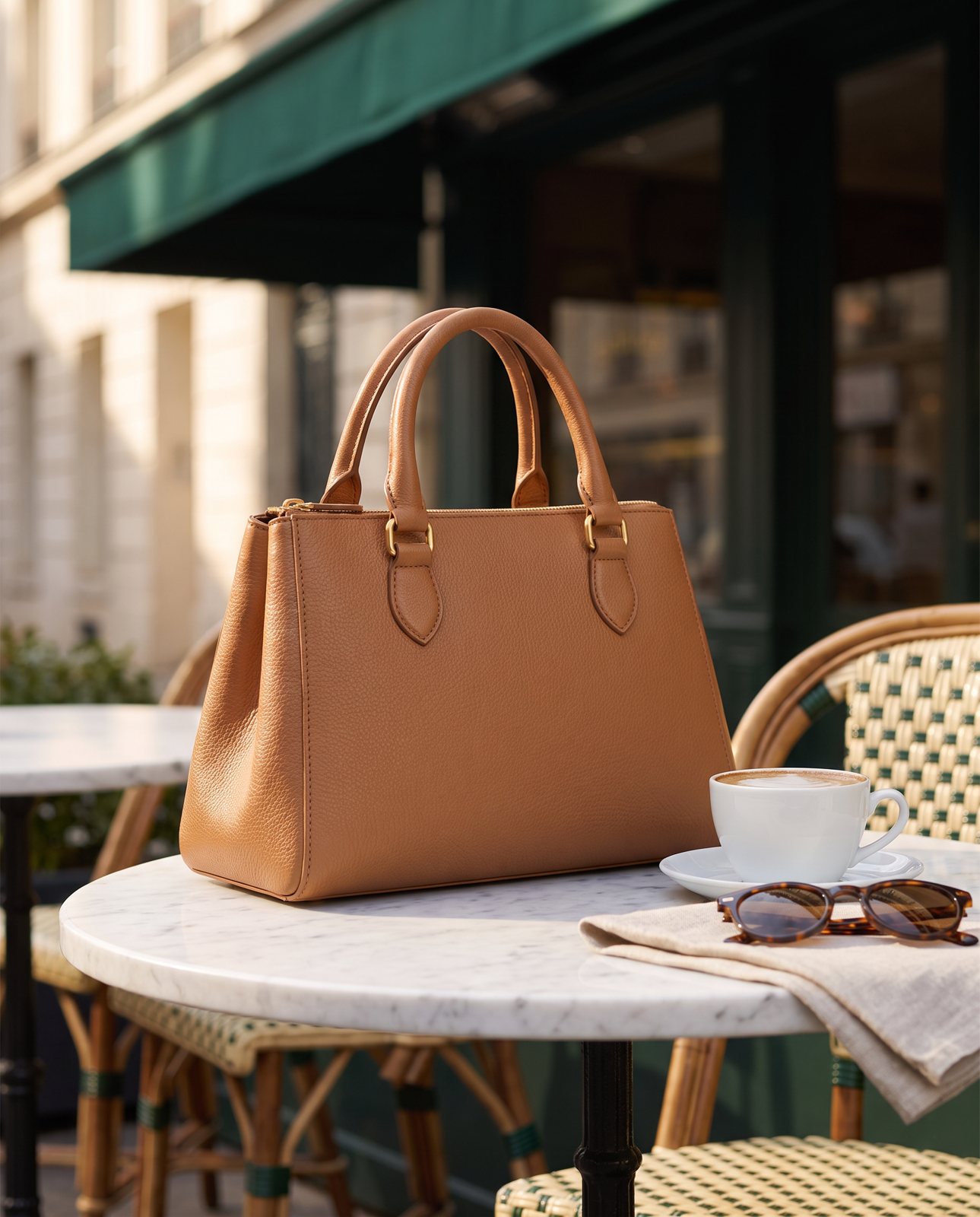
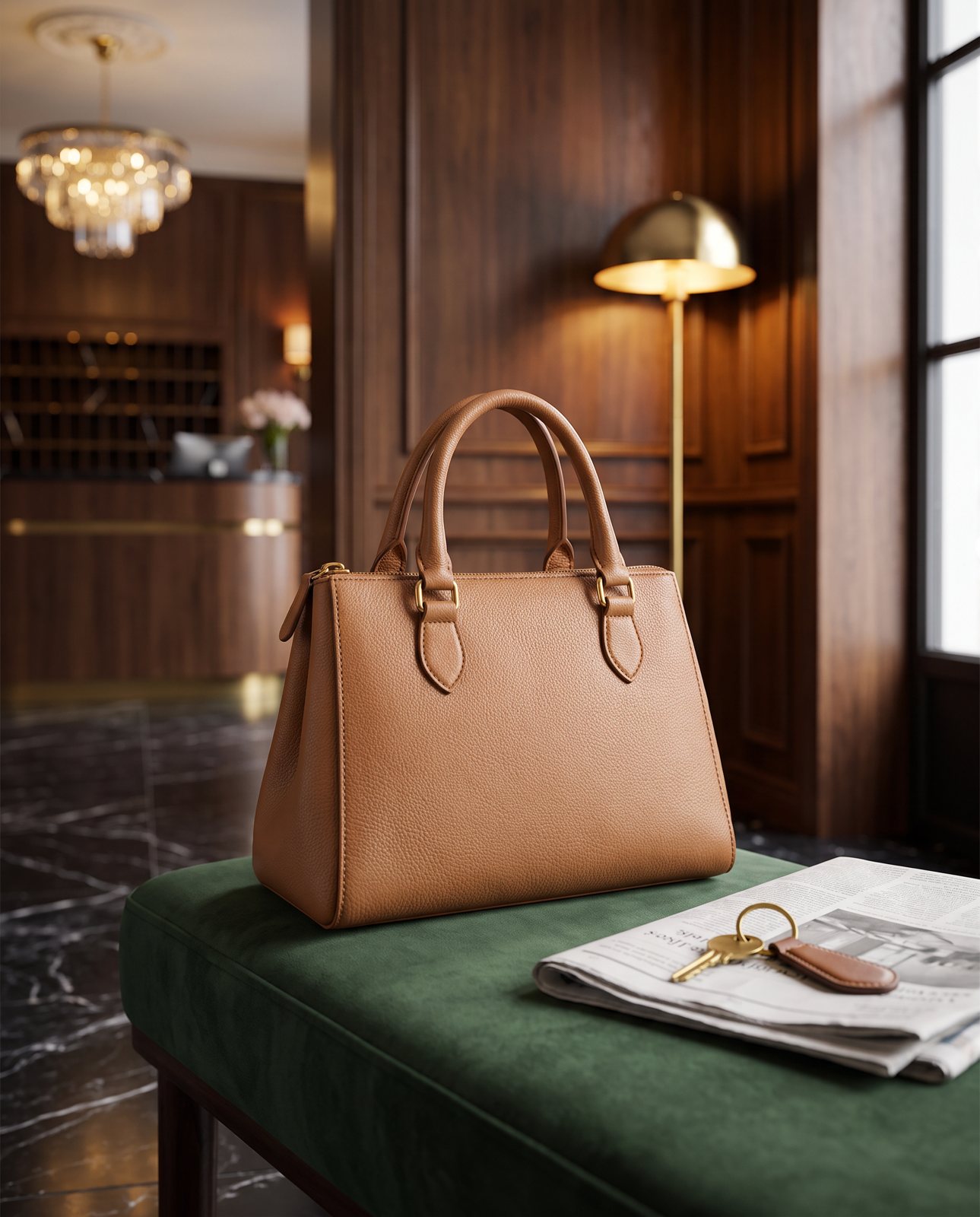
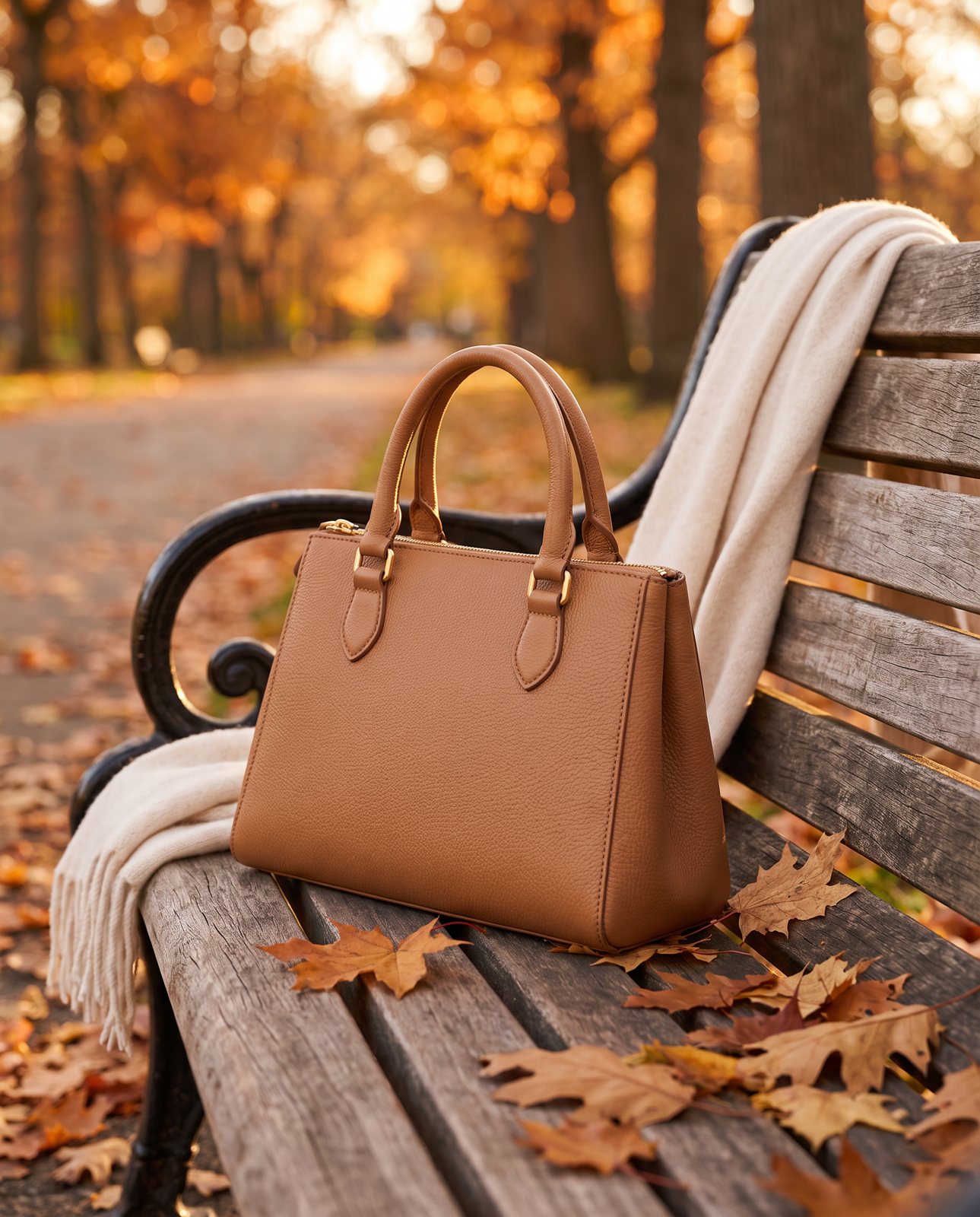
A cafe table is an easy one: the bag sat beside a cup, looking like it's been casually put down. A hotel lobby bench gives a smarter, travel-y feel. A park bench in autumn is lovely for warm leathers and rich colours. And then there's the simplest of all, a shoulder or an arm, which doubles as your scale shot.
The thing to remember is that the bag is the star. Keep props small and keep them in a matching palette, so a tan bag gets warm neutrals and not a loud blue scarf stealing the show. The bag should be the brightest, sharpest thing in the frame. If your eye goes to the saucer first, the saucer has to go.
It's very easy to overdo it, actually. You add a plant, then a book, then some flowers, and suddenly the bag is a background item in its own photo. Pull things back. Fewer props, tidier frame, stronger bag.
How Product Photo Shots helps (and what it doesn't do)
I should be straight about this, because it's the only section where I'm talking about us, and I'd rather you knew exactly what you're getting.
We start from your one photo of the bag and put it into new scenes. That's it. You send a photo, and we place the bag in settings like the ones above. Before you pay, we study the photo and list what has to stay the same, the shape, the colour, the hardware, and that check is free and takes about a minute (our precheck measured 11 seconds on 2026-10-01). If a shot changes the product, it's remade with a specific fix, up to three attempts in all, and if it's still wrong, a person checks it. It's never delivered as is. You also get one free redo per delivered shot.
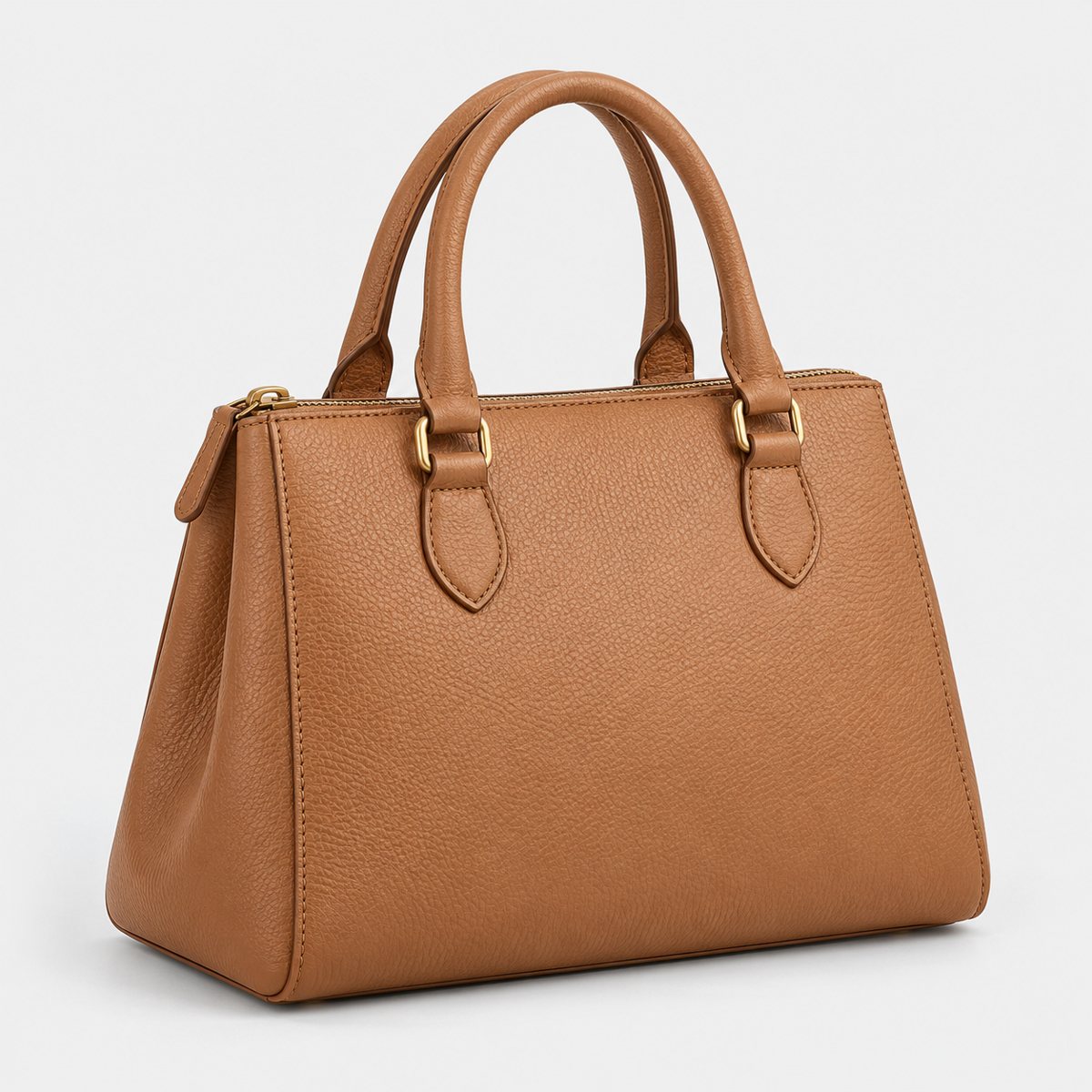
Here's how it went in our demo run on 2026-10-02. We used a structured tan leather handbag with stitching and simple brass hardware, and ran it through three scenes: a cafe table, a hotel lobby and an autumn park bench. All three were delivered. Across the whole demo, 10 products went through 3 scenes each, so 30 shots, and 27 were delivered while 3 were held back by the check. That's the honest picture, held-back ones included.
Now the limits. We don't show the bag worn by a person. We don't show the inside of the bag or close-up stitching beyond what your original photo already shows, because we work from your photo and can't invent detail it doesn't contain. And products from well-known brands can't be shot, because the image services refuse them; customers are told before paying. We work on products you own or sell.
Every shot is reimagined with AI and labelled as such, and the files carry standard AI-provenance metadata. So there's no pretending.
On cost, a pack of 3 shots is $26 ($8.67 a shot), 5 shots is $40 ($8 a shot), and 10 shots is $67 ($6.70 a shot). If you need more, a custom order of 11 to 40 shots is $6.10 a shot. Prices in US dollars, before any sales tax. If scenes are what you're after, there's more on the idea in the guide to lifestyle product photos.
So: good for scenes, not a replacement for a proper set of angles and detail shots. You'll still want to take those yourself.