The short answer
Use big, soft light. A window with a bit of thin curtain over it works, or a light box if you have one. Put a white card beside the bottle so it gives you a clean, tall highlight down the side, and a dark card on the other side so the edges stay crisp instead of fading into the background. Keep the camera level, rest it on something steady (a tripod, a stack of books, whatever you've got), and wipe the bottle clean before you start.
That's really it. Everything else in this guide is just working out how to do those few things for glass, steel and plastic, and then how to keep the label and the cap looking right. If you get the light, the level camera and the clean surface sorted, you're most of the way there.
Why bottles are tricky
A bottle is tall, narrow, curved and often shiny, and that combination is nasty. Because it's curved, every part of the surface faces a slightly different direction, so it picks up a slightly different piece of the room. A flat box reflects one thing. A bottle reflects everything, all at once, stretched into thin stripes.
So the window behind you, your jumper, the lamp, the bright patch of ceiling: they all end up printed on your product. You didn't put them there. The bottle did that on its own.
Then there's the shape. Bottles are all about vertical lines, and if the camera tilts even a little, those lines lean and the bottle looks like it's falling over, or worse, like it's wider at the top than it really is. Buyers notice that without knowing why. They just feel something is off.
Labels are another headache, because they wrap around a curve. Face one edge of the label towards the camera and the text on the other side squeezes away. Caps flare and catch light in odd ways, so a screw cap can look like a bright blob with no detail. And fingerprints! You'll never see them until the photo is on screen at full size, and then they're all you can see. Condensation does the same if the bottle has been in a fridge, though sometimes that's exactly what you want for a cold drink.
Glass, metal and plastic: three light plans
The material changes the plan more than the shape does. I'd treat these as three small jobs rather than one big one.
Clear glass. Glass is easier to light from behind or from the side than from the front. When the light comes through the bottle, the edges glow, the thickness of the glass shows, and any liquid inside looks like liquid instead of a grey smear. Put a large soft source (a sheet of white paper or a diffused window works) behind the bottle, then use a white card on one side and a dark card on the other to shape the edges. If the front looks flat, bring in a little soft light from the side rather than straight at it. Straight-on light just bounces back at the lens and gives you a hot spot. If you're using a box, the light box guide walks through the set-up.
Brushed or polished steel. Steel is basically a curved mirror wearing a grey coat. Whatever is near it appears in it, so the plan is to control what it can see. Surround it with large, soft, white surfaces: white card on both sides, a white sheet above, a plain backdrop behind. Take away anything bright or coloured that you don't want printed on the bottle, and that includes you, so stand to one side or use a longer lens from further back and keep your clothing neutral. Brushed steel is a bit kinder than polished, because the fine grain breaks up the reflections into a soft sheen, but it still picks up colour from the room. Polished steel is the hardest of the lot. Go slowly with it and check every shot.
Matte plastic. Plastic is the forgiving one. It doesn't mirror the room, so you can get away with simpler light, and soft window light and one white card will often do the job. What it shows is damage: scuffs, dust, tiny hairs, the little scratches from being thrown in a bag. Wipe it down, use a soft brush or a blower for dust, and look closely before you shoot. A bit of side light shows the texture nicely without turning the surface shiny.
For the wider ideas behind all three, the lighting guide covers soft light and cards in more depth. Perfume bottles have their own quirks (tiny caps, coloured liquid, heavy glass bases), so they get their own page at perfume product photography.
Labels, caps and straight lines
Start with the camera. Put it level, so it's not tilted up or down, and position it at about mid-height of the bottle. That's the single biggest thing for keeping the vertical lines straight. If you shoot from above looking down, the bottle narrows towards the bottom. If you shoot from below, it narrows towards the top. Neither looks like the bottle your buyer is going to receive.
If you can, step back and use a slightly longer lens, or zoom in a little from a distance. Getting close with a wide lens stretches the shape and makes the bottle look fatter in the middle. Stepping back keeps it true, and you can crop in afterwards. Cropping is free, and a distorted bottle isn't something you can fix later.
Next, the label. Turn the bottle so the centre of the label sits square to the camera, so the left and right edges curve away equally. Check that the label isn't crooked on the bottle itself, because a slightly slanted label looks sloppy in a photo even when it's only a few millimetres out in real life. A white card close to the bottle on each side helps light the label evenly, but watch for glare. Glossy labels throw bright streaks, and if you see one, nudge the bottle or the light by a very small amount until it slides off the text.
Then wipe it. Fingerprints on glass and steel are the classic mistake, and a lint-free cloth is your friend here. Handle the bottle with clean cotton gloves, or hold it by the very bottom or the cap, and keep a cloth nearby for between shots.
Finally, zoom in. Look at the cap, the thread, the edge of the label and any printed text at full size on your screen. A cap can look perfectly fine on the little preview and turn out to have a smear or a bright flare you missed. Printed text can be soft or cut by a reflection. It takes a few seconds to check and it saves you reshooting later. Check it, then check it again.
Scenes and backdrops that suit a bottle
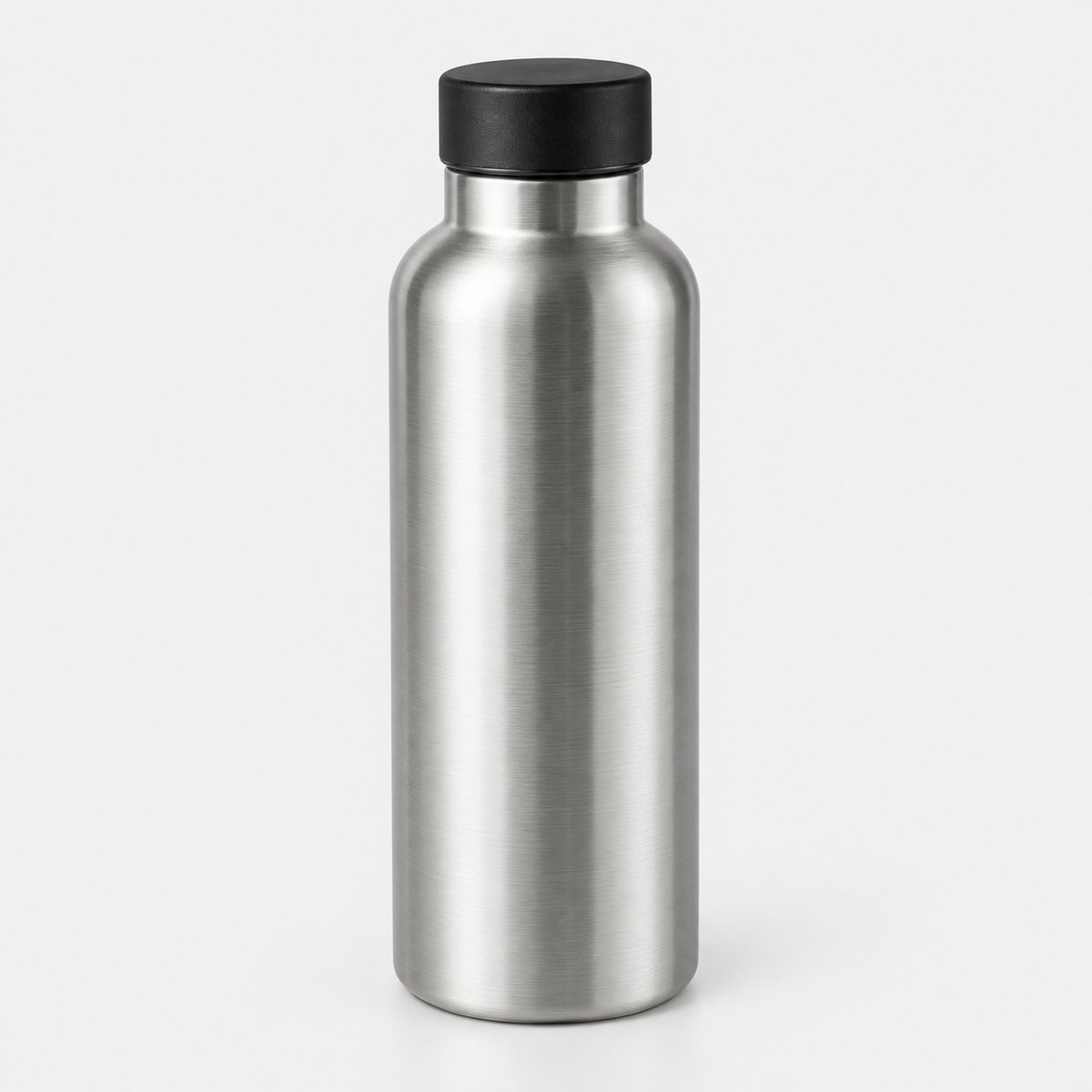
Plain backdrops are the safe place to start. A white or pale grey background makes a bottle look clean and clear. Where a platform sets rules for a main image, check its own help page, because rules differ and change over time.
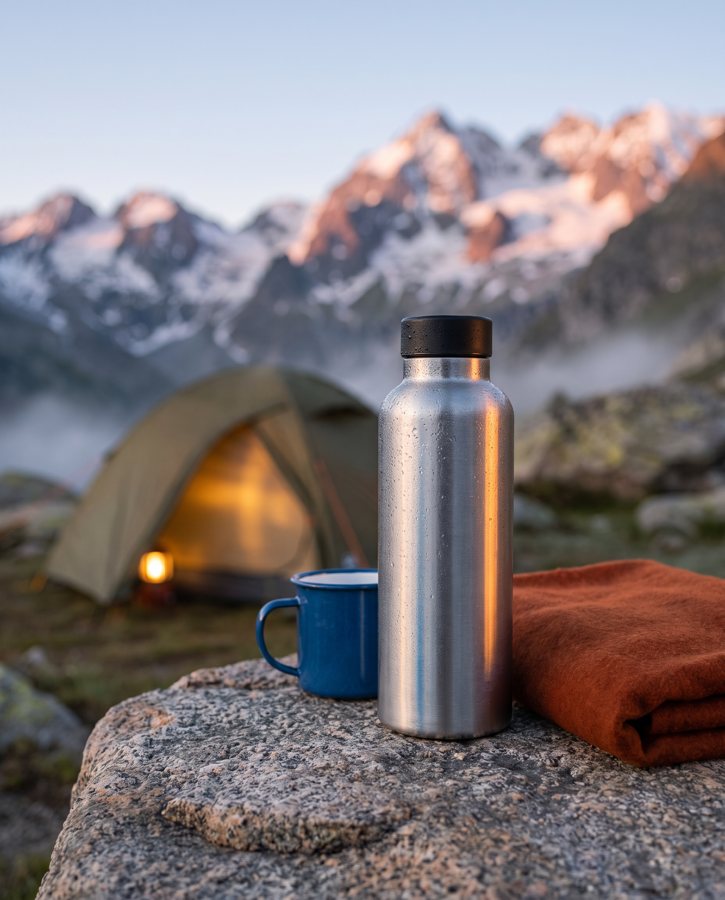
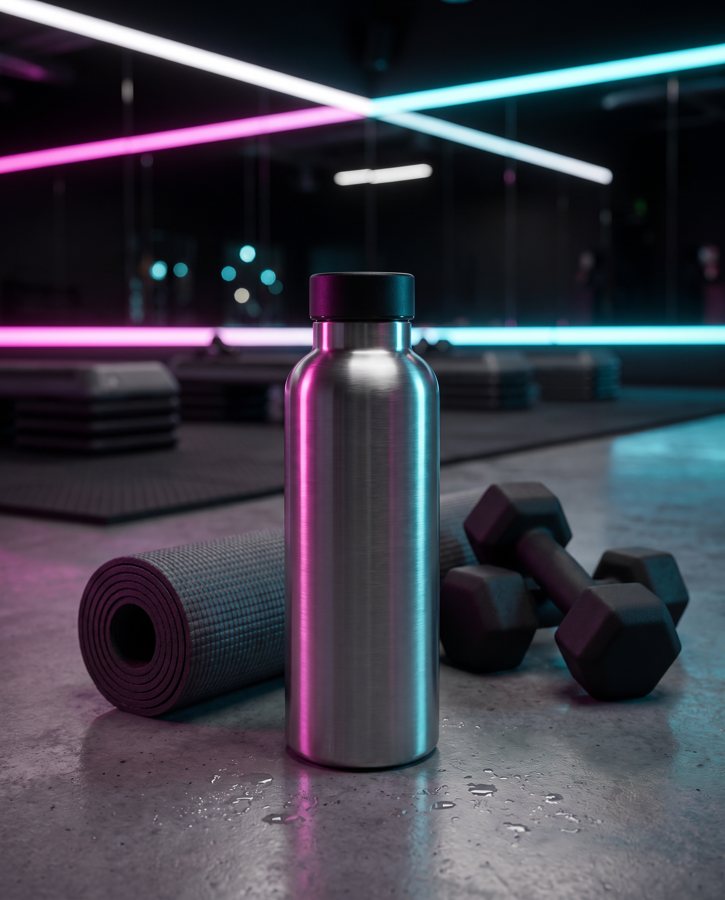
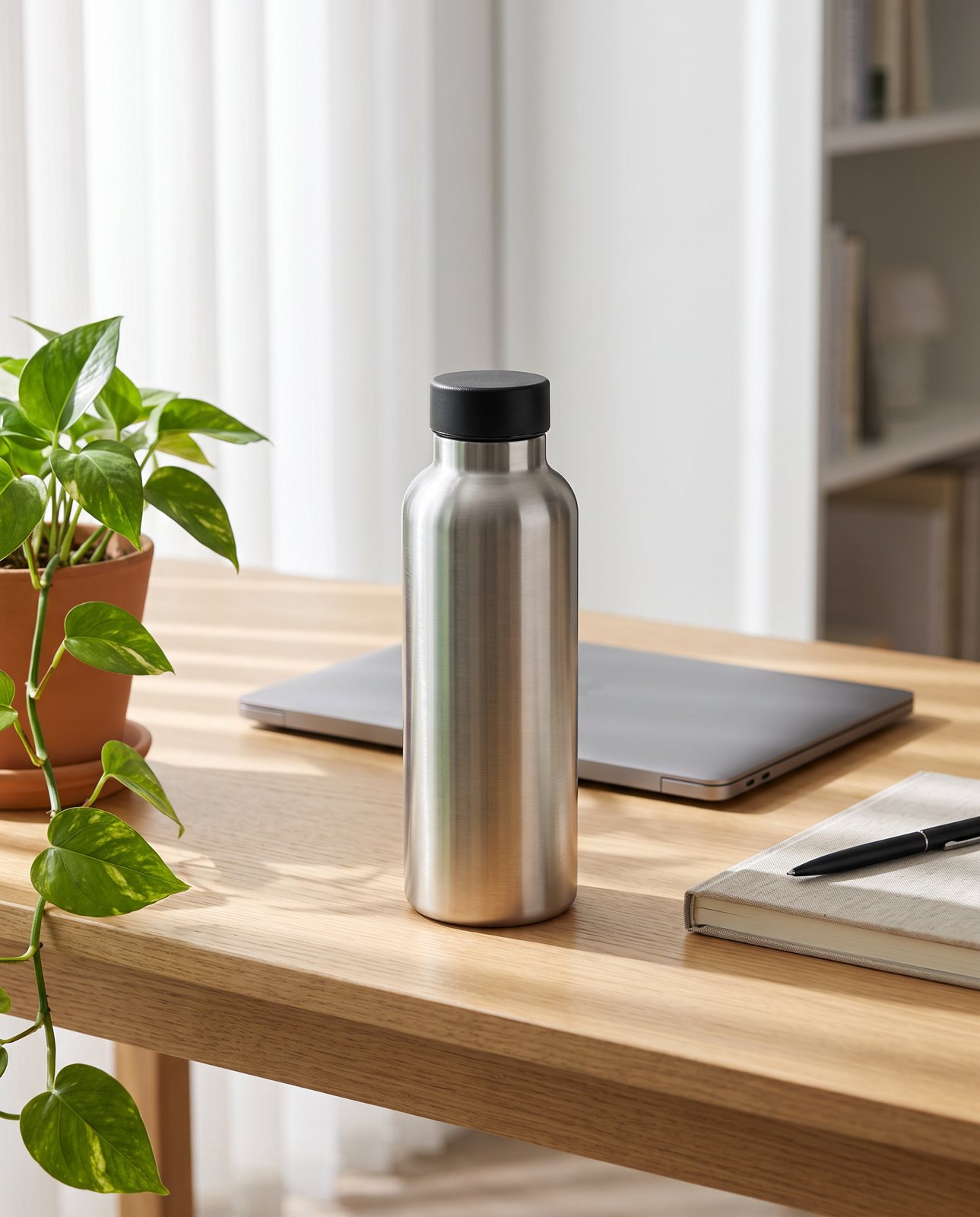
Once you have a clean plain shot, scenes make the product feel real. What suits a bottle depends on what it is. A drinks bottle looks right on a desk, in a gym bag, on a bench beside some weights, or outdoors on a rock by a trail, because that's where people use them. Glass bottles, say for oils, spirits or sauces, fit a bar top or a kitchen worktop: a wooden board, a cloth, perhaps a lemon or a glass nearby.
Keep the props few. One or two things that make sense is plenty. The more you add, the more things the bottle reflects, and with shiny bottles each extra object is another thing printed on your product. A cluttered scene also pulls the eye away from the thing you're selling.
For our own demo, we used a reusable brushed stainless steel bottle with a black screw cap and tried three scenes: a mountain campsite, an office desk and a fitness studio. They're good examples because each one suits that kind of bottle, and, as you'll see in the next section, they didn't all behave the same way.
How Product Photo Shots helps (and what it doesn't do)
Product Photo Shots takes a photo of your bottle and builds scenes around it, so you can get a desk, a gym or a campsite without setting any of it up. I want to be straight about what that means, though. We do not photograph your real bottle. Every shot is reimagined with AI and labelled as such, and the files carry standard AI-provenance metadata. If you want a true photograph of the physical object, you'll still need a camera, and the earlier sections of this guide are for you.
Here's the bit that matters for bottles. Metal bottles are a harder case than most. In our demo run, the brushed stainless steel bottle with the black cap was delivered on the office desk scene. The mountain campsite and the fitness studio scenes each failed all three attempts and were never delivered, because the steel picked up its surroundings. When a bottle takes on the look of its surroundings, that changes the product. That is the check doing its job, and we show the rejected attempts rather than hide them.
So how does the check work? Before you pay, we study your photo and list what must stay the same, such as the shape, the colour, the cap and the label. That's free and takes about a minute (our test measured it at 11 seconds). You see what the check will keep the same before paying anything. If a shot changes the product, it's remade with a specific fix, up to three attempts in all. If it's still wrong after that, a person checks it, and it's never delivered as is. Each delivered shot also gets one free redo.
Across the whole demo set we ran ten products (a perfume bottle, skincare jar, trainer, handbag, mug, steel bottle, coffee pouch, headphones, chair and necklace) across three scenes each, which makes 30 shots. Of those, 27 were delivered and 3 were held back by the check. The harder materials were colour drift on a coral skincare jar and on amber perfume (one perfume attempt was rejected as "colour wrong"), and brushed steel picking up its surroundings, where two steel bottle scenes failed all three attempts and were never delivered.
One more limit: we only shoot products you own or sell. Well-known brands' products can't be shot, because the image services refuse them, and you're told before paying.
On price, packs run 3 shots for $26 ($8.67 a shot), 5 shots for $40 ($8), and 10 shots for $67 ($6.70). A custom pack of 11 to 40 shots comes in at $6.10 a shot. Prices in US dollars, before any sales tax. If you want the bigger picture of how this sort of thing works, the AI product photography guide covers it.