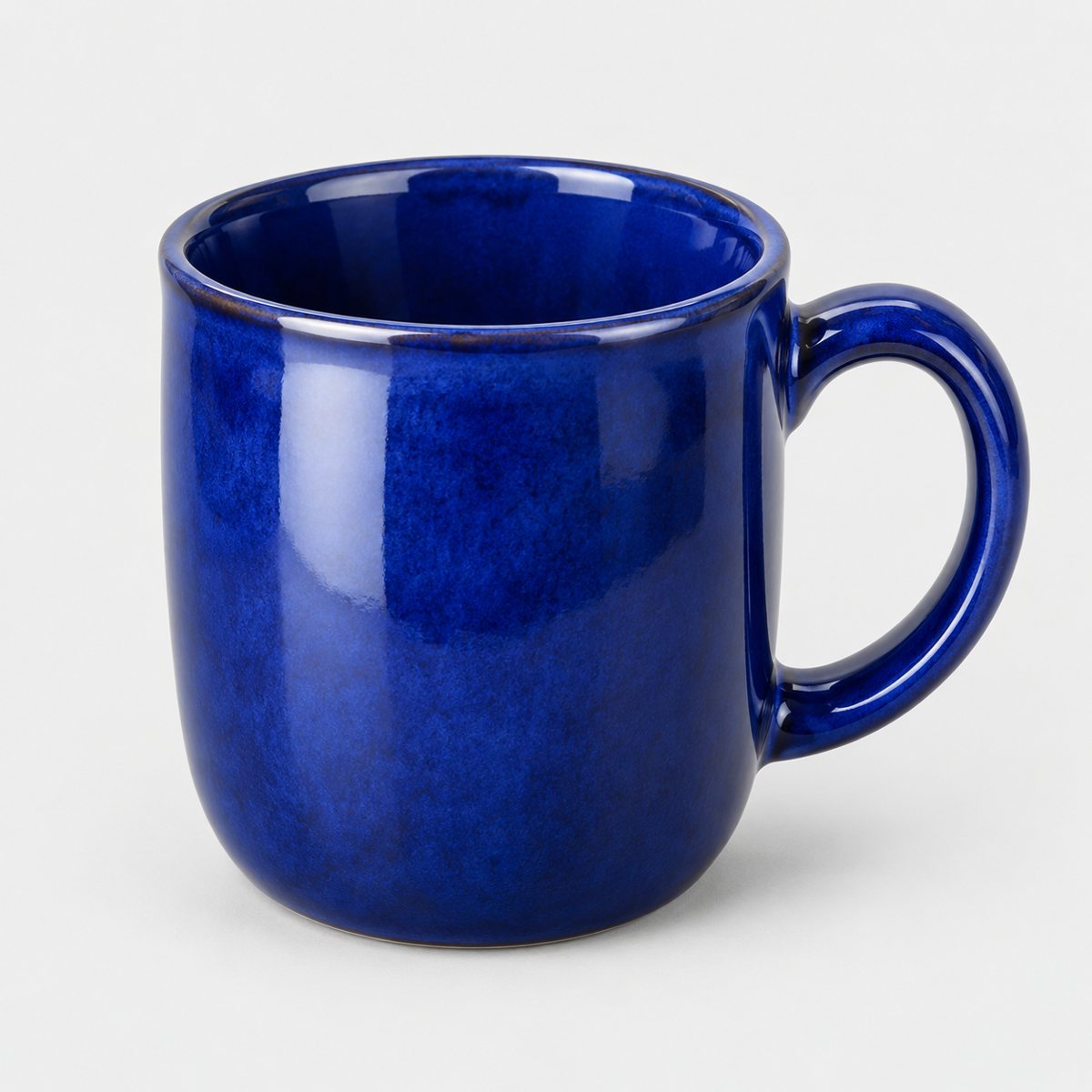
The short answer
Clean the mug, light it softly from the side with a white card opposite, turn the handle so its shape shows, keep the colour true, and add a scene that shows the mug in use. That's it. Everything else in this guide is just working out how to do those five things properly with a window, a bit of card and a bit of patience.
The reason it works is simple. A mug is a glossy, curved, slightly awkward object, and the camera is brutally honest about all three. A soft side light gives you one clean highlight instead of a messy patchwork of reflections. The white card stops the shadow side going muddy. The handle angle tells the buyer what it'll feel like to pick up. And a scene tells them what it's for. I mean, nobody buys a mug to look at it on a white sheet. They buy it for Saturday morning.
What makes a mug photo work
I'll start with what the buyer is actually trying to work out, because that changes what you photograph. Somebody scrolling a listing for a mug can't pick it up. They can't feel the weight, turn it in their hand, or hold it up to the light. So the photos have to do all of that for them, and quickly.
What they want to know, mostly, is how big it is and what shape it is, and then what colour it really is, what the glaze looks like, and how the handle will sit in their fingers. That last one is the sleeper: handles matter to buyers. Is it a big loop you can get two fingers through, or a small pinched one? Does it stick out or tuck in close? A photo that answers that is doing real work.
Handmade mugs add a wrinkle. No two are quite the same, and that's the whole charm, but it means you have to photograph the actual item you're selling, not a sample or last month's batch. If the glaze pooled a bit darker near the base on this one, or the rim dips slightly on one side, the buyer should see roughly that. Otherwise you get the returns and the "not quite what I expected" messages, and nobody enjoys those.
Here's a test. Look at your photo and ask: does this say what it's like to drink from? They want the experience of the mug, and the material hardly comes into it. A wide, generous cup for a long slow tea. A small sturdy one for a quick espresso. If the photo can't carry that across, keep going.
Light, glaze and reflections
Glossy glaze is the main trouble with mugs. It's basically a curved mirror, and it'll reflect whatever is in front of it: the window, the lamp, the wall, you, your camera, that rather tired-looking radiator behind you. It's easy to spend ages wondering why there's a little grey rectangle on a perfectly good mug, only to realise it's the window frame.
The fix is to give the glaze one big, soft thing to reflect. A large soft light, whether that's a bright window with a thin white curtain or a diffused lamp, produces a long smooth highlight down the side of the mug instead of a hard spot. That highlight is what makes a ceramic look like ceramic. Without it the mug looks flat and a bit dead.
So place the light to the side, then move it. This is the bit people skip. Nudge the light a little forward or back, or shift the mug a few centimetres, and watch the highlight slide along the curve. You're looking for a clean, even stripe that follows the shape of the mug without blowing out to pure white. When it's right you'll see it straight away. Really.
Then the white card. Put it opposite the light, just out of frame, angled so it bounces some light back into the shadow side. It lifts the shadows without killing them, so the mug keeps its roundness but you can still see the colour and glaze on that dark side. A sheet of white card or even a clean piece of foam board does the job. Nothing fancy.
What you want to avoid is a bright window reflected as a hard white patch. It looks like a hole punched in the glaze, and it hides detail exactly where buyers want to see it. If you spot one, don't try to fix it afterwards. Move the mug or the light, or soften the source with something thin and white in front of it.
And wipe the mug. Fingerprints on glossy glaze show up like neon in a good photo, and so does dust, and so do those little water marks from drying it on the rack. A soft dry cloth right before each shot saves a lot of grief. I'd honestly clean it twice, once before you set up and once just before you press the button, because you will touch it in between.
If you want to go further into how light behaves and how to shape it, there's a full lighting guide that goes through it step by step.
Handle, angles and the shots to take
A good set of mug photos isn't ten versions of the same picture. It's a handful of different views that each answer a different question. Here's the set I'd take, in roughly this order.
First, the handle in profile. Turn the mug so the handle points cleanly to the right or the left, side-on to the camera. This is the classic mug shot and it shows the shape of the handle, the height of the mug and the curve of the body all at once. Pick whichever side makes the handle look best; if the handle has a nice flick or a slightly wonky charm, this is where it shows.
Second, a front view with the handle turned away. The handle hides behind the body, and you get a clean look at the glaze, any pattern, and the colour of the whole front without anything poking out. This one is good for showing off a design or a lovely even glaze.
Third, a top-down view. Look straight into the mug. It shows the inside colour, which is often different from the outside, plus the rim and how wide the opening is. Handmade mugs often have a nicely different interior glaze and buyers love seeing it.
Fourth, the base. If there's a maker's mark, a stamp or a signature, photograph it. It's a small thing, but it says "made by a real person" better than a paragraph of description. It's also worth showing the foot of the mug, since the unglazed ring or the glaze edge says a lot about quality.
Fifth, a size shot. Put a hand around the mug, or place it next to something familiar like a spoon or a small plant pot. Without it, a mug can look any size at all. A hand wrapped around it tells people straight away whether it's a dainty cup or a proper big mug.
Now, the thing that trips up so many mug photos: camera height. Keep the camera level with the mug, around the middle of the body. If you shoot from above at an angle, the rim goes into a weird squashed oval, and if you shoot from too low it goes into a narrow slit. When the camera is level, the rim reads as an even, gentle oval and the whole mug looks balanced and true to shape. I mean, it's a small adjustment, but it changes everything.
Colour needs watching too, especially strong blues and reds. These are colours that phone cameras and auto white balance can get wrong. A deep blue can drift towards purple, a red can go orange or flare up too saturated. Compare the photo on screen to the real mug in your hand, in the same light, and nudge it until they match. If a buyer receives a mug that's visibly different from the picture, that's a return waiting to happen. If you're shooting on a phone, the guide to product photos with an iPhone covers white balance and exposure in more detail.
Scenes and props for mugs
Once you've got the clean, honest shots, add a few scenes. Plain-background photos tell buyers what the mug is; scene photos tell them what it's for. Both matter.
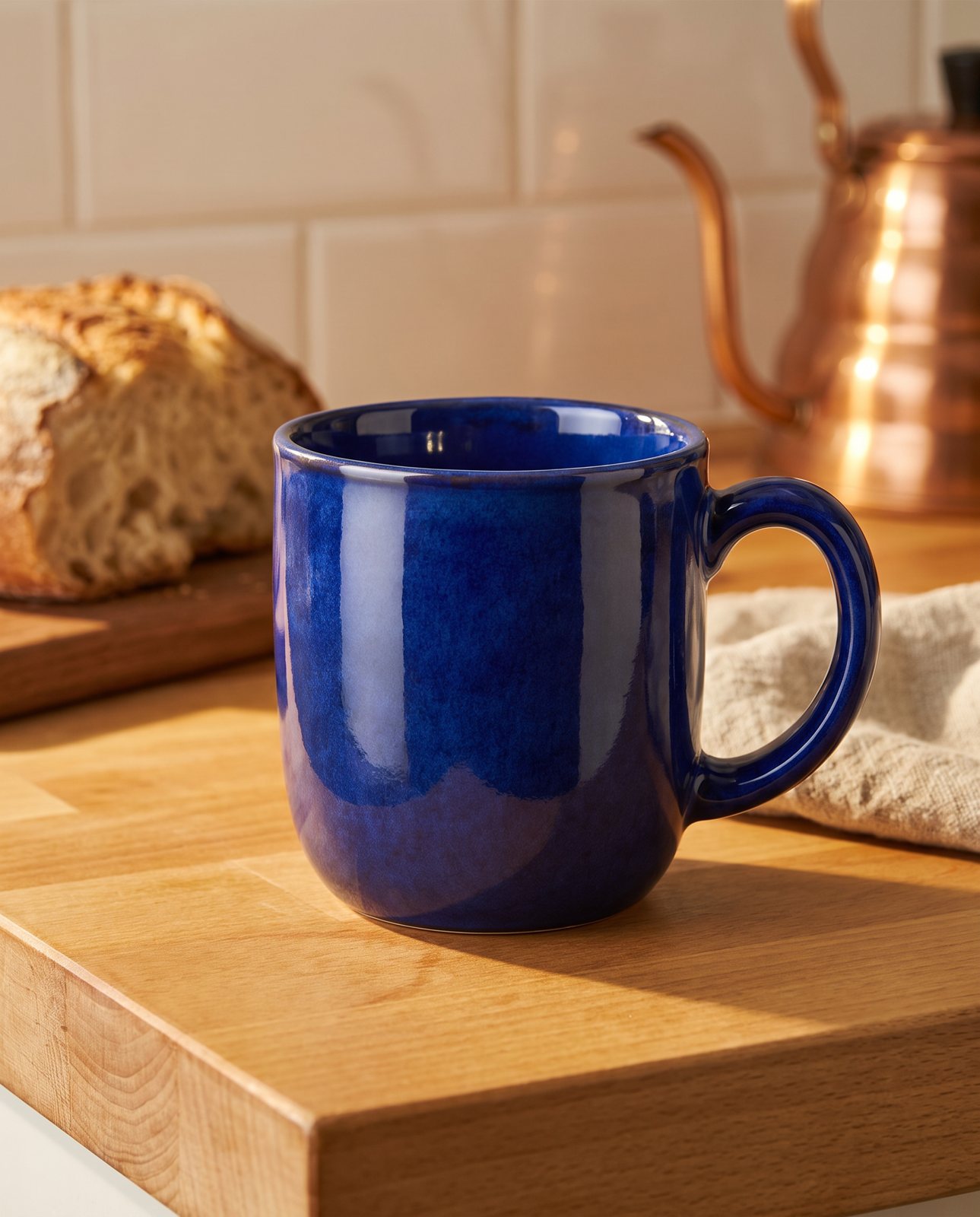
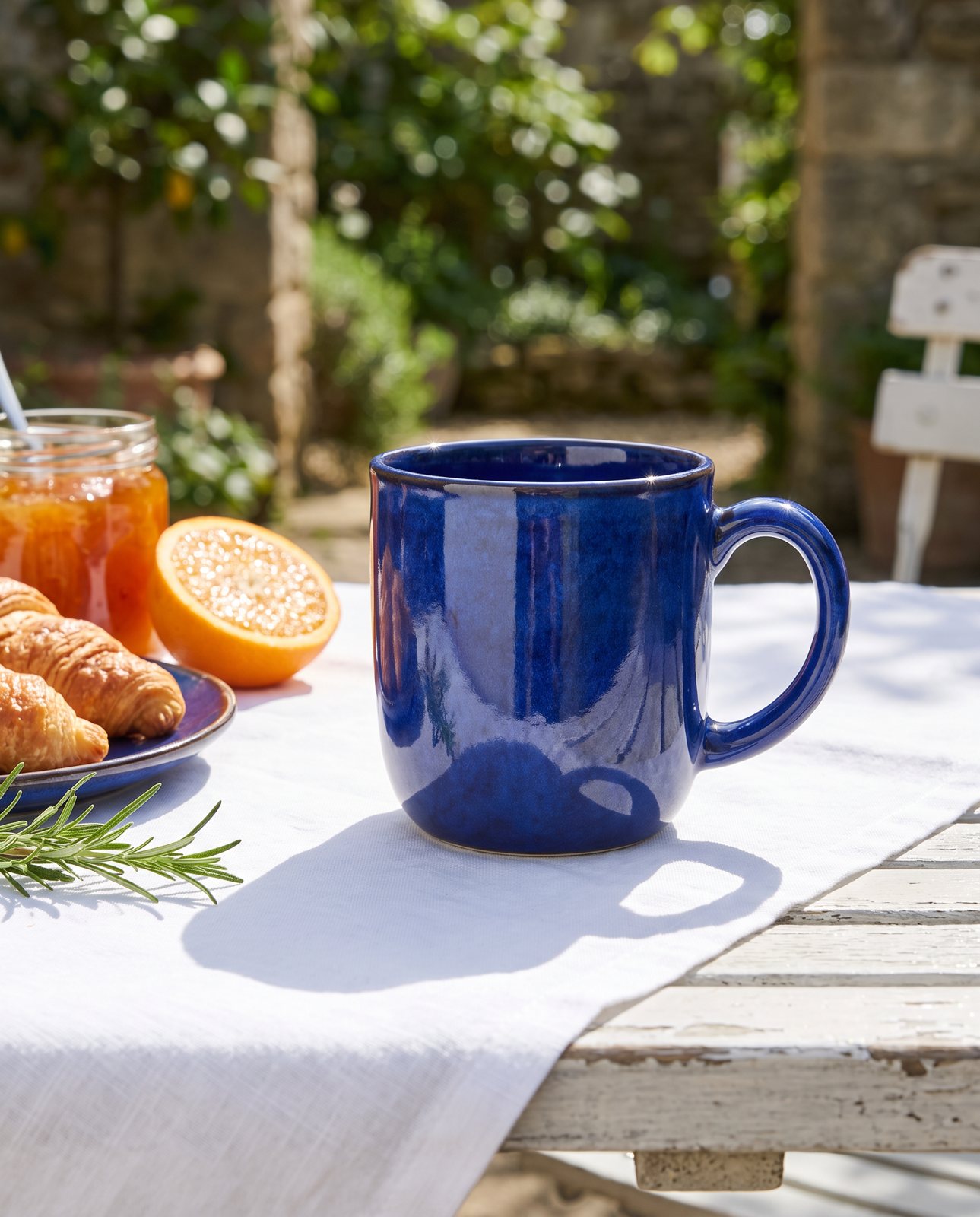
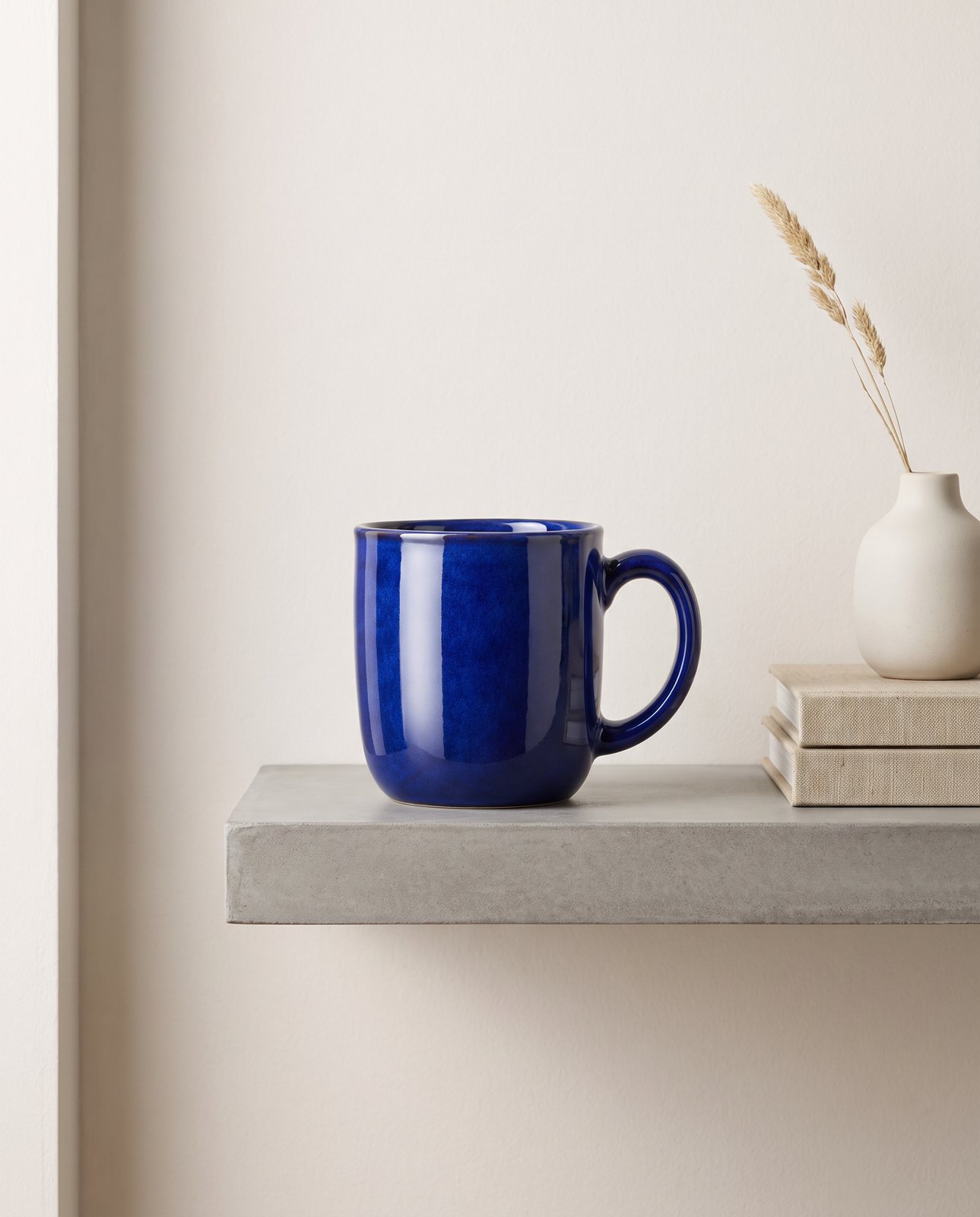
The easy, reliable scenes are the ones that feel like real life. A wooden kitchen counter with a loaf of bread nearby and some soft morning light. A garden breakfast table with a cloth, maybe a plate and a bit of greenery. A shelf with a book leaning against the wall and a single stem in a little vase. These work because they put the mug in a place where people picture themselves, and a simple backdrop doesn't compete with the mug for attention.
Props are where it's easy to go overboard. Keep them small and few, and pick a palette that matches the mug. A cobalt blue mug sits well with warm wood, cream linen and a touch of green; a pile of bright, clashing objects will just fight it. If you look at the photo and the first thing you notice isn't the mug, take something out.
A word on steam and drinks. If you want steam rising off the top, or coffee in the cup, only do it if it's real. A genuine cup of tea with a bit of steam can look lovely, but faked steam always looks faked, and a mug filled with something that obviously isn't a drink is worse than an empty one. An empty mug is perfectly fine. An empty mug in a nice scene is a perfectly good photo.
For a sense of what's possible, we ran a cobalt blue mug through three scenes in our demo: a cosy kitchen, an outdoor breakfast table, and a minimalist concrete shelf. They give you three quite different moods from the same mug, which is the whole point. Warm and homely, fresh and airy, cool and modern. If you're after more ideas for what to put around a product, the product photography ideas guide is a good place to browse.
How Product Photo Shots helps (and what it doesn't do)
Let me be straight about what we do, since I'd rather you know before you spend a penny.
You give us one photo of your mug. We put it into new scenes. That's the job. Before you pay, we study your photo and list what must stay the same: the shape, the glaze, the colour, the proportions. That check is free and takes about a minute (in our own measurement it came back in 11 seconds). Then we make the scenes, and each one is compared back against your original to make sure the mug hasn't changed.
That comparison matters a lot for mugs, because handmade shapes and glaze are exactly the sort of thing that's easy to get subtly wrong. A slightly wonky handle can come out looking perfect; a deep glaze can drift to a different blue. The check is there to catch that. If a shot changes the product, it's remade with a specific fix, up to three attempts in all. If it's still wrong after that, a person looks at it, and it's never delivered as it is.
In our demo run on 2 October 2026, we shot ten products across three scenes each, thirty shots in total. Twenty-seven were delivered and three were held back by the check. The mug was a ceramic coffee mug in cobalt blue glaze with a slightly handmade shape, and all three of its scenes were delivered. Most of the mug scenes passed on the first attempt, along with the trainer, chair, headphones and necklace. I'm telling you the three held-back shots too, because that's the honest picture: the check does stop things, and that's what it's for.
Every shot is reimagined with AI and labelled as such, and the files carry standard AI-provenance metadata. You also get one free redo per delivered shot if something isn't quite right.
Now what we don't do. We don't photograph your real mug on a real table; the scene is made, not shot. We don't add text or designs to a mug, so if yours has a printed slogan or pattern, it comes from your original photo, not from us. And we can't shoot well-known brands' products, because the image services refuse them. You can only use products you own or sell, and you're told before you pay if there's a problem.
Pricing is in US dollars, before any sales tax: 3 shots for $26 ($8.67 a shot), 5 shots for $40 ($8 a shot), 10 shots for $67 ($6.70 a shot), and a custom run of 11 to 40 shots at $6.10 a shot. If you want to understand how this fits alongside your own photos, our guide to lifestyle product photos explains where each approach makes sense.