The short answer
Wipe the product, light it softly from the side with something big, keep the camera level, and make sure the controls and logo are easy to read. That's most of it. A large, soft light (a big window with a bit of net curtain works, or a larger light with a diffuser) keeps matte surfaces even and gives glossy ones a single clean highlight instead of a mess of hot spots.
Keep cables out of frame unless they're part of what you're selling, then add a few scenes that show where the thing actually gets used. A speaker on a bedside table tells a buyer something a white-background shot never will. The rest of this page is the detail behind those two paragraphs.
What makes a gadget photo work
Here's the thing about electronics: nobody can pick them up. A buyer scrolling a listing can't feel the weight, press the buttons or turn the thing round in their hand, so the photos have to do all of that work. They're comparing by looks, by size and by controls, and they're doing it quickly.
So think about what a person would do if they were holding it in a shop. They'd look at the front. They'd check the top, because that's where the controls usually live. They'd glance at a side to see how thick it is, and then they'd lean in and look at the material, the grille, the rubber, the finish. Those four shots (front, top, a side, a detail of the material) are the usual set, and they cover most of what a buyer wants to know.
Scale matters more than people expect. A speaker photographed on its own, on a plain background, could be the size of a thimble or the size of a bin, and the buyer has no way to tell. You know what the thing measures because you've got it on your desk, but they don't. At least one photo should have something familiar beside it, and the in-use scenes later on do a lot of that job for you.
Then there's colour and finish. If your speaker is charcoal, it needs to look charcoal, not navy, not brown, not washed-out grey because the light was a bit warm. The same goes for finish: matte should look matte, glossy should look glossy. A photo that promises one thing and delivers another is avoidable. If you can, set your white balance properly or shoot near a window with neutral daylight, and then check the result on a few different screens.
Plastics, fingerprints and reflections
Plastics are where gadget photography gets fiddly, and they come in two annoying flavours.
Matte black plastic and rubber soak up light. Put one under a flat, front-on light and it can turn into a black shape with no edges, no curves, nothing, just a silhouette cut out of the page. The fix is to bring the light round to the side so it skims across the surface and picks out the edges and curves. Then add a gentle rim of light along one edge, from behind or off to the other side, so the outline separates from the background. You don't need much. A little goes a long way, and if the rim is too strong it starts to look like a glow, which isn't the look you want.
Glossy plastic has the opposite problem. It mirrors everything: the room, the window, the lamp, and quite often the photographer, holding a camera and looking slightly worried. The fix is a large, soft light, and then moving it until the reflections come out clean. Shift the light a bit, look at the product, shift it again. What you're hunting for is one smooth, soft highlight that follows the shape of the product, rather than a patchwork of bright rectangles and dark blobs. If something unwanted is showing in the surface, a small change of angle for the light or the camera usually makes it vanish.
Both finishes share one enemy, and it's fingerprints. Dust too. They show up under good lighting far more than they do in real life, and they're maddening to retouch afterwards. So wipe the product with a microfibre cloth before you start, and then either wear lint-free gloves or handle it by the edges. Then zoom in on a test shot before you carry on. A smudge you can't see on the back of the camera will be glaringly obvious on a listing page. It's a quick check and it can save you reshooting a whole set.
If the lighting side of this feels shaky, the lighting guide goes through soft light and placement in more detail.
Screens, logos and icons
Screens are a trap. A switched-on screen is far brighter than the room around it, so the camera either blows the screen out to white or darkens the whole room to cope. Neither looks good. The easiest answer is to photograph the screen off, so it's just a clean dark panel. The other option is to put your own screen image on it, something you've made or own the rights to, and shoot it with the exposure set for the screen.
One thing to know about our own service here: it doesn't add screen content. A screen is left exactly as it was in your photo. And we never add text or logos either. If you want a particular image on a display, it needs to be there when you take the photo.
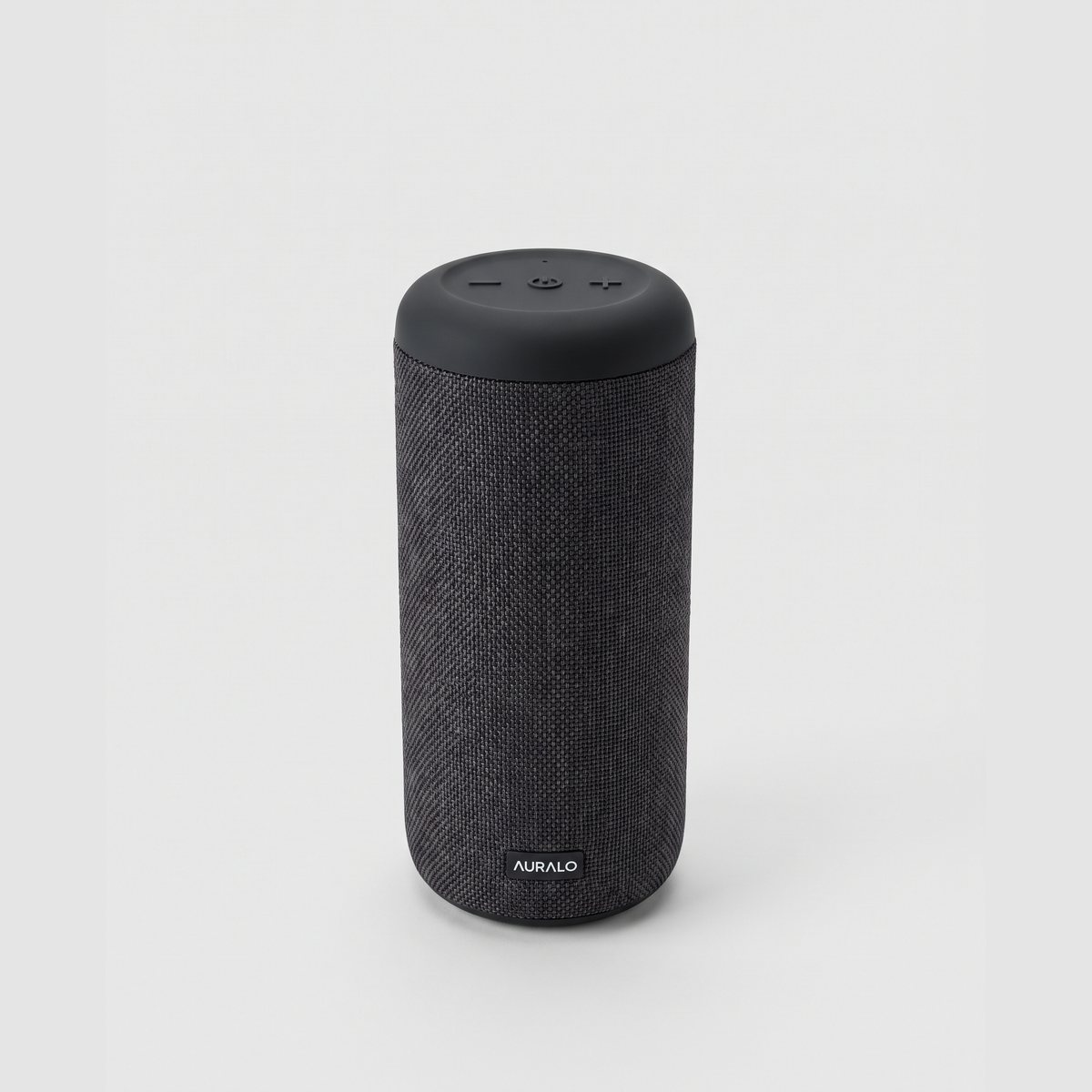
Logos and button icons are the small details that tell a buyer what the product is. On a speaker that might be a minus, a power symbol and a plus on the top face; on other gadgets it could be a tiny wordmark or a row of indicator marks. These need to be sharp and square to the camera in at least one shot. So take a close-up of the top face, with the camera directly above and level, and nothing tilted.
That last bit matters. If you tilt the product so the logo sits at an angle, the lettering skews and the icons stop looking like themselves. It's tempting, because angled shots look dynamic, but keep the straight-on one as your reference. The check we run compares every shot with your original photo, including any text, so a clean, sharp original gives it something solid to compare against.
Fabric, scale and cables
Fabric grilles are lovely to photograph if the light's right. A woven cover on a speaker or a pair of ear cushions shows its texture best under side light, because the low angle throws tiny shadows between the threads and the weave suddenly looks tactile. Front-on light flattens it.
Watch out for moiré, though. That's the shimmering, rainbow-ish pattern that appears when a fine weave clashes with the camera's sensor. If you see it, change your distance slightly or the angle, and it usually goes. Sharpen only a little afterwards. Heavy sharpening makes fabric look crunchy and a bit fake, and it also exaggerates any moiré you thought you'd got rid of. Take one close-up of the weave itself, filling the frame, so a buyer can see what the material is like.
On scale, I mentioned earlier that a lone product can be any size. The simple answer is to put something familiar beside it: a hand, a mug, a laptop, a book. Pick one that's the right sort of object for the product, and let it sit naturally next to it. A hand holding a small speaker says "this fits in your palm" without a single word of copy.
Cables and chargers are a judgement call. If they come with the product, and a buyer would want to see what's in the box, then show them, but tidy and straight, with no tangles and no kinks. If they're not part of what you're selling, leave them out of frame. A stray lead snaking across the background looks careless and can leave a buyer wondering if it's included.
While you're at it, clear the clutter from the background. A pen, a half-eaten biscuit, a coil of spare cable: anything that isn't supposed to be there will draw the eye away from the product.
In-use scenes for electronics
Once you've got the clean, accurate shots sorted, scenes are what make a listing feel real. They show where the product lives and how someone might use it, and that does a lot of persuading.
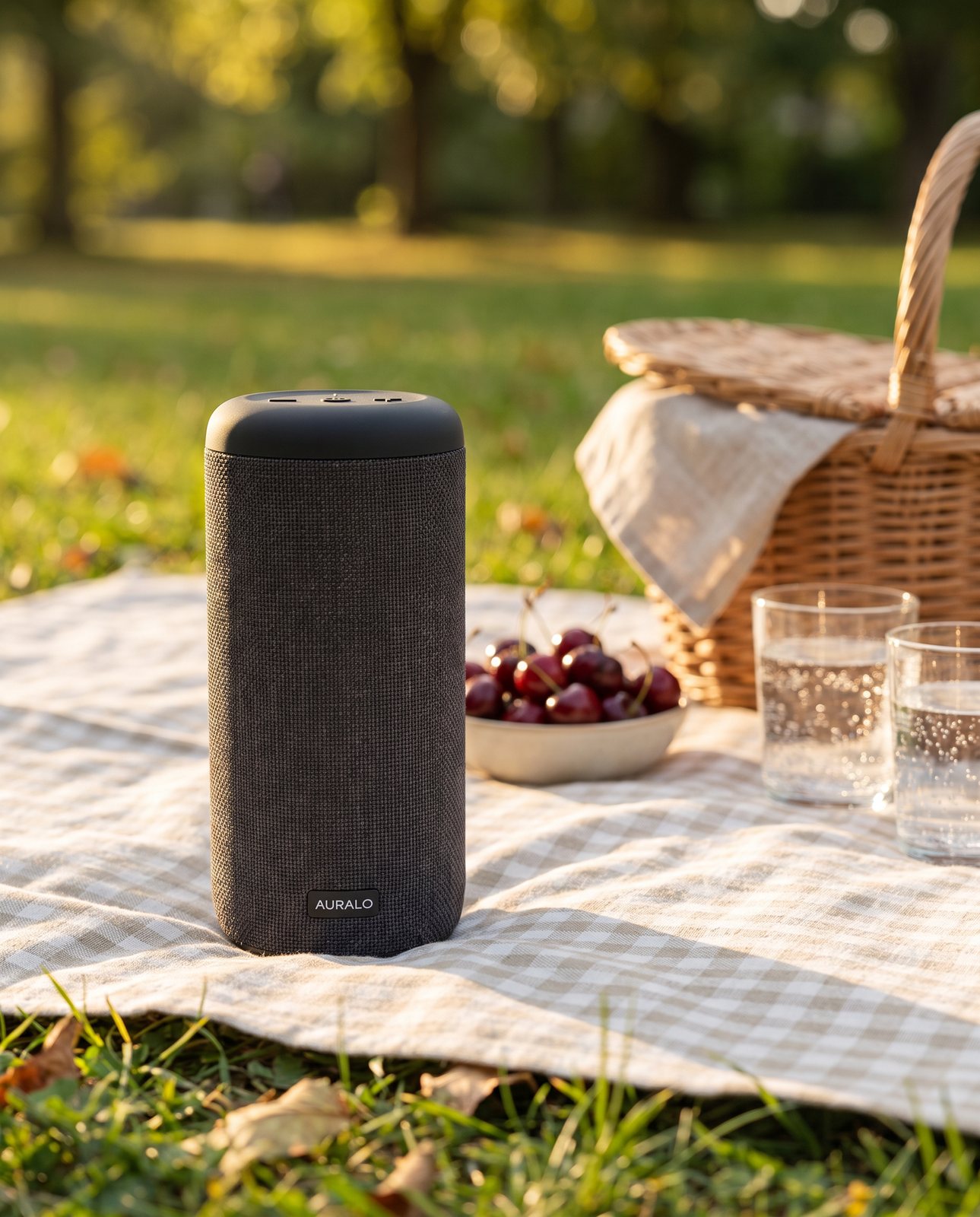
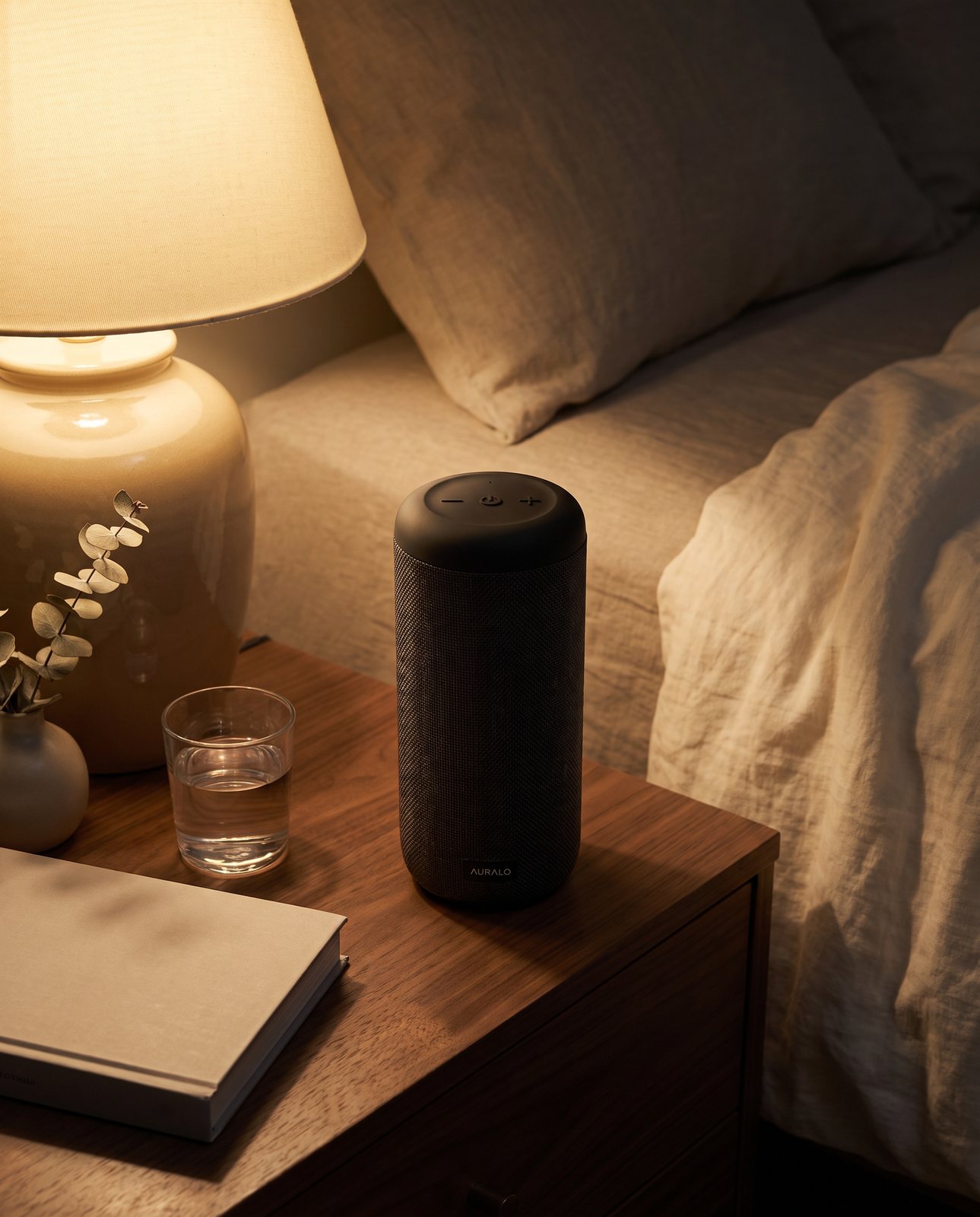
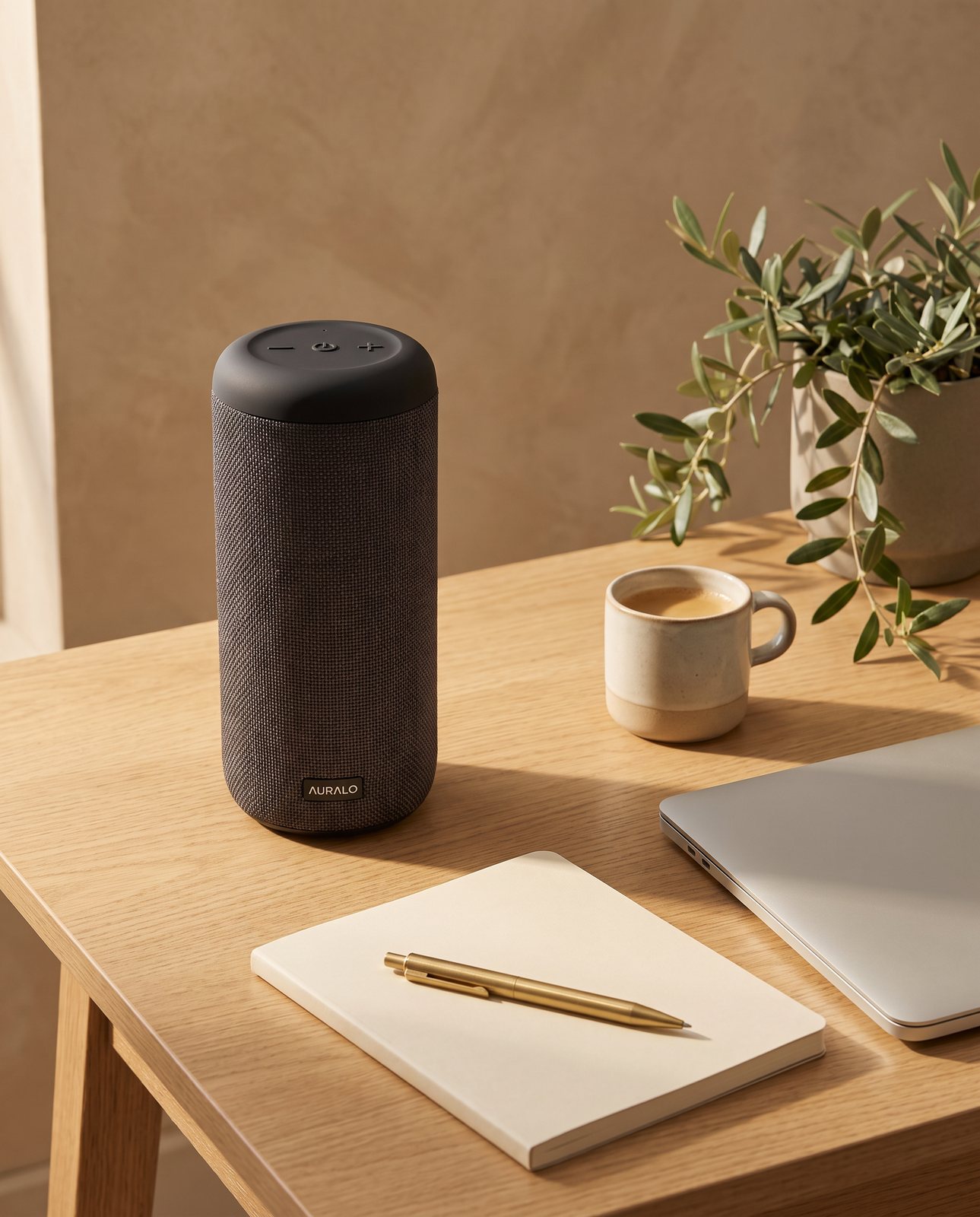
For a portable speaker, think about where people actually take one. A picnic blanket in a park is an obvious one: grass, dappled light, something relaxed. A bedside table at night with a lamp glowing nearby gives a completely different mood, cosy and quiet. And a minimal desk with a notebook and a plant suits a speaker that sits in a home office. Each of those tells a buyer a different story about the same object.
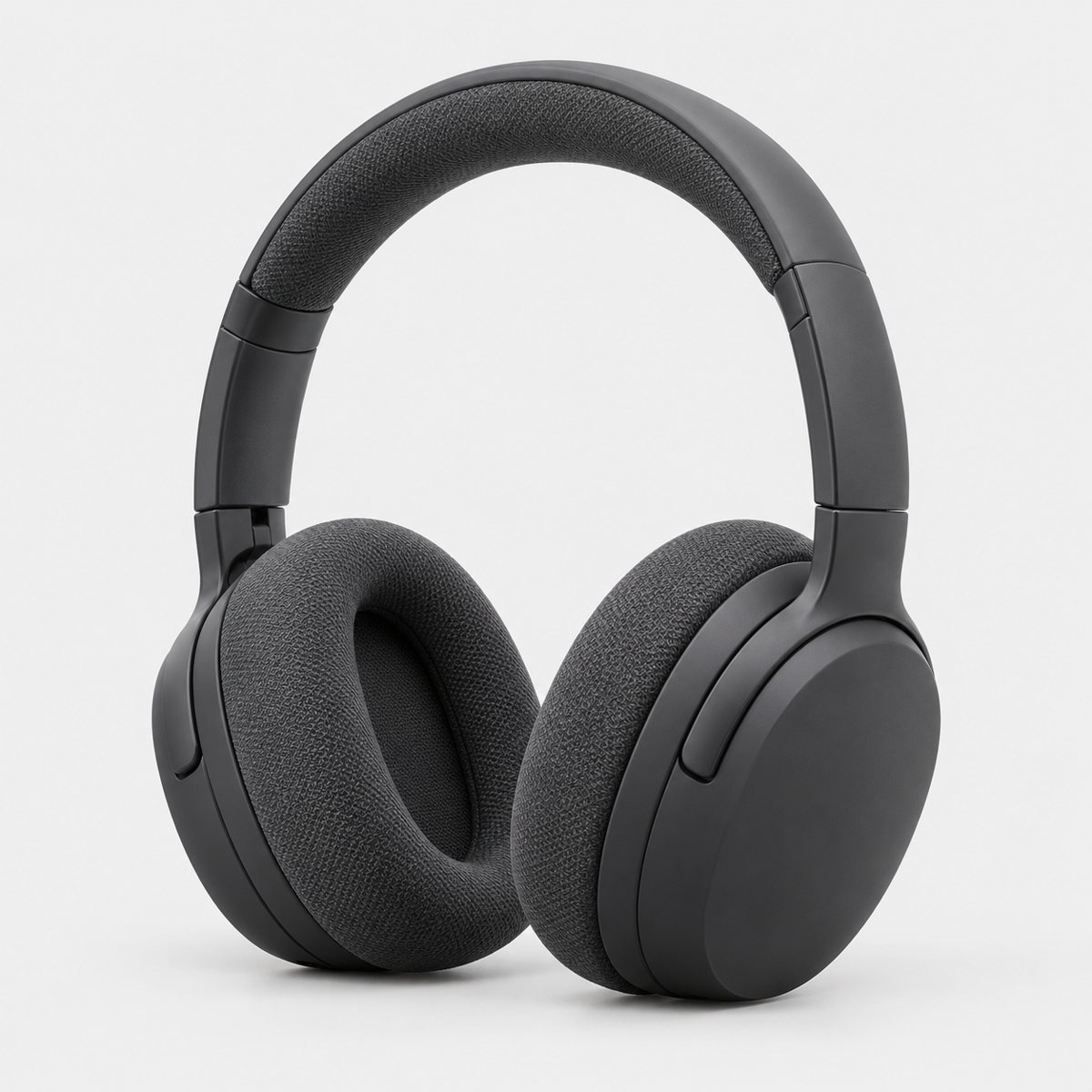
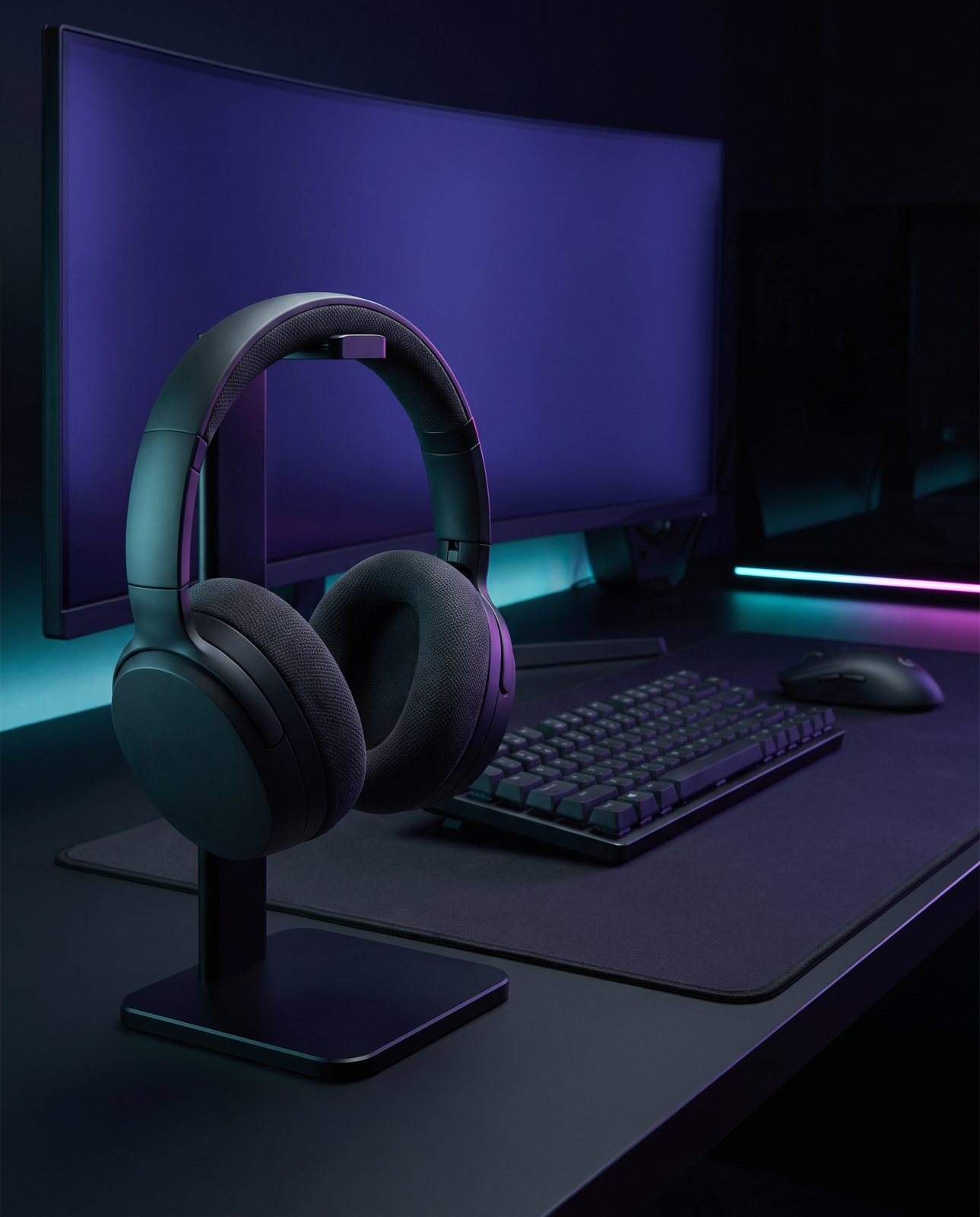
Headphones work the same way. They look right on a stand at a desk, on a mixing desk in a studio, or on a bright workspace beside a laptop and a mug. Again, three different buyers, three different pictures.
A good rule is that scenes should be believable for the product. A pocket speaker doesn't belong on a concert stage, and studio headphones look odd on a beach towel. If you'd raise an eyebrow at the setting in real life, a buyer will too.
Avoid adding fake screens, text or ratings into a scene. A made-up display or a star rating floating in the corner might look clever, but it's invented, and it can mislead people about what the product does or how it's rated.
Our demo scenes follow this thinking. For the portable speaker we used a picnic blanket in a park, a bedside table at night and a minimal desk. For the headphones we used a gaming desk, a recording studio and a bright modern workspace.
If you want more ideas for scenes beyond electronics, the product photography ideas page has plenty.
How Product Photo Shots helps (and what it doesn't do)
A straight account of what this does and doesn't do.
We start from your one photo of the product and put it into new scenes. That's it. Before you pay, we study the photo and list what must stay the same, which is free and takes about a minute (our pre-check measured 11 seconds on 2026-10-01). Every shot is reimagined with AI and labelled as such, and the files carry standard AI-provenance metadata. Prices are in US dollars, before any sales tax: 3 shots are $26 ($8.67 a shot), 5 shots are $40 ($8 a shot), 10 shots are $67 ($6.70 a shot), and a custom order of 11 to 40 shots is $6.10 a shot.
Here's how it went on electronics in our demos. In the demo run on 19 October 2026, a portable speaker (a charcoal fabric cylinder, a matte black rubber top with small minus, power and plus icons, and a small white AURALO wordmark) was delivered in all three scenes first time. In the earlier demo run on 2 October 2026, the charcoal over-ear headphones with fabric ear cushions were also put in three scenes, and most of the headphones scenes passed on the first attempt. That earlier run covered 10 products across 3 scenes each, so 30 shots, of which 27 were delivered and 3 were held back by the check.
Small logos and icons are exactly the sort of detail the check compares against your original. But small printed text can come out garbled. In a test with a famous-brand trainer, small printed text on the product (a tongue label) came out garbled on most shots, though logos and large text held. So look closely at any small text in every shot you get back. If something's wrong, a shot that changes the product is remade with a specific fix, up to three attempts in all, and if it's still wrong, a person checks it. It's never delivered as is. And there's one free redo per delivered shot.
There are things we don't do. We don't photograph your real product on a real table. We don't add screen content, and we don't add text or logos. And we can't shoot famous brands' products, because the image services refuse them; in a test on 2026-10-01 with a famous-brand trainer, image services refused 5 of 14 generations, while an unbranded product had none refused. We tell you before you pay. So this works for products you own or sell that are your own brand or unbranded.
If you want the wider picture of how scene photos work, our guide to lifestyle product photos covers it.