The short answer: sort mistakes by where they happen
Most mistake lists assume you are about to reshoot: fix the lighting, tidy the table, buy a tripod. If AI is building the scene, the useful question is which of those mistakes still matter. Sort each one into one of three buckets:
- The scene fixes it. Clutter, props and backgrounds. A new scene replaces them.
- The source photo still has to get it right. Blur, exposure and resolution. The product in the final shot comes from your photo, so these carry through.
- Check it before listing. Colour drift, shiny metal and small print. These are mistakes AI scenes add, and no list written for a camera covers them.
One mistake sits outside all three: an inconsistent look across your listings. For the full process, the AI product photography guide has the long version. This post just tells you where to spend your effort.
Mistakes the scene takes care of: clutter, props and distracting backgrounds
This is the good news bucket. A messy desk behind the product, a prop fighting for attention, a background in the wrong colour: all of it belongs to the scene, and a decent AI scene replaces it. You do not have to clear the kitchen table or hunt for the right piece of linen.
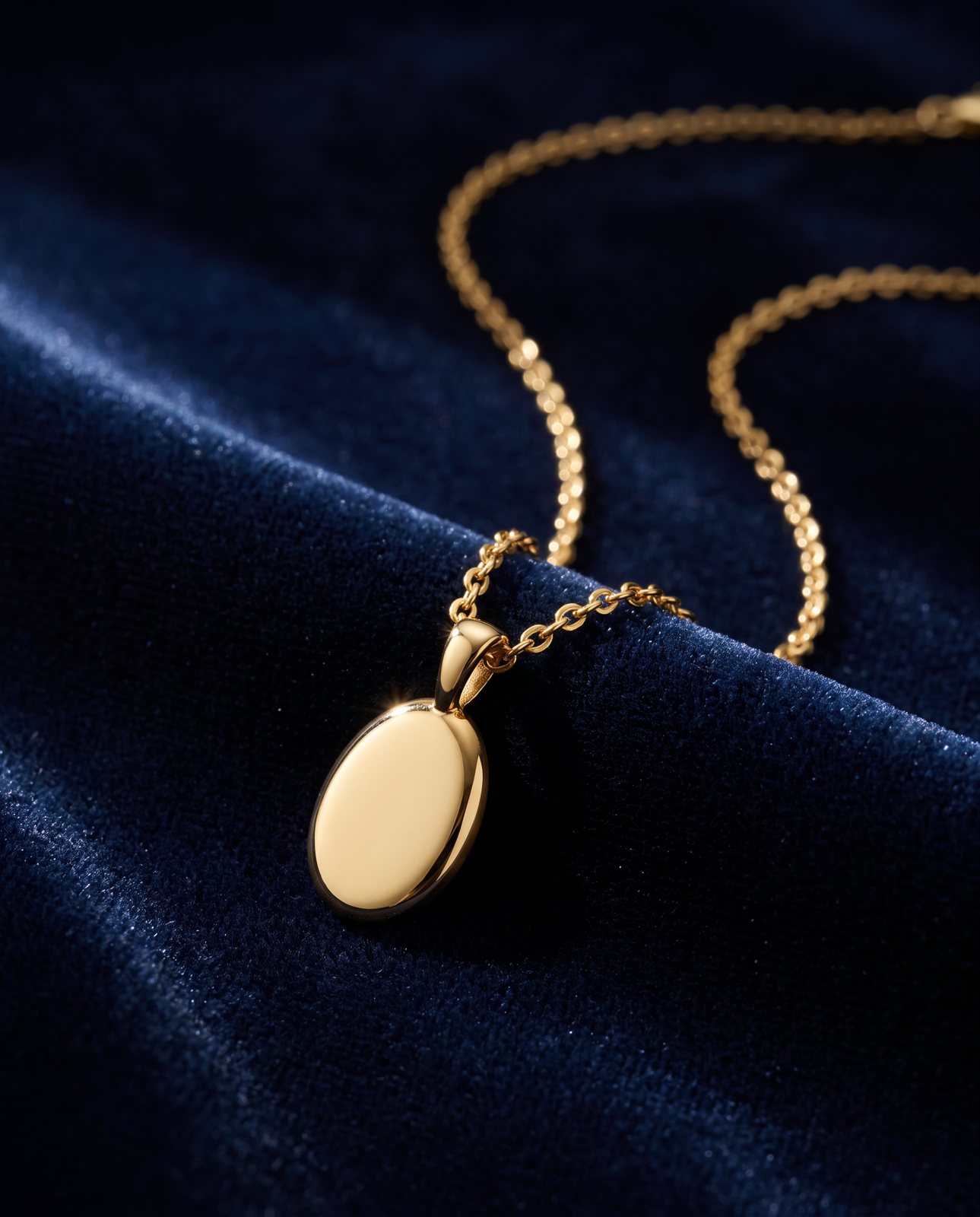
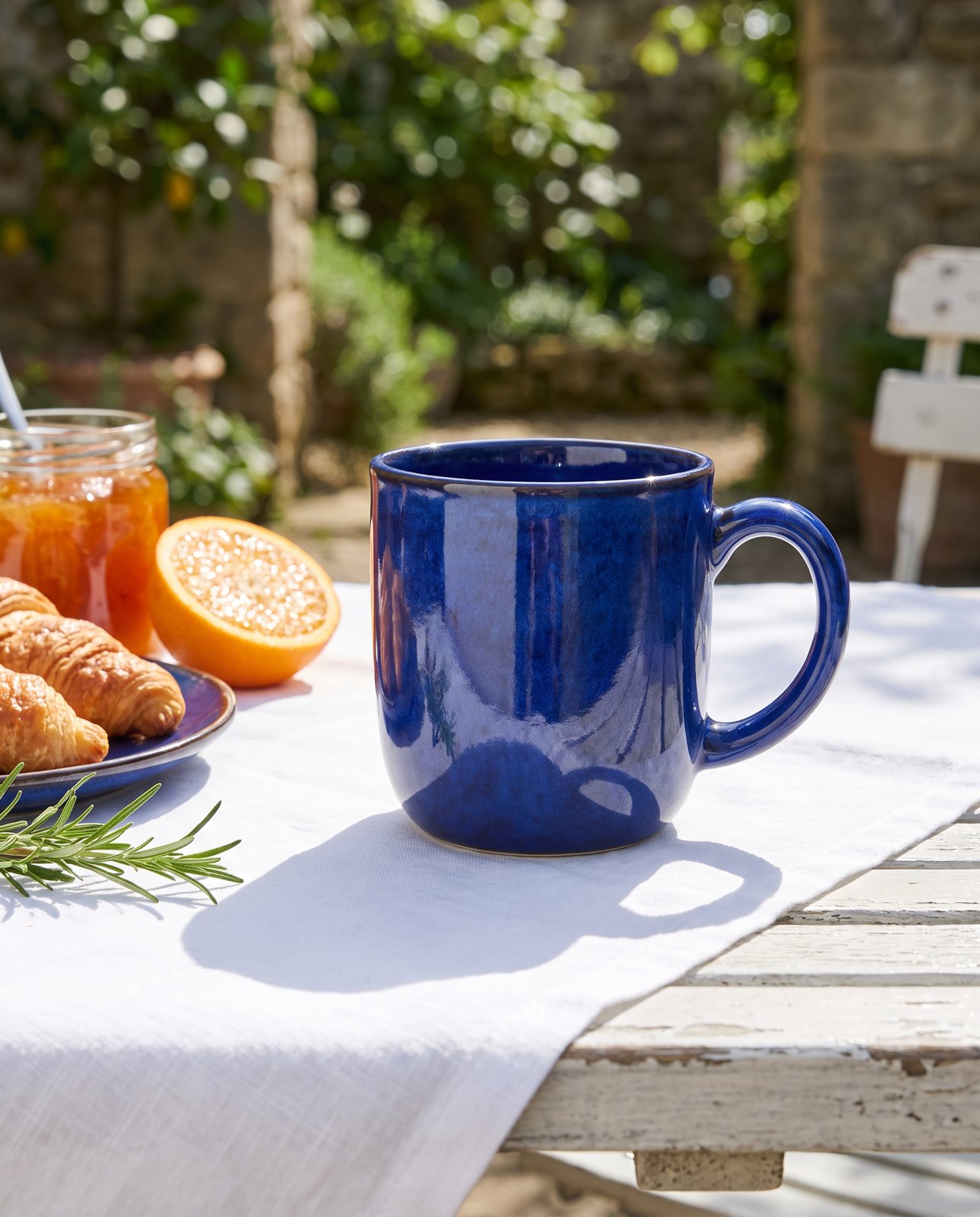
In our testing, everyday products came through without drama. Our demo run on 2 October 2026 put 10 products into 3 scenes each, 30 shots in all. The trainer, the chair and most of the mug, headphones and necklace scenes passed on the first attempt, and 27 of the 30 shots were delivered. It is a small sample, so treat it as a sign rather than a statistic. Those are objects with clear shapes and simple finishes, which covers a lot of what small shops sell.
One exception. If all your marketplace wants is a plain product on a white background, a cheap lightbox does that job better than we do. The guide to white background product photography shows you how.
Mistakes in the source photo that carry through: blur, exposure and low resolution
This is where people get caught. The scene is new, but the product inside it is still your photo, and the AI can only work from what it is given.
- Blur. If the stitching or the print on a label is soft, the AI has to guess what it looked like. Guessed details are the ones most likely to drift.
- Exposure. A photo that is too dark or blown out gives the wrong colours before anything else happens.
- Low resolution. A small, soft file gives the AI less to hold onto, with the same result as blur.
The source does not need to be a studio shot. An ordinary phone photo is fine (the iPhone guide covers how), but it should be sharp, evenly lit and show the whole product. For the light itself, see the product photography lighting guide.
On our service you can upload 1 to 3 photos as JPG, PNG, WebP or HEIC, up to 15 MB each. Send the sharpest ones you have, and skip the one you took in a hurry.
Mistakes AI scenes add: colour drift, shiny metal and small print
This is the bucket the old lists never had.
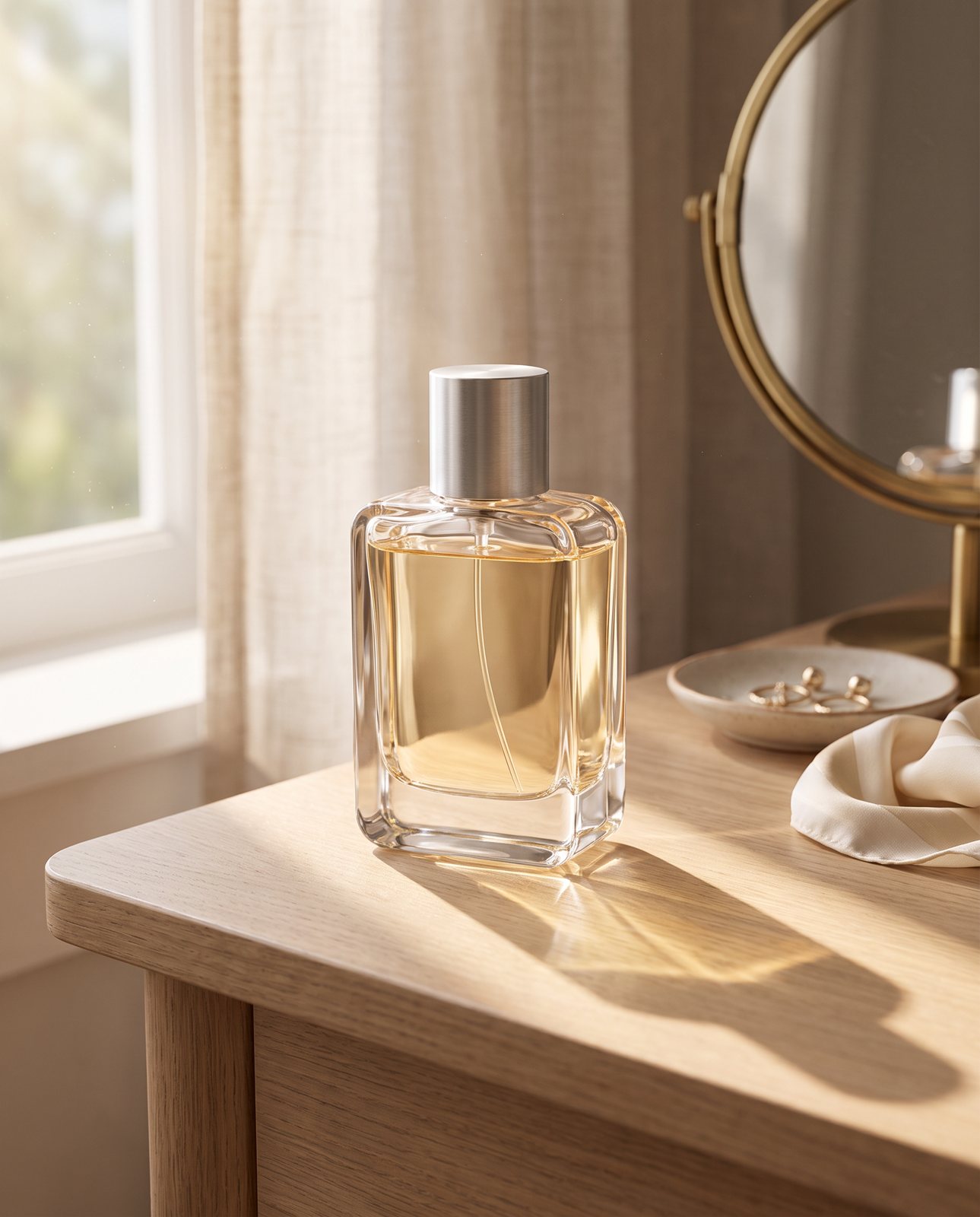
Colour drift. In our testing, a coral skincare jar and an amber perfume both drifted in colour, and one perfume attempt was rejected as "colour wrong". In a separate test built to catch errors, our check also rejected a product that had been recoloured blue. If your product has a precise brand colour, this is your biggest risk; the post on cosmetics photography, colour and glass goes into it.
Shiny metal. Brushed steel picks up whatever surrounds it. Two of our steel bottle scenes failed all three attempts and were never delivered. Some materials do not survive a new scene well, and we would rather say so.
Small print. In one internal test, small printed text such as the label on a trainer's tongue came out garbled on most shots, while logos and large text held. If your product depends on a tiny line of readable type, expect trouble. In the error-catching test, the check also rejected a shot where a made-up logo had been added.
Before you list any AI image, put it next to your original and check, in this order:
- Colour: does it match the real product?
- Logos and labels: are they the same, with nothing added?
- Small text: is it still readable, or has it turned to nonsense?
- Metal and glass: do the reflections look plausible, with no odd shapes?
Anything changed, added or garbled means it stays off the listing.
The consistency mistake: changing the look on every listing
AI neither causes this one nor fixes it on its own. If every listing has a different background, angle and mood, the shop looks like a car boot sale. That is a planning problem, and no scene can choose a house style for you.
Pick a small set of scenes and reuse them across the range. Pick one shape per channel too: square 1:1, portrait 4:5, story 9:16 or wide 16:9. It is the cheapest fix on this list and the one sellers skip most often.
When you do not need us
You do not need us for plain white-background packshots: a cheap lightbox does that well. If you have a handful of simple products and an hour, a fresh shoot is a fine answer too. A fresh shoot is also the better choice when the product is brushed steel or highly reflective, or when tiny printed text has to stay readable, because those were the hard cases in our testing. We also cannot shoot famous brands' products, because the image services refuse them, and we tell customers that before they pay.
General AI chat tools can restage a product as well, but they redraw it, so labels, logos and colours can change, and nothing checks the result against your original. That check is what we add. Every shot is labelled "Reimagined with AI". A shot that changes the product is remade with a specific fix, up to three attempts in all, and if it is still wrong a person looks at it; it is never delivered as is. Before you pay, a free check studies your photo and lists what must stay the same, in about a minute. If that sounds useful, upload a photo for the free check.
Questions
What are the most common product photography mistakes?
Weak lighting, clutter, blur, inconsistent images and low resolution. Clutter and backgrounds belong to the scene, which AI replaces. Blur, exposure and resolution belong to your source photo and still decide the result.
Do I still need good lighting if AI builds the background?
Yes, on the product itself. The scene replaces the background, but the product in your photo still needs soft, even light so its colour and edges read properly.
Why do AI product images change the colour of my product?
Because the AI redraws the product inside a new scene, and the colour can shift along the way. In our testing, a coral skincare jar and an amber perfume both drifted. Comparing each shot against the original photo is how you catch it.
How do I check a product image before I list it?
Put it next to the original. Check colour first, then logos and labels, then small text, then metal and glass. If anything has changed, been added or turned to nonsense, do not list it.
Can I fix a blurry product photo with AI?
Not reliably. A blurry source gives the AI less to work from, so it guesses at details, and guessed details are where products drift. A quick, sharp reshoot on a phone usually beats any rescue attempt.
Questions people ask
What are the most common product photography mistakes?
Weak lighting, clutter, blur, inconsistent images and low resolution. Clutter and backgrounds belong to the scene, which AI replaces. Blur, exposure and resolution belong to your source photo and still decide the result.
Do I still need good lighting if AI builds the background?
Yes, on the product itself. The scene replaces the background, but the product in your photo still needs soft, even light so its colour and edges read properly.
Why do AI product images change the colour of my product?
Because the AI redraws the product inside a new scene, and the colour can shift along the way. In our testing, a coral skincare jar and an amber perfume both drifted. Comparing each shot against the original photo is how you catch it.
How do I check a product image before I list it?
Put it next to the original. Check colour first, then logos and labels, then small text, then metal and glass. If anything has changed, been added or turned to nonsense, do not list it.
Can I fix a blurry product photo with AI?
Not reliably. A blurry source gives the AI less to work from, so it guesses at details, and guessed details are where products drift. A quick, sharp reshoot on a phone usually beats any rescue attempt.