The short answer
Plan for seven images and a video: one main image on pure white, six more, and a short clip. Amazon recommends exactly that on its Product image guide for both the UK and US stores, which we checked on 18 October 2026.
That page gives no overall ceiling. Additional images use variant codes that run from PT01 to PT99, but Amazon never says how many of them will appear on your listing. The only hard cap we found on Amazon's own pages is for clothing: the UK clothing image guidelines say you can supply up to eight alternate images for each parent or child SKU.
Why search results give four different numbers
Three different numbers get mixed up: how many images Amazon recommends, how many you can upload, and how many a shopper actually sees. Most pages answer one of these and present it as another.
Some of the figures are simply old. A post by Amazon staff on the Seller Forums, "Listings Lounge: Product Image Requirements", written about two years ago, says Amazon recommends "at least six images and one video". The current help page says at least six additional images, on top of the main one. That one-image gap explains most of the six-or-seven confusion.
Others come from third parties. Atlas Cloud's guide, dated 14 October 2026, describes a seven-slot gallery, which matches a main image plus six, although Amazon's page never calls seven a limit. Viral Vue's help centre says good listings usually have 7 or more images, and its own FAQ calls that a helpful guideline and says it is not a rule.
None of these is wrong on purpose. They are snapshots, and Amazon's page changes. Treat any count you find in search as a lead, then check Seller Central yourself.
What Amazon says now
From the UK and US Product image guide, checked 18 October 2026:
- Every product needs at least one compliant main image. Amazon recommends at least six additional images and one video.
- Uploading an image does not guarantee it will be displayed. Amazon selects and arranges images from multiple selling partners, and may modify the images you submit.
- If your image is selected, it can take up to 24 hours to appear on the product page.
- The main image must be a realistic, professional-quality image of the product on pure white (RGB 255, 255, 255), with the product taking up 85% of the image.
On video, the image guide does not say whether a clip uses one of the image slots. It points to a separate Shoppable video guide instead, so we have left that question open.
For file sizes, the zoom threshold, file names and the rest of the spec, see our Amazon product image requirements guide. We will not repeat them here.
A plan for the slots: what each image should do
This is easiest to show with one real product. We will use the charcoal over-ear headphones from our own demo set. One of their scenes, on a stand at a gaming desk, is in the examples on our homepage.
- MAIN: the packshot. The headphones on pure white, filling the frame. Its only job is to be recognised in a search grid, so no props and no mood.
- PT01: side view. What the product looks like from the angle a shopper would see it in the shop.
- PT02: folded, or from behind. Shows how it packs away, and anything the front view hides.
- PT03: one detail. The hinge or the ear cushion, whichever is the real selling point. One close-up is usually enough. Every extra detail shot pushes the more useful pictures further down the gallery.
- PT04: scale. Held in a hand, or next to an object everyone knows. A product on white tells the shopper nothing about size.
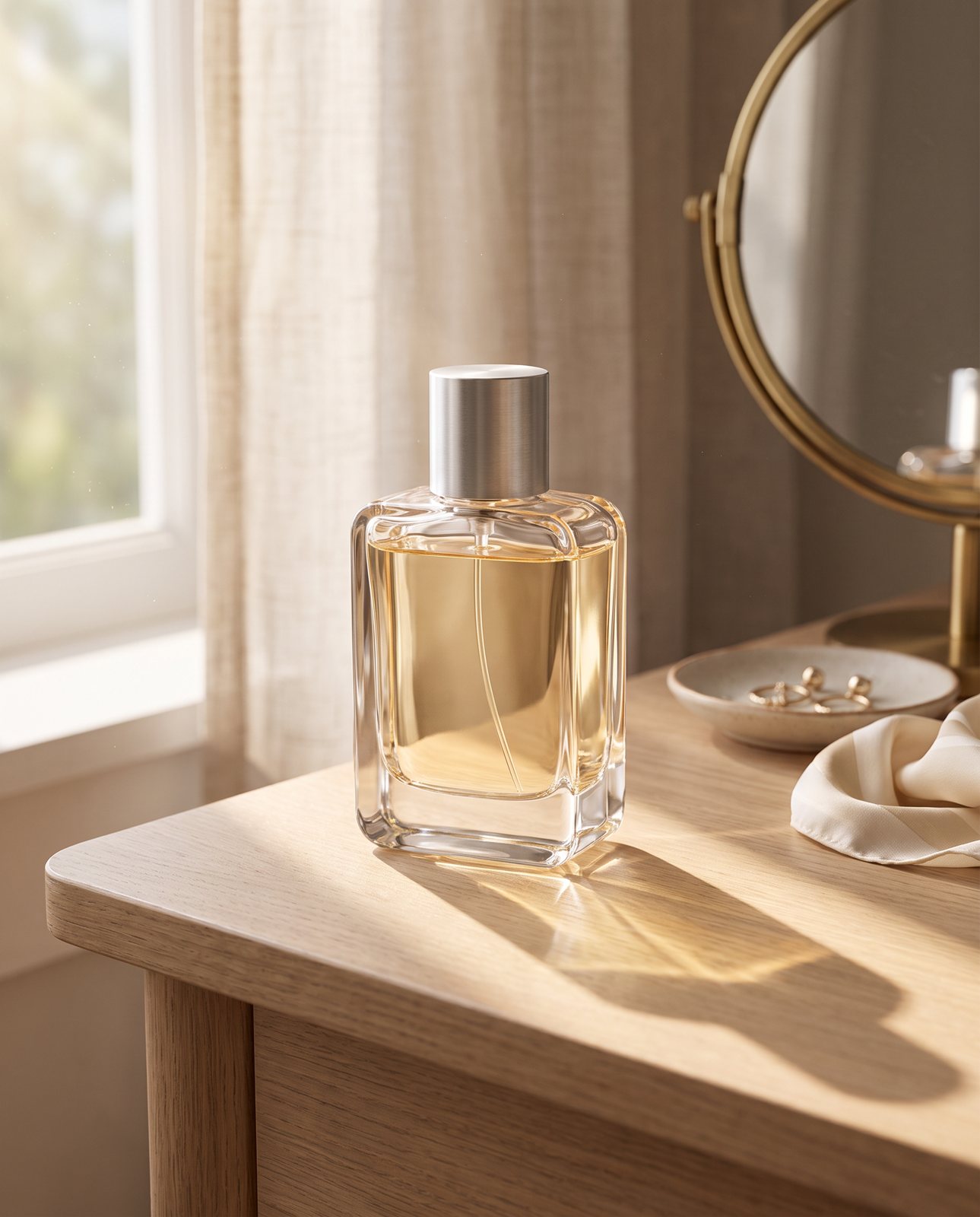
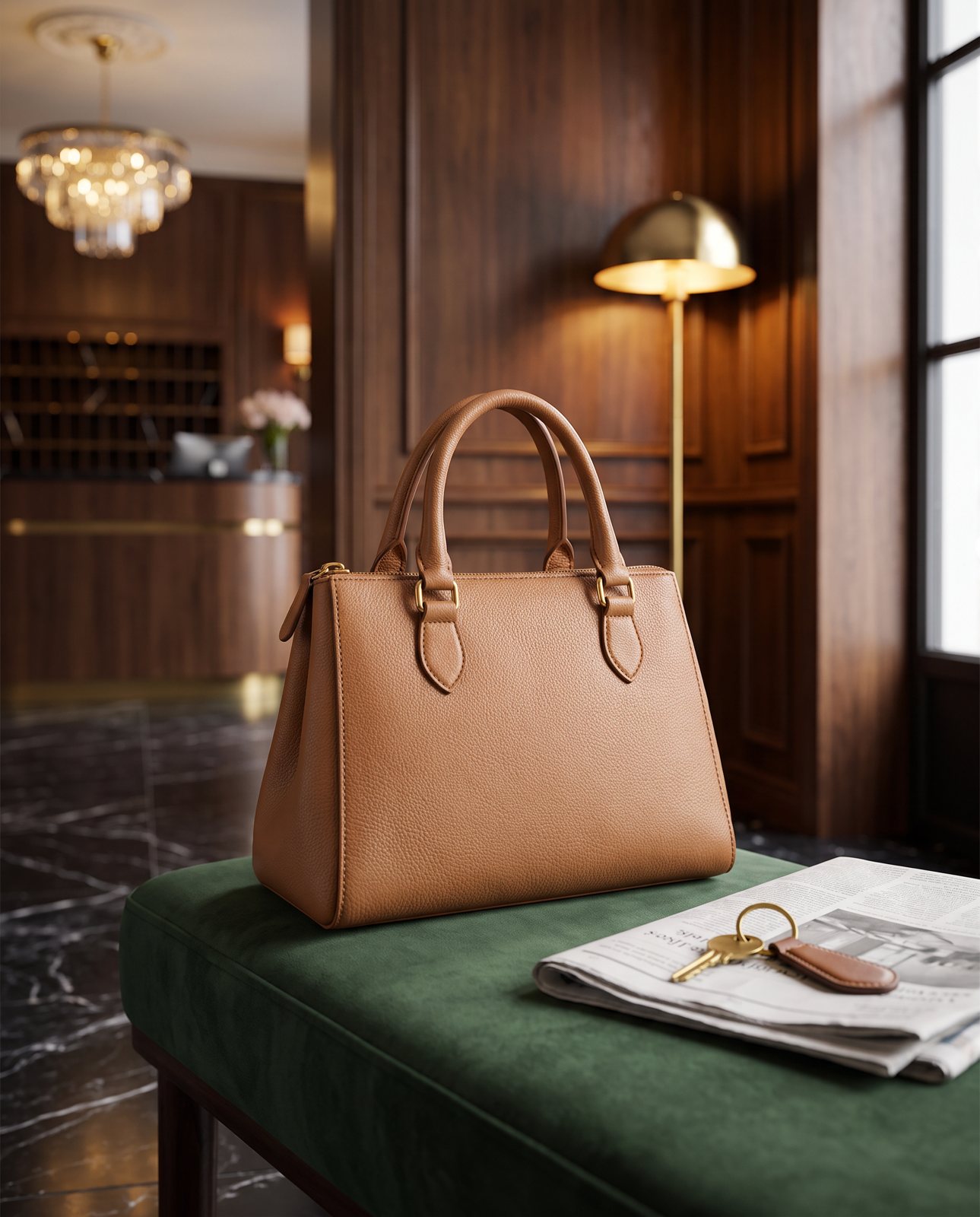
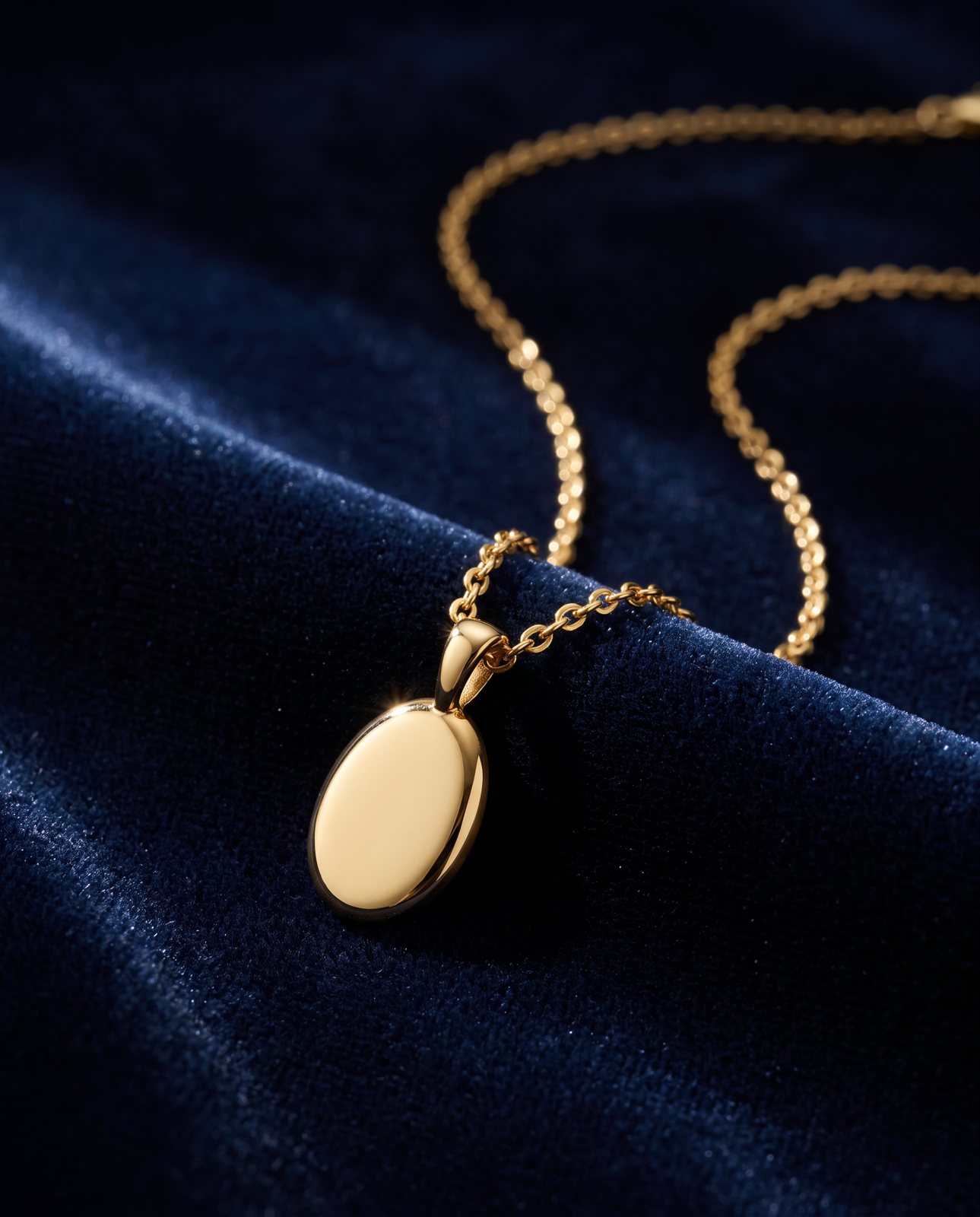
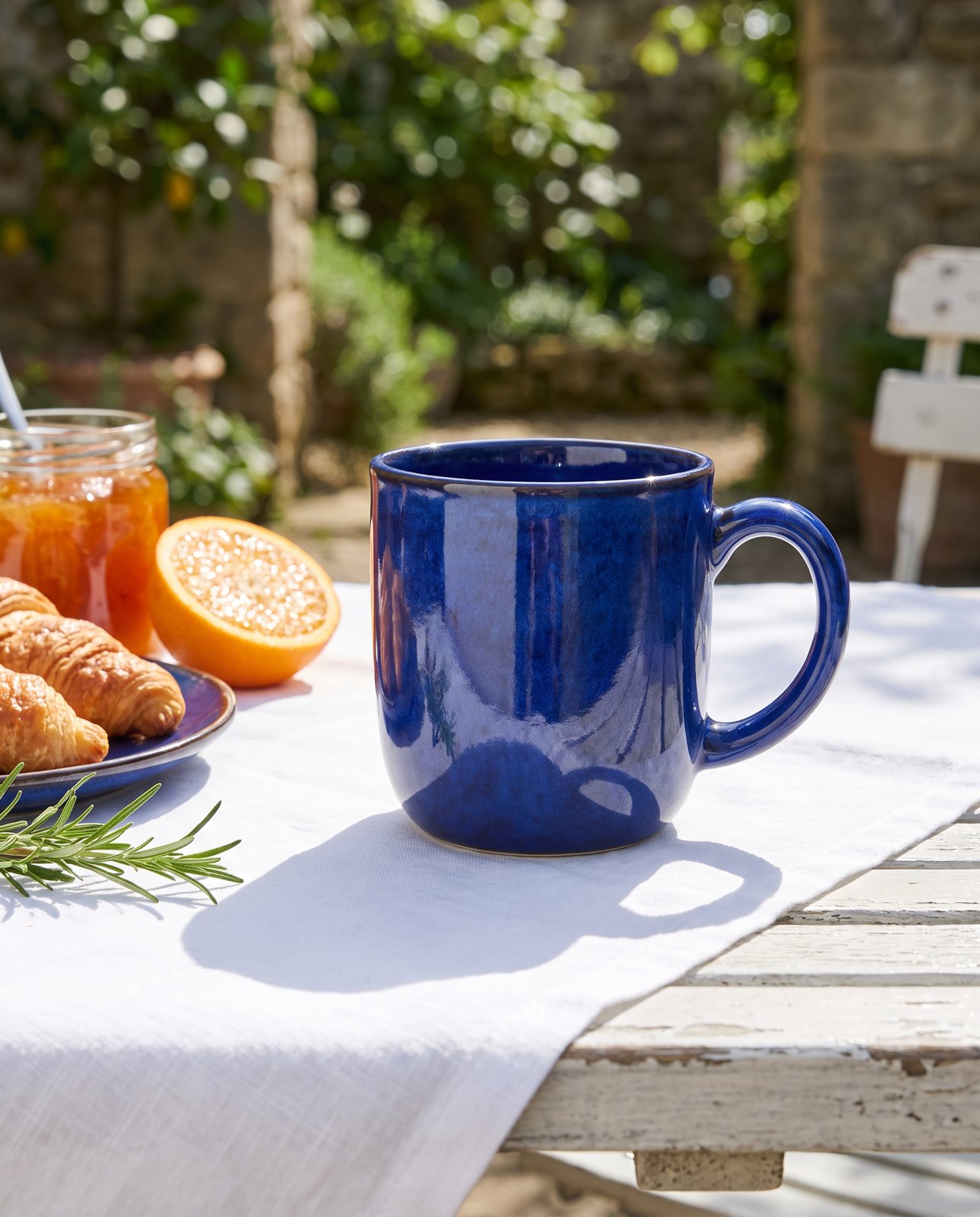
- PT05 and PT06: lifestyle scenes. The headphones on a desk, or in the room they would actually be used in. These carry the reason someone wants the product.
- Video. A short clip of the product in use, if you have one.
Two rules apply to every slot, however the image was made. It must accurately represent the product and match the title. And if a scene shows photorealistic people generated entirely by AI, Amazon requires you to tag the file with the keyword contains-synthetic-performer in its dc:subject (XMP) field before you upload it.
Which slots we help with and which you should shoot yourself
We help with the scene slots: PT05 and PT06 in the plan above, plus any extra scenes you want. You upload one photo of your real product. Before you pay, a free check lists what must stay the same (colours, shapes, marks), which takes about a minute. Each finished shot is checked against your original, comes with one free redo, and is labelled "Reimagined with AI". Packs start at 3 shots for $26, before any sales tax. For what makes a good scene, the lifestyle product photos guide goes into detail.
We do not make the plain white main image, and you should not pay anyone for it. A cheap home setup does it well. The white background photography guide walks you through it, and the light box guide shows why a cheap lightbox is enough. We also cannot shoot well-known brands' products, because the image services refuse them. If that applies to you, we tell you before you pay.
When you do not need us
If your product is simple, like a mug or a plain bottle, and you are happy setting up a scene at home, you can fill every slot yourself with a phone and a window. Do that.
If the white main image is the only thing holding your listing back, that is a cheap lightbox problem, and we are the wrong fix.
If your main image and angles are sorted and the scene slots are still empty, start with a free check.
Questions people ask
What is the maximum number of images on an Amazon listing?
Amazon's Product image guide (UK and US, checked 18 October 2026) does not give an overall maximum. Additional image variant codes run from PT01 to PT99, but that is a naming scheme with no promise of display. The only cap we found on Amazon's own pages is for clothing: up to eight alternate images for each parent or child SKU.
How many images does Amazon recommend?
One compliant main image, plus at least six additional images and one video. That is the wording on Amazon's Product image guide for both the UK and US stores, checked on 18 October 2026.
Does Amazon always show every image I upload?
No. Amazon says uploading an image does not guarantee it will be displayed. It selects and arranges images from multiple selling partners, may modify submitted images, and a selected image can take up to 24 hours to appear on the product page.
Do video and images share the same slots?
Amazon's image guide does not say. It recommends one video alongside the images and sends you to a separate Shoppable video guide for video rules. If this matters for your listing, check that guide in Seller Central.
Can I use AI-generated scenes in the extra image slots?
Amazon's image guide does not ban or approve AI scenes as such. Every image must accurately represent the product and match the title. If a scene contains photorealistic people generated entirely by AI, you must tag the file with the keyword contains-synthetic-performer in the dc:subject (XMP) field before upload.