The short answer
You can put an AI scene in an Amazon listing if it shows your real product accurately, and if you tag any photorealistic AI-generated people in it. Amazon's page says nothing else about AI. If someone tells you Amazon "approves" or "bans" AI images, that's their reading, because neither word is on the page.
The practical plan is short. Use a real photo on pure white as your main image. Put AI scenes in the later slots and keep them to the product only, so no tag is needed. The rest of this post explains each part. For the full image rules (sizes, file names, every main-image requirement), see our Amazon product image requirements guide.
What Amazon's page says about AI images
I read Amazon's Seller Central product image guide on 18 October 2026. It has one section on AI, called "AI-generated people disclosure", and that section only covers people.
If an image includes photorealistic people who were entirely generated by AI, you must tag the file before you upload it. The tag is the keyword contains-synthetic-performer, added to the dc:subject (XMP) field with an IPTC-compatible metadata editor. It sits inside the file, so it doesn't show on the image. Amazon says it will then add a disclosure for shoppers where applicable.
Amazon's separate how-to page covers the built-in tools:
- Mac: open the file in Preview, press Cmd+I, go to the Keywords tab, click + and type contains-synthetic-performer.
- Windows: right-click the file, choose Properties, then Details, and type the keyword in the Tags field. Leave the Subject field alone, because Amazon says the two fields write to different places.
Amazon says not to add the tag when:
- the image only features real people, even if AI tools have altered them
- the people aren't photorealistic
- the image only features characters from films, games or other expressive works
- there are no people in the image
That last case covers most product scenes. A candle on a shelf or a mug on a kitchen counter, with nobody in shot, needs no tag.
The other rule that matters for AI covers every image, however it was made. It must accurately represent the product you're selling and match the product's title. For the main image, Amazon adds that it should show the product's real scale, quantity and colour.
What it does not say
The page has no sentence saying AI product images are fine and none saying they're prohibited. It doesn't ask you to disclose an AI background, or an AI-staged scene with no people in it. All it has is the people tag and the accuracy rule.
So when a tool vendor calls its output "fully compliant", that's the vendor's own reading of the page. When a news story calls the tag a crackdown on AI images, it's making a narrow rule about one kind of image sound much bigger.
The page also doesn't say how Amazon spots AI images or what happens to an untagged one. It says in general that images which fail its requirements may be removed, and that a listing with no compliant main image may be taken out of search until it has one. I won't guess beyond that, and you shouldn't plan around rules that aren't written down. Help pages change, so check the live version before you rely on any of this.
Where an AI scene fits in a listing
The main image has the strictest rules. Amazon wants a pure white background (RGB 255, 255, 255), with the product at 85% of the image. The whole product must be in frame and shown once, with no props that don't come with it. Only a limited number of product types can use a lifestyle image as the main image. That's precise work for a real photo, and it's the one slot where we're not the right tool. A light box and a phone or camera will do it better and cheaper, and our white background product photography guide covers the method.
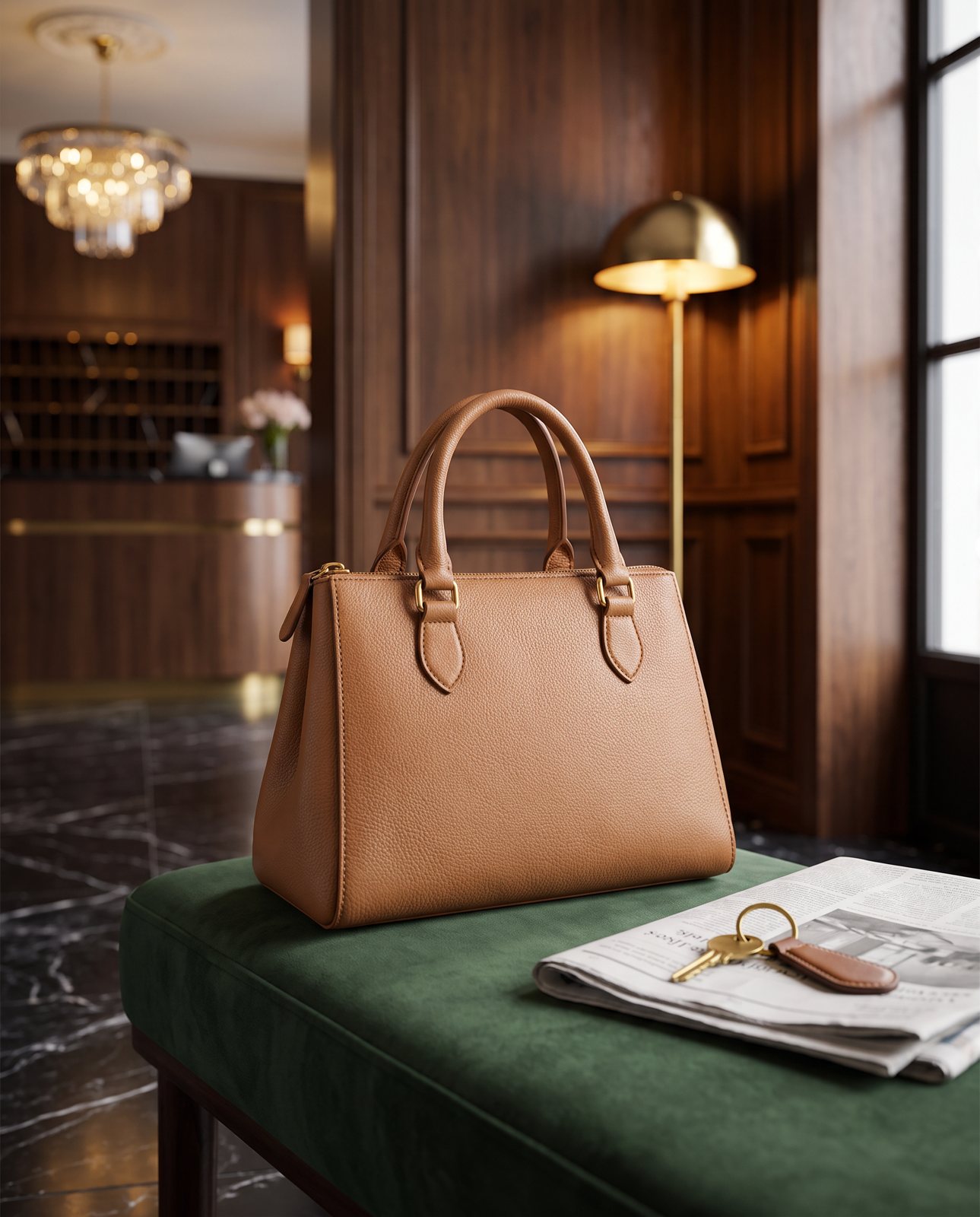
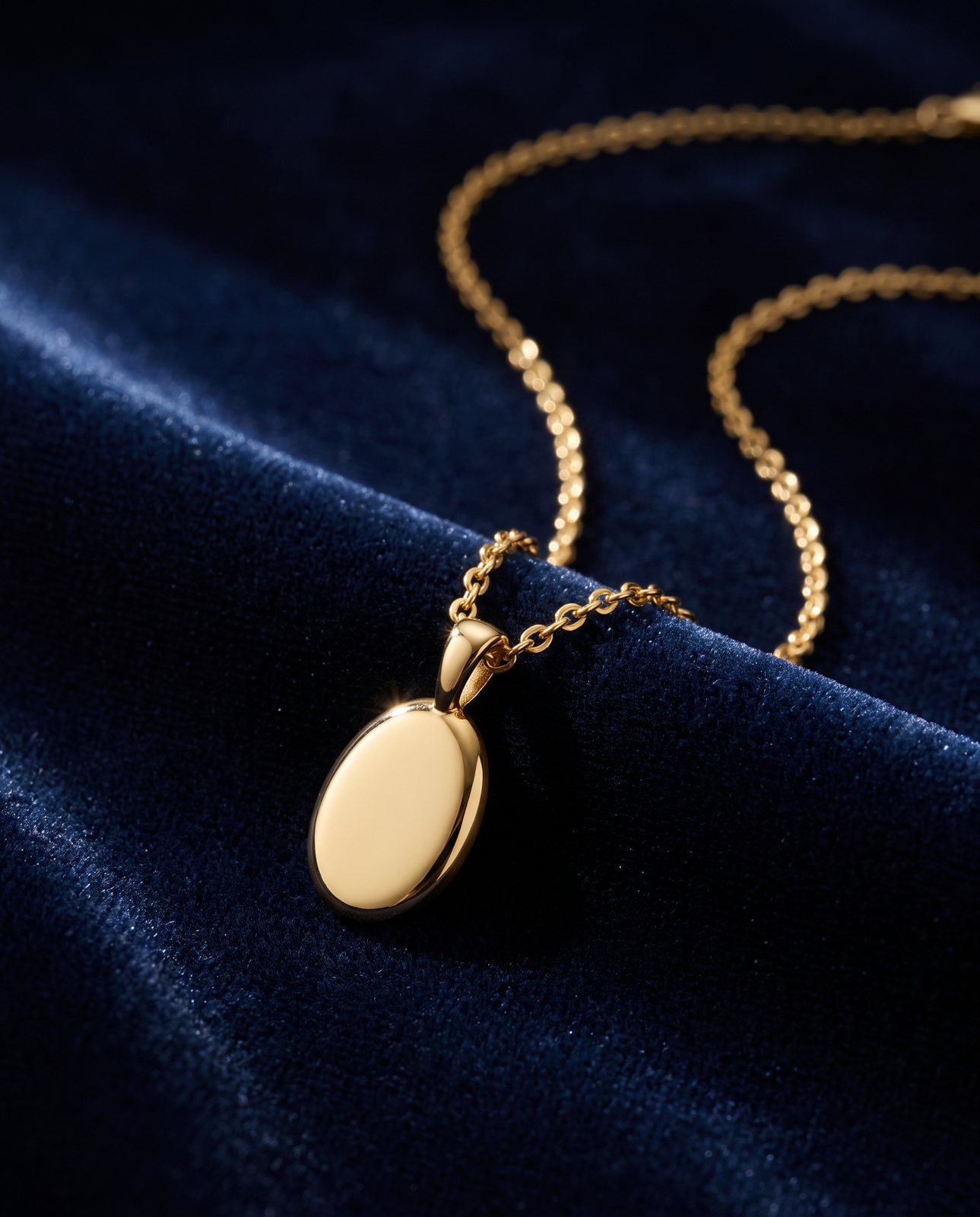
The other slots are where a scene is useful. Amazon recommends at least six additional images, and its variant slots are meant for other angles, the product in use and close-up details. A scene shows scale, setting and what the product is for, which a white packshot can't.
So here's the split. Use a real white-background main image, and put AI scenes in the additional slots with only the product in them. With no people in shot you won't need the tag, so accuracy is the only rule left to meet. For how AI scenes are made and where they go wrong, see AI product photography.
Check an AI scene before you upload it
Run this on every AI image, whoever made it. It takes a couple of minutes.
- Put it next to your original photo. Look at the product, not the scene. Are the shape, proportions and colour the same? Has anything been added, gone missing or melted? In our testing, the common slips were colour drift on a coral skincare jar and on amber perfume, and brushed steel picking up colour from its surroundings.
- Read every bit of printed text. In our testing with a famous-brand trainer, small printed text (a tongue label) came out garbled on most shots, while logos and large text held up. Shoppers spot a mangled label quickly.
- Compare it with your title and what's in the box. A wrong colour, an extra accessory or a size that looks off breaks Amazon's accuracy rule, however good the scene looks.
- Look for people. If a photorealistic, entirely AI-generated person is in shot, tag the file. If not, it doesn't need a tag.
We use the same check in our service. Every Product Photo Shots image is compared with your original before delivery. A shot that changes the product gets remade, up to three attempts in all, and then a person checks it. It's never delivered as it is. Every shot is labelled "Reimagined with AI", and you can see labelled shots of our own demo products in our examples. Before you pay, a free check lists what must stay the same, and it takes about a minute. Each delivered shot also gets one free redo.
There's one limit. We can't make scenes of well-known brands' products, because the image services refuse them. In that 1 October 2026 trainer test, 5 of 14 generations were refused. If this affects your product, we tell you before you pay.
When you do not need us
- Your main image. Use a light box and a real camera or phone. This is the slot we'd send you elsewhere for.
- You already shoot your own lifestyle photos. Keep doing it. A real photo of the real product is the safest image on any listing.
- Brushed metal, or fine print as the selling point. Try a real photo first. In our testing, these were where AI scenes slipped most.
AI scenes fill one gap: you need secondary images that show the product in use, and a shoot isn't practical. If that's you, upload a photo for a free check.
Questions people ask
Does Amazon allow AI-generated product images?
Amazon's product image guide doesn't ban AI images in general, and it doesn't approve them either. It requires a metadata tag on images with photorealistic AI-generated people, and every image must accurately represent the product and match its title.
Do I have to label AI images on Amazon?
Only if the image features photorealistic people who were entirely generated by AI. Amazon says not to add the tag for real people (even if AI tools have altered them), for people who aren't photorealistic, for characters from films or games, or for images with no people in them.
What is contains-synthetic-performer and how do I add it?
It's the keyword Amazon requires in the dc:subject (XMP) field of an image that features entirely AI-generated, photorealistic people. On a Mac, open the file in Preview, press Cmd+I and add it in the Keywords tab. On Windows, go to Properties, then Details, and type it in the Tags field, leaving Subject unchanged.
Can an AI image be my Amazon main image?
The page doesn't rule it out, but the main image must be a realistic, professional-quality image on pure white (RGB 255, 255, 255), with the product at 85% of the frame and its real scale, quantity and colour. That's precise work, and we'd point you to a light box and a real photo.
What happens if an AI image misrepresents my product?
It breaks the rule that applies to every image: it must accurately represent the product you're selling. Amazon's page says images that fail its requirements may be removed. It doesn't say how it detects AI images, so check every image against the real product before you upload.