The short answer: describe the scene, not the product
Your photo already shows the product. The prompt's job is to describe what goes around it: what it sits on, where it is, where the light comes from, how the picture should feel and how it is framed. Most of your words should go there.
On the product itself, write one short line saying what must stay the same (the colour, the label, the shape). Leave it there. Do not restyle it, rename it or ask for "a more premium look". Asking for changes to the product gives the tool licence to redraw it. In a general AI tool, even "keep it the same" can help but is still only a request, and nothing checks whether it was followed.
If you would rather skip writing prompts, upload a photo for the free check.
A five-part scene prompt that works
Use five parts, with one plain phrase for each:
- Surface: what the product sits on (a worn oak table, pale stone, rumpled linen).
- Setting: the space around it (a kitchen counter, a windowsill, a desk).
- Light: where it comes from and how soft it is. Match the direction in your original photo so the product and the scene look lit by the same window.
- Mood: one feeling (calm, cosy, fresh).
- Framing: how close or wide, and the shape: square, portrait, story or wide.
Then add the keep line: "Keep the product exactly as in the photo: same colour, same label, nothing added."
Use plain words. You can check "soft morning light from the left" in the result. You cannot check "cinematic volumetric god rays".
Three worked examples in plain words
Headphones: "A pale grey desk beside a window. Soft daylight from the left. A notebook and a cup of tea, smaller than the headphones and out of focus behind them. Calm and focused. Wide framing with space on the right. Keep the headphones exactly as in the photo."
Coffee pouch: "A rough wooden kitchen counter. Early morning light through a window on the left. A few coffee beans scattered nearby, not touching the pouch. Warm and unhurried. Close framing, portrait. Keep the pouch and its label exactly as in the photo."
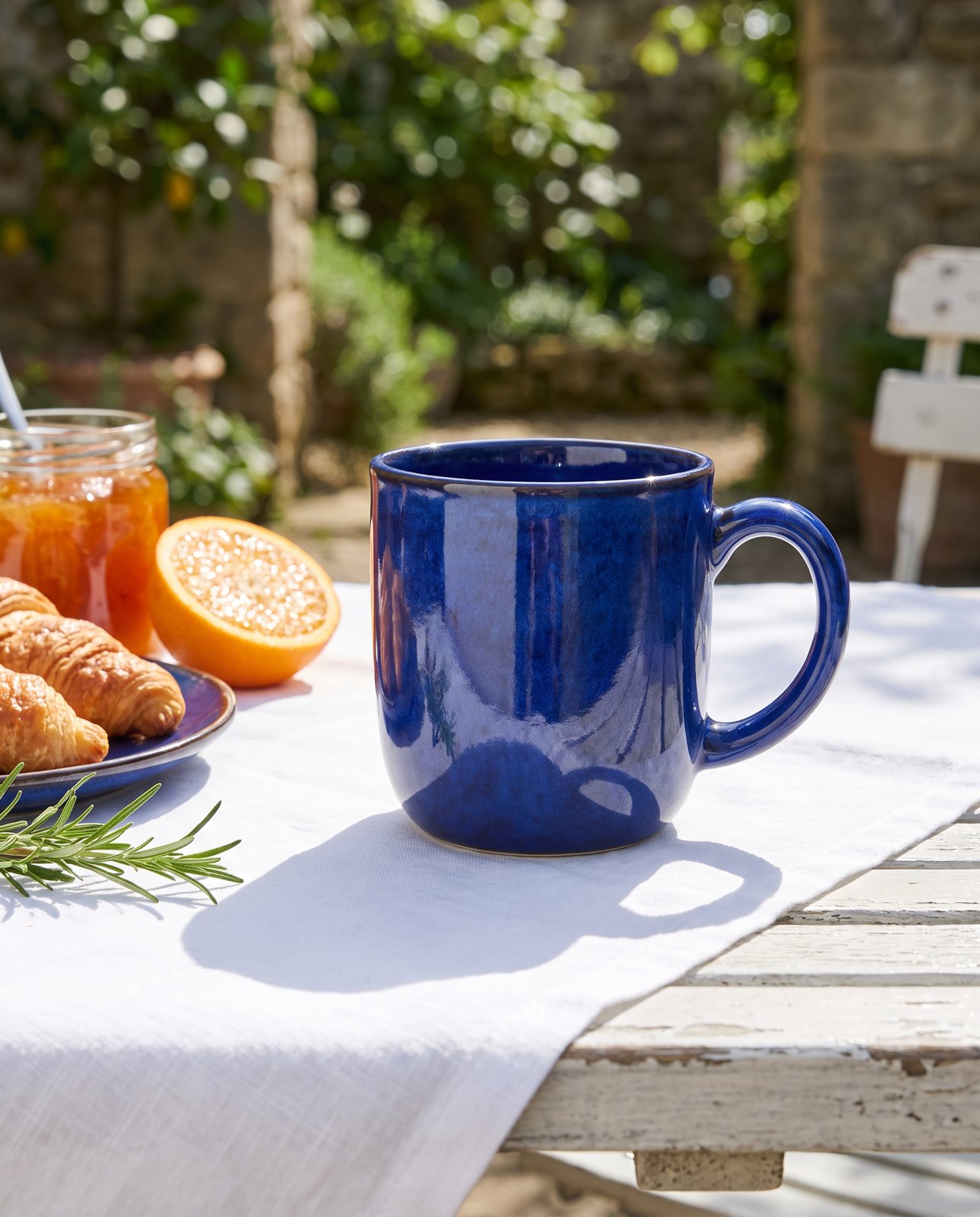
Ceramic mug: "A cream linen tablecloth on a bright breakfast table. Low sunlight from the right, as in the original photo. Cheerful and relaxed. Square framing with room around the edges. Keep the mug's colour and glaze exactly as in the photo."
None of them takes more than a few lines. Where there are props, the prompt keeps them small or away from the product. That is a request too, so check the result for props touching or merging with the product. If your product has a colour or finish that is easy to get wrong and you are using a general AI tool, the AI product backgrounds guide has a longer pattern. It names the colour, material and text up front as things to keep.
Mistakes that make prompts worse
Asking for changes to the product. "Make the bottle look more premium", "brighten the label", "add a gold cap". The tool will do it by redrawing the product, and the redrawn version is no longer the one you ship.
Asking for text. Slogans, price badges, "SALE" stickers. A general AI tool redraws what it is given, and labels and logos can change in the process. Leave space in the frame and add text afterwards in an editor where you control every letter.
Two jobs in one image. A lifestyle scene, a clean cut-out and a close-up of the texture are three different shots. Give each image one job and ask for the others separately.
Mood words that fight. "Moody, bright, playful and serious" gives the tool nothing to aim at. Choose one.
What no prompt can fix
A prompt shapes the scene, and a clear keep line can help the product come back right. No prompt can guarantee it. General AI chat tools such as ChatGPT and Gemini can put a product in a new scene, but they redraw it to do so. Labels, logos and colours can change, and nothing checks the result against your original.
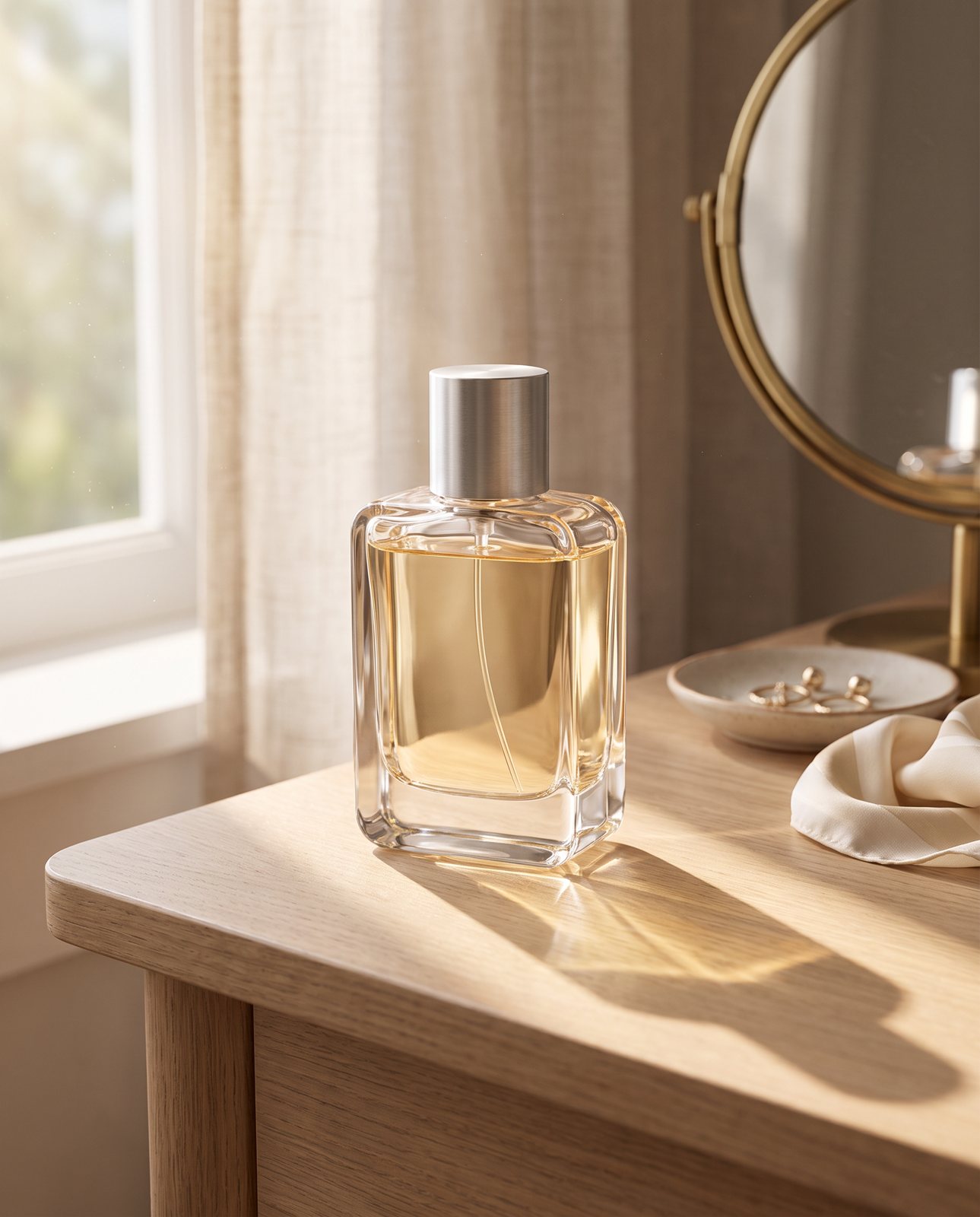
Some materials slip more than others. In our testing, colour drifted on a coral skincare jar and on an amber perfume, and brushed steel picked up the colours around it. Two of the steel bottle scenes failed all three attempts and were never delivered.
Rewording the prompt can help on the next attempt, but it cannot guarantee an accurate result. Checking the result is the only way to know. Put the original next to the result at full size and compare the label, the logo, the colour and the shape. Read every word of the small print.
Product Photo Shots has that check built in. Each shot is compared against your original. A shot that changes the product is remade with a specific fix, up to three attempts in all. If it is still wrong, a person checks it, and it is never delivered as is. We cannot shoot well-known brands' products, because image services refuse them, and you are told before you pay. The AI product photography guide covers the wider picture.
To see what must stay the same for your product, start with the free check.
Prompts for Amazon listing images
This has two parts. Scene prompts suit the additional images, the ones that show your product in use or in a setting. Amazon's product image guide for the US marketplace (checked 28 October 2026) recommends uploading at least six additional images as well as the main one, so there is plenty of room for scenes.
The main image is a different job. Amazon lists separate main image requirements, and meeting them means following rules, which a scene prompt cannot help with. Read our Amazon product image requirements guide before you make anything for a listing. Amazon's US guide also has a section on disclosing AI-generated people, so check it if your scene includes a person.
When you do not need a prompt at all
With Product Photo Shots you do not have to write one. You upload a photo, and the free check lists what must stay the same in about a minute. Then you choose a pack and a shape: square 1:1, portrait 4:5, story 9:16 or wide 16:9. A scene brief is optional. If you want to write one, the five-part pattern above works well. Each delivered shot gets one free redo, and every shot is labelled "Reimagined with AI" and carries AI-provenance metadata.
Sometimes you need neither a prompt nor us. For a plain white-background packshot, a simple lightbox and your phone will do a better job for less money. The white background photography guide shows how.
If you want scenes of your product without writing prompts, upload a photo for the free check.
Questions
What is a good prompt for AI product photos?
A short one that describes the scene in plain words: surface, setting, light, mood and framing. Add one line saying what about the product must stay the same, and nothing else about the product.
Should I describe my product in the prompt?
Only to say what must stay the same, such as the colour and the label. Do not restyle it or ask for changes. Asking for changes to the product gives the tool licence to redraw it.
Can I put text or a logo in an AI product photo prompt?
It is risky. General AI tools redraw what they are given, so labels and logos can change. Leave space in the frame and add text yourself afterwards.
Is there a prompt for an Amazon listing image?
For additional images, yes: a scene prompt works well. The main image has its own requirements, and no prompt fixes those. Read the Amazon product image requirements guide first.
Do I need to write prompts to use Product Photo Shots?
No. You upload a photo, the free check lists what must stay the same, and you choose a pack and a shape. A scene brief is optional. Each delivered shot gets one free redo.
Questions people ask
What is a good prompt for AI product photos?
A short one that describes the scene in plain words: surface, setting, light, mood and framing. Add one line saying what about the product must stay the same, and nothing else about the product.
Should I describe my product in the prompt?
Only to say what must stay the same, such as the colour and the label. Do not restyle it or ask for changes. Asking for changes to the product gives the tool licence to redraw it.
Can I put text or a logo in an AI product photo prompt?
It is risky. General AI tools redraw what they are given, so labels and logos can change. Leave space in the frame and add text yourself afterwards.
Is there a prompt for an Amazon listing image?
For additional images, yes: a scene prompt works well. The main image has its own requirements, and no prompt fixes those. Read our Amazon product image requirements guide first.
Do I need to write prompts to use Product Photo Shots?
No. You upload a photo, the free check lists what must stay the same, and you choose a pack and a shape. A scene brief is optional. Each delivered shot gets one free redo.